FM05-24 Standard Kits Megapacks
Please take not that the files labeled 05-24 are not suitable for FM26 and beyond!
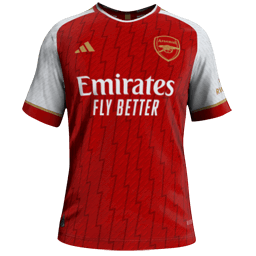
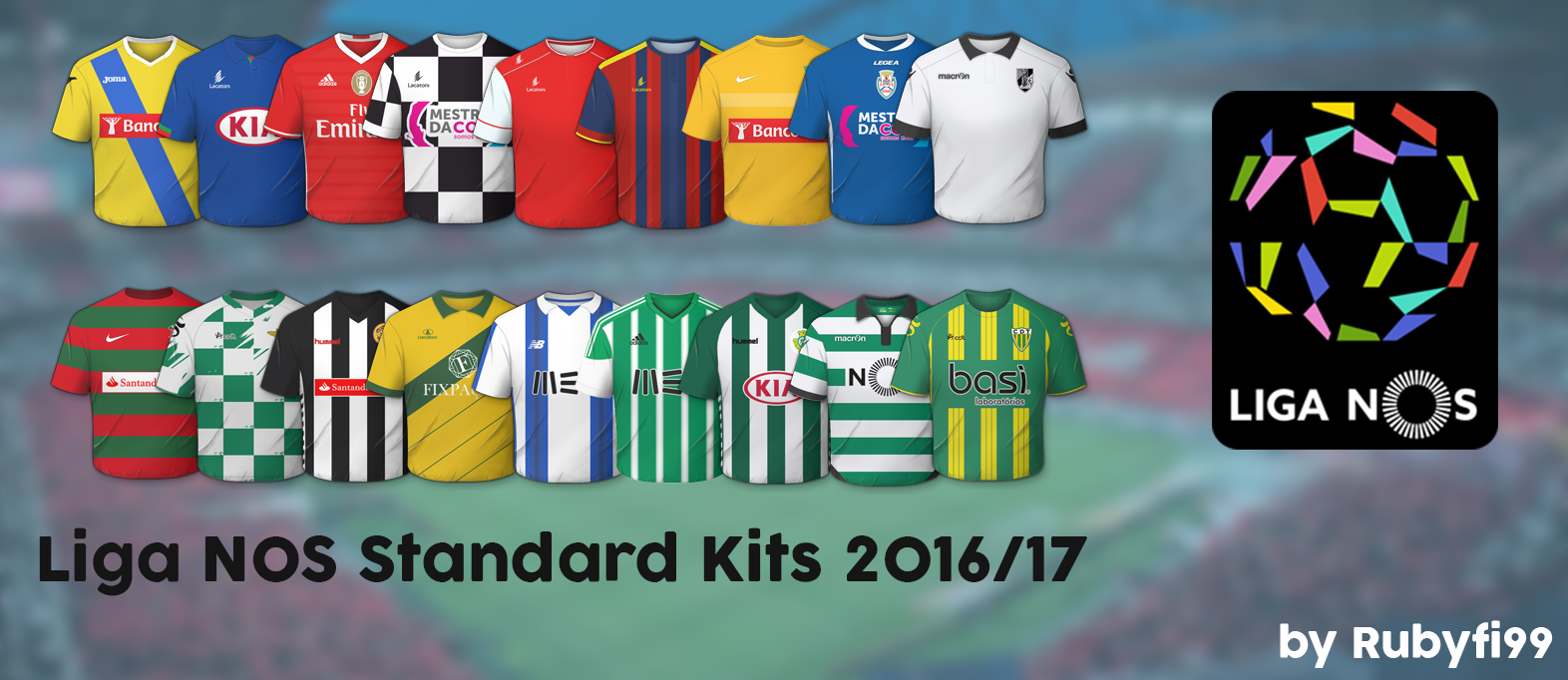
Our wfm18 x sortitoutsi.net Football Manager Standard Kits Megapack matches the same design as the default 2D kits in Football Manager but includes all the real kit designs that Football Manager doesn't come with by default!
- 1,798
- 2024.04 - Released on 06 Jan 2024
This file is old and may not be compatible with FM26 and later.
1. Extract folder to Documents/Sport Interactive/Football Manager 20##/graphics/kits/put in here!
( If there is no graphics folder there, create "graphics" )
2. FM14 - click 'Load Game'....click 'FM'...click 'Preferences'...click 'Interface'....click 'Clear Cache'...click tick 'Reload skin when confirming changes' (if you first time)....click 'Reload Skin'
2b. FM15/16 - click 'Preferences'...click 'Interface'....click unticked 'Use caching to decrease page loading times and click tick 'Reload skin when confirming changes in preferences'.....click 'Reload Skin'.
ALWAYS when you download other pack, DO 'CLEAR CACHE then RELOAD SKIN AS ALWAYS after download to folders.
Enjoy
( If there is no graphics folder there, create "graphics" )
2. FM14 - click 'Load Game'....click 'FM'...click 'Preferences'...click 'Interface'....click 'Clear Cache'...click tick 'Reload skin when confirming changes' (if you first time)....click 'Reload Skin'
2b. FM15/16 - click 'Preferences'...click 'Interface'....click unticked 'Use caching to decrease page loading times and click tick 'Reload skin when confirming changes in preferences'.....click 'Reload Skin'.
ALWAYS when you download other pack, DO 'CLEAR CACHE then RELOAD SKIN AS ALWAYS after download to folders.
Enjoy

- Date Created
- 08 Sep 2016 21:34:51
- Date Updated
- 23 Jan 2017 22:28:46
- Last Comment
- 23 Jan 2017 22:32:18
Comments
You'll need to Login to comment
RJCPS
I have used several of your packs with no problem but, for some reason, our own league doesn't seem to be appearing in game.
Is there any extra step I have to take for our team kits to appear? I followed the procedure with several of your packs and each and every single one of them loaded properly but the Portuguese teams remain with the defaults.
Obrigado ;-)
d4ky
BenRHJ
poly_
jsritchie86
Thanks poly, that fixed it for me!
RJCPS
It worked, thanks
brankodelija
pacemaker123
EDIT: not needed anymore. if someone can't make this to work, just rename PAÇOS DE FERREIRA from CONFIG to PACOS and the same in the image file name.
Rubyfi99