FM05-24 3D Kits
3D Kits are special kits designed to make the match engine look even better, with the players wearing customised and improved kits on the pitch.
These will only work with FM24 and earlier. They will not work with the most latest unity versions from FM26 onwards.
- 913
- 2026.07 - Released on 06 Jul 2026
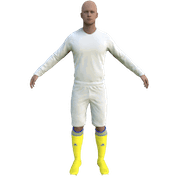
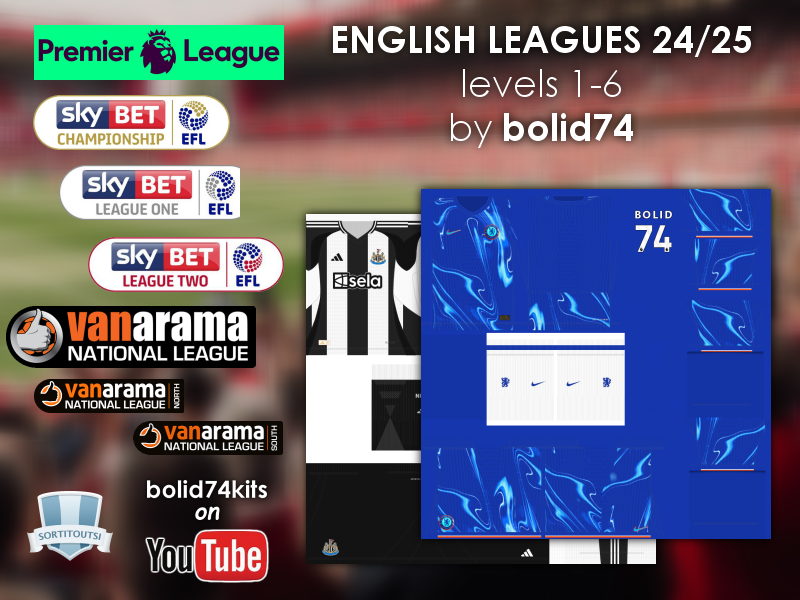
England - English Leagues Level 1-6 3D'2024/25 New! (01/09/24) by bolid74!
1. Extract folder to Documents/Sport Interactive/Football Manager 20##/graphics/kits/put in here!
( If there is no graphics folder there, create "graphics" )
2. FMXX - click 'Preferences' > 'Interface' > unticked 'Use caching to decrease page loading times & tick 'Reload skin when confirming changes' > click 'Reload Skin' for first your time.
THEN ALWAYS when you download other packs, DO Click 'Preferences'>'Interface'>'CLEAR CACHE then again click 'RELOAD SKIN' AS ALWAYS after downloading to folders.
Enjoy 🙂
Any problem - please go to this thread - 3D Help/Discussion Thread

- Date Created
- 01 Sep 2024 14:01:20
- Date Updated
- 01 Mar 2025 14:58:07
- Last Comment
- 01 May 2025 07:39:31
Comments
You'll need to Login to comment
Hauler24
I think I know what the issue might be. I didn't start a new game. That could be why the colors are still showing up poorly. Is there anyway to change this in a current career?
hammer9
England - English Leagues Level 1-6 3D'2024/25 Relink! (21/02/25)
(updated - see details here!)
Hauler24
I've restarted a game and I'm still having issues with the newest update. Still not seeing numbers. How do I “Clear Cache" in preferences? I don't see that option so just wondering how I can clear things out to maybe do that.
Nevermind, I found it in my skin. It was under Reset.
I will see if this will help to make things better.
Hauler24
So, I reset the cache which seems to have improved a lot. I'm still having issues with the 2nd kit for Tottenham in which the numbers are showing up white. Also, when playing Man City at their home both teams are wearing very similar colored kits(the baby blue for Tottenham and the light blue for Man City).
Is there a way to fix this via a new update? They seem to want to wear similar jerseys and it's tough on the eye sometimes.
I completely started a new save and loaded the new FMF file. Not sure why I'm still getting these issues.
James Norrisss
why do the away kits not show up for me when I play?
Trunks57
3D kit for Arsenal are awfull since months (exccept for the home kit) … i try differents uptades but not fixed ! i can post pic if needed (for arsenal away kit > black top and blue numbers/blue short)
hammer9
I'm not sure you have an issue, I have checked FM24 editor with Bolid74's FMF.
hammer9
what club you have issue?
hammer9
You may need a new away kit; go to the 3D fantasy kits thread to ask for one. 🙂
bolid74
Updated Chelsea kits with new sponsors: