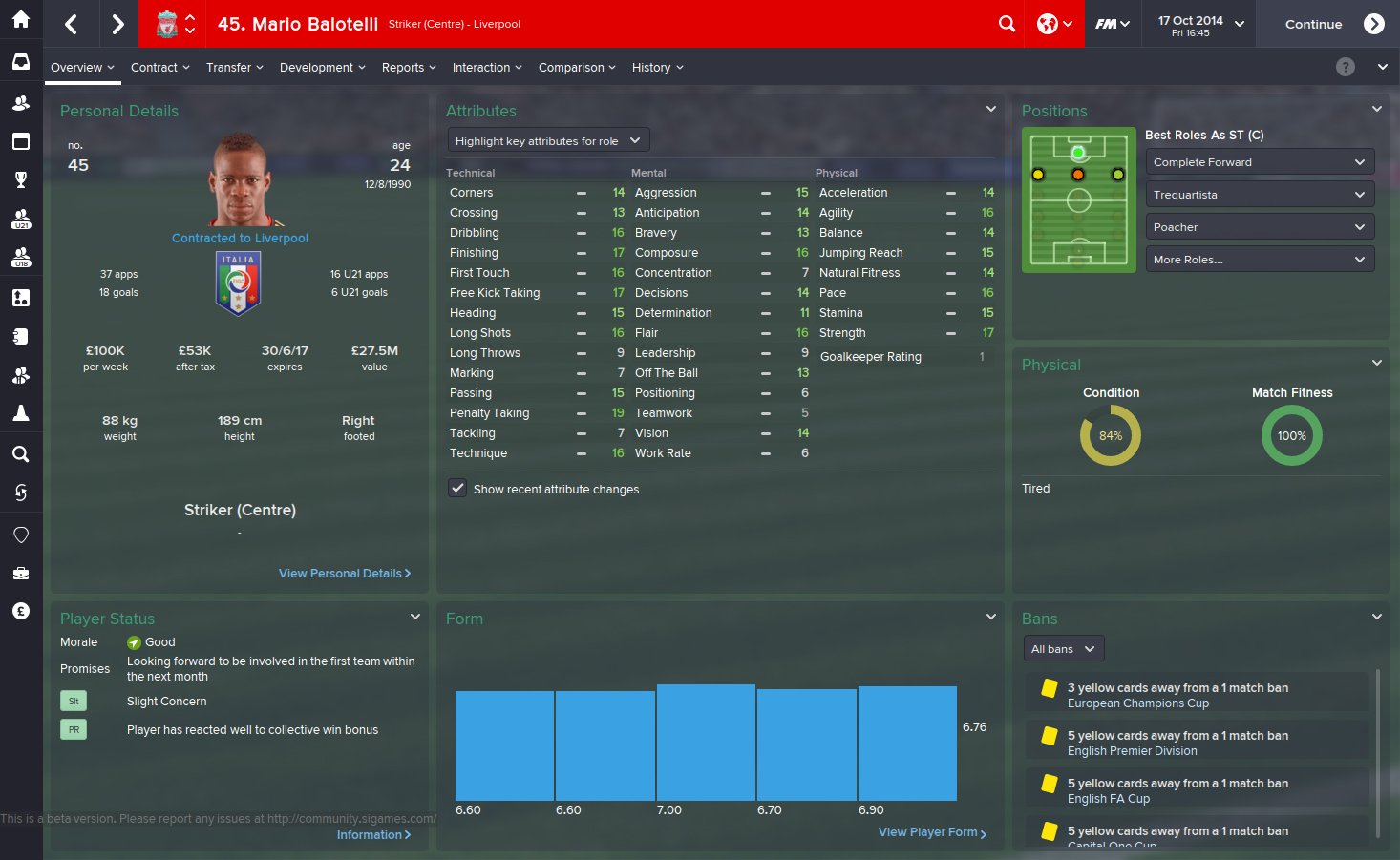
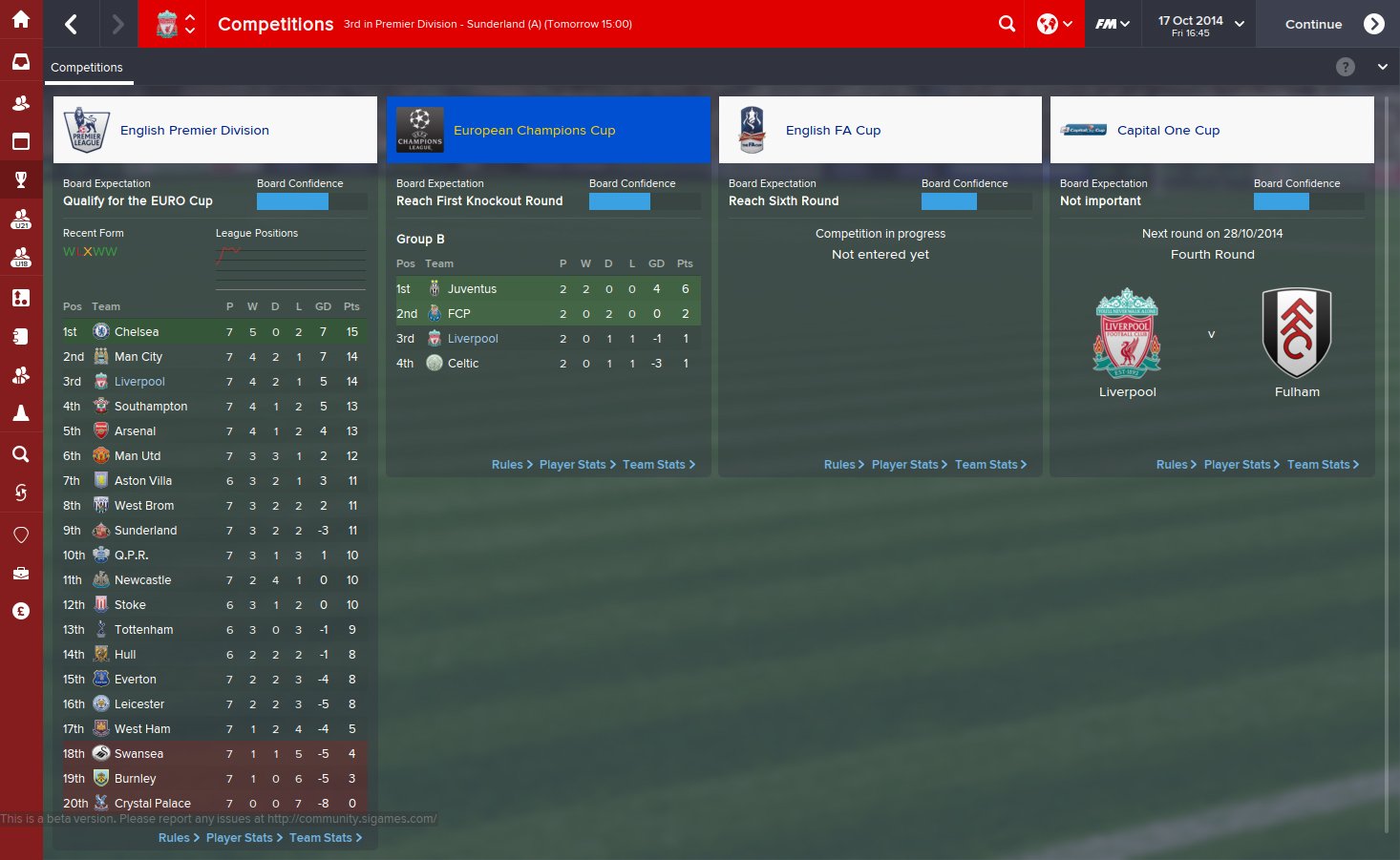
A small mod to show ONLY icons in the sidebar no matter what resolution you play in.

Install like any other skin.

Extract the archive to USERDATA FOLDER/skins usually Documents/Sports Interactive/Football Manager 2015/skins

Then select the skin in your Preferences.
Comments
scottpratt
18 years ago
4 years ago
0
Doesnt work if you do as stated, what next
kfnielsen
20 years ago
6 hours ago
3,457
Premium
nah didnt work for me either
pMarK
14 years ago
4 months ago
13
Premium
It does work. But the instructions are incomplete. Change the skin in the preferences.
Shedender
20 years ago
4 days ago
13,752
It worked for me no problems.
kfnielsen
20 years ago
6 hours ago
3,457
Premium
okey here's my path for the file

C:\xxxx\Sports Interactive\Football Manager 2015\skins\fm-widgets\panels

D:\xxxx\Sports Interactive\Football Manager 2015\skins\fm-widgets\panels
or am I wrong?

edit: After I have put the file in both my skin folders fm-widgets and fm (both folders in my skinfolder) it worked
niice
AMPAM
13 years ago
52 minutes ago
100
Please give us FULL INSTRUCTIONS where exactly to put "icon sidebar.xmls" file.
The other one, I think, it should be in our selected skin inside panels file.
Thanks
Matt
20 years ago
1 hour ago
366
It's a skin...

Install it in the location in the instructions and then select it in Preferences.
VP.
15 years ago
4 weeks ago
25,280
Any chance you could mix this with Tom's mod too Matt?
kfnielsen
20 years ago
6 hours ago
3,457
Premium
Tom's mod?
What Mod can u point me to it?
IcarusAbides
17 years ago
9 years ago
1
Worked perfectly fine for me, just extracted it to the skins folder and then selected the new skin in preferences. Nice job on it, my FM looks so much better now
Matt
20 years ago
1 hour ago
366
Any chance you could mix this with Tom's mod too Matt?

Just stick the xml file (client object browser.xml) from this in the same panel folder as his.
VP.
15 years ago
4 weeks ago
25,280
Tom's mod?
What Mod can u point me to it?


It's a secret

Just stick the xml file (client object browser.xml) from this in the same panel folder as his.


Cheers will do.
kfnielsen
20 years ago
6 hours ago
3,457
Premium
It's a secret

okey whatever M8:
Mully
18 years ago
13 hours ago
16
Premium
Great work Matthew, I pray to god this game get's you back into skinning!
Matt
20 years ago
1 hour ago
366
Great work Matthew, I pray to god this game get's you back into skinning!

Unless SI let us customize the sidebar style, it won't.
ScottL1nd
15 years ago
6 years ago
1
Any chance of a release of a light/bright skin?
K3niChi
20 years ago
3 days ago
2
Very nice work.
Matthew Blakemore
12 years ago
7 years ago
4
When I click 'download now' it just comes up as a notebook file. Can anybody help? I've got a MacBook Pro Retina (OS X Yosemite 10.10.2) if that helps. Thanks in advance.
Antoz
16 years ago
2 weeks ago
22
Okay, so I don't know why it's not working for me. I have used skins for years, so I like to think I know what I am doing!
I have extracted the file into the specified file path, but when I go to preferences it is simply not there. I can see the default skin and andromeda, but nothing else. What am I doing wrong??
HugoTomas
13 years ago
2 years ago
2
I'm using the alternative skin and I don't know how to do make it work. Any Help?
Galdrion
15 years ago
10 years ago
7
How to make this work on Mac?
Using default skin
a.panda
15 years ago
6 years ago
1
I am also using Mac and can't make this mod work. I even went into the scripts and change the attributes regarding which dimension the icon sidebar appears, but it just doesn't work. Would be great if anyone helps.
sander strand drange
10 years ago
2 years ago
1
I download it but there is only two files there it is the "Panels, and the "Icon sidebar. there is no Graphics or FM15 Panel mods they are not there
nicoc77
16 years ago
6 months ago
28
I can't get this to work, I have extracted the folder in "Documents\Sports Interactive\Football Manager 2015\skins" but the skin doesn't show in the game. I'm on Windows 10 and 15.3.2

You'll need to Login to comment