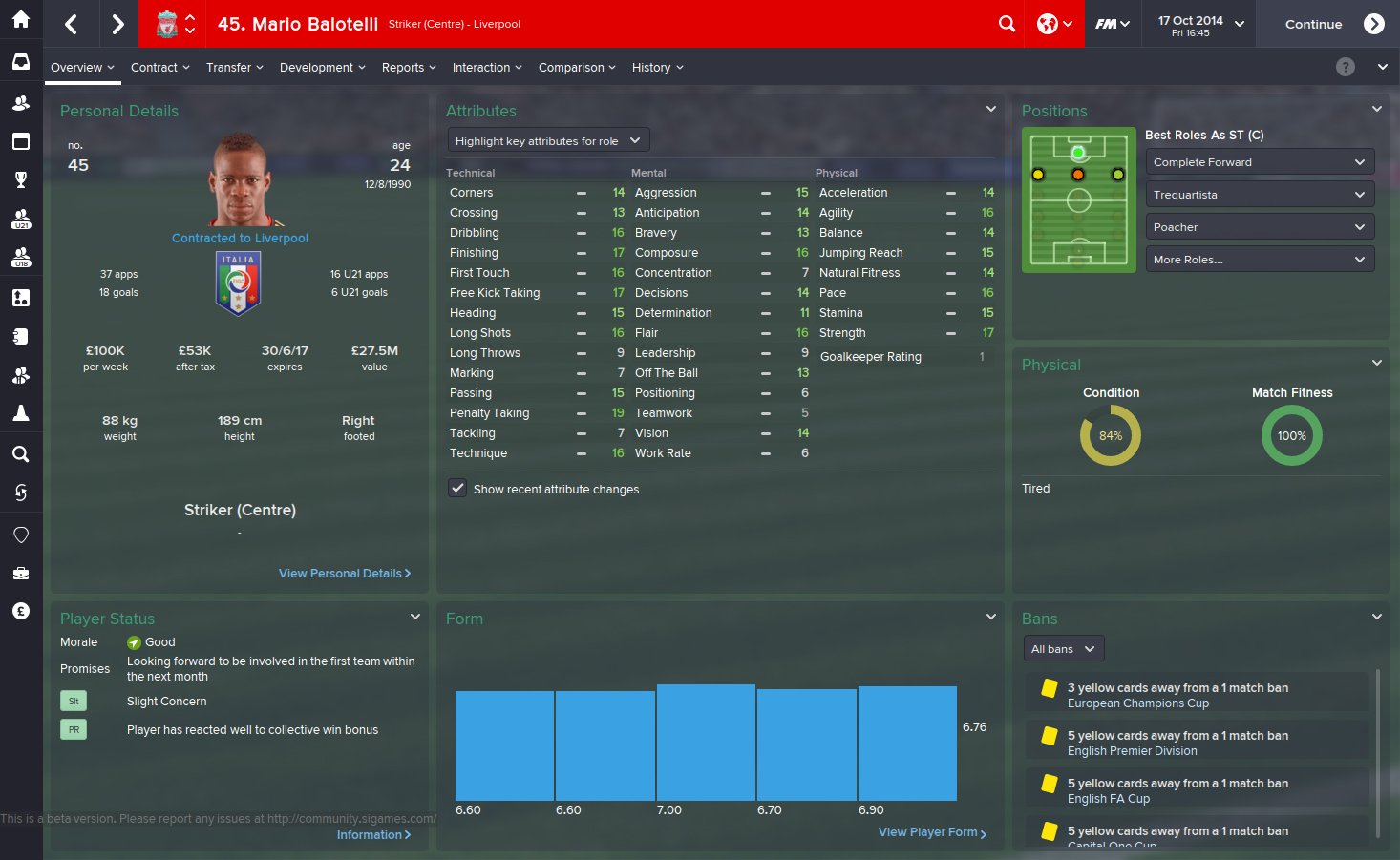
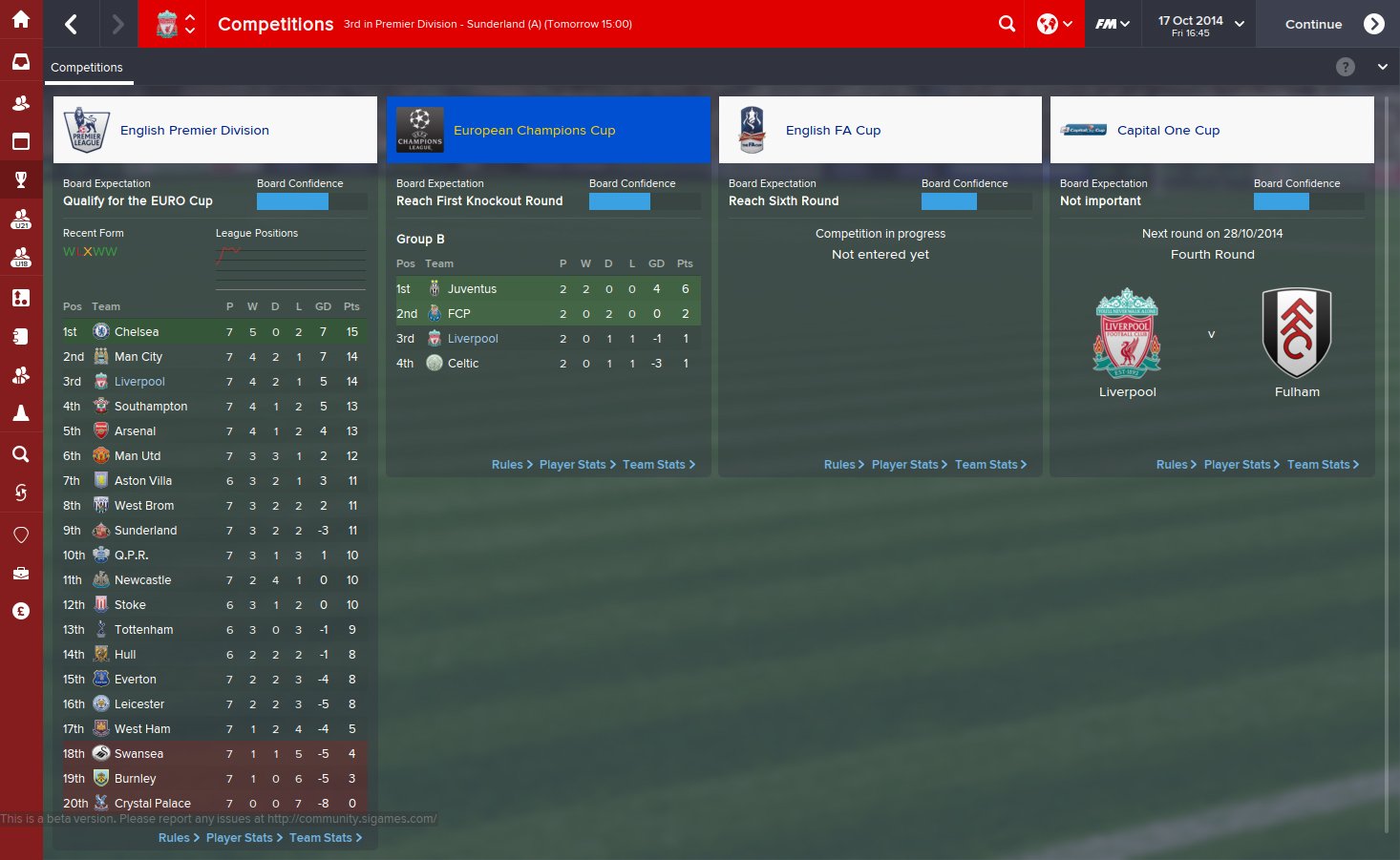
A small mod to show ONLY icons in the sidebar no matter what resolution you play in.
Install like any other skin.
Extract the archive to USERDATA FOLDER/skins usually Documents/Sports Interactive/Football Manager 2015/skins
Then select the skin in your Preferences.
Install like any other skin.
Extract the archive to USERDATA FOLDER/skins usually Documents/Sports Interactive/Football Manager 2015/skins
Then select the skin in your Preferences.

- Date Created
- 26 Oct 2014 14:00:19
- Date Updated
- 26 Oct 2014 14:00:19
- Last Comment
- 30 Aug 2015 22:28:50
Comments
You'll need to Login to comment
scottpratt
kfnielsen
pMarK
Shedender
kfnielsen
C:\xxxx\Sports Interactive\Football Manager 2015\skins\fm-widgets\panels
D:\xxxx\Sports Interactive\Football Manager 2015\skins\fm-widgets\panels
or am I wrong?
edit: After I have put the file in both my skin folders fm-widgets and fm (both folders in my skinfolder) it worked
niice
AMPAM
The other one, I think, it should be in our selected skin inside panels file.
Thanks
Matt
Install it in the location in the instructions and then select it in Preferences.
VP.
kfnielsen
What Mod can u point me to it?
IcarusAbides
Matt
Just stick the xml file (client object browser.xml) from this in the same panel folder as his.
VP.
It's a secret
Cheers will do.
kfnielsen
okey whatever M8:
Mully
Matt
Unless SI let us customize the sidebar style, it won't.
ScottL1nd
K3niChi
Matthew Blakemore
Antoz
I have extracted the file into the specified file path, but when I go to preferences it is simply not there. I can see the default skin and andromeda, but nothing else. What am I doing wrong??
HugoTomas
Galdrion
Using default skin
a.panda
sander strand drange
nicoc77