
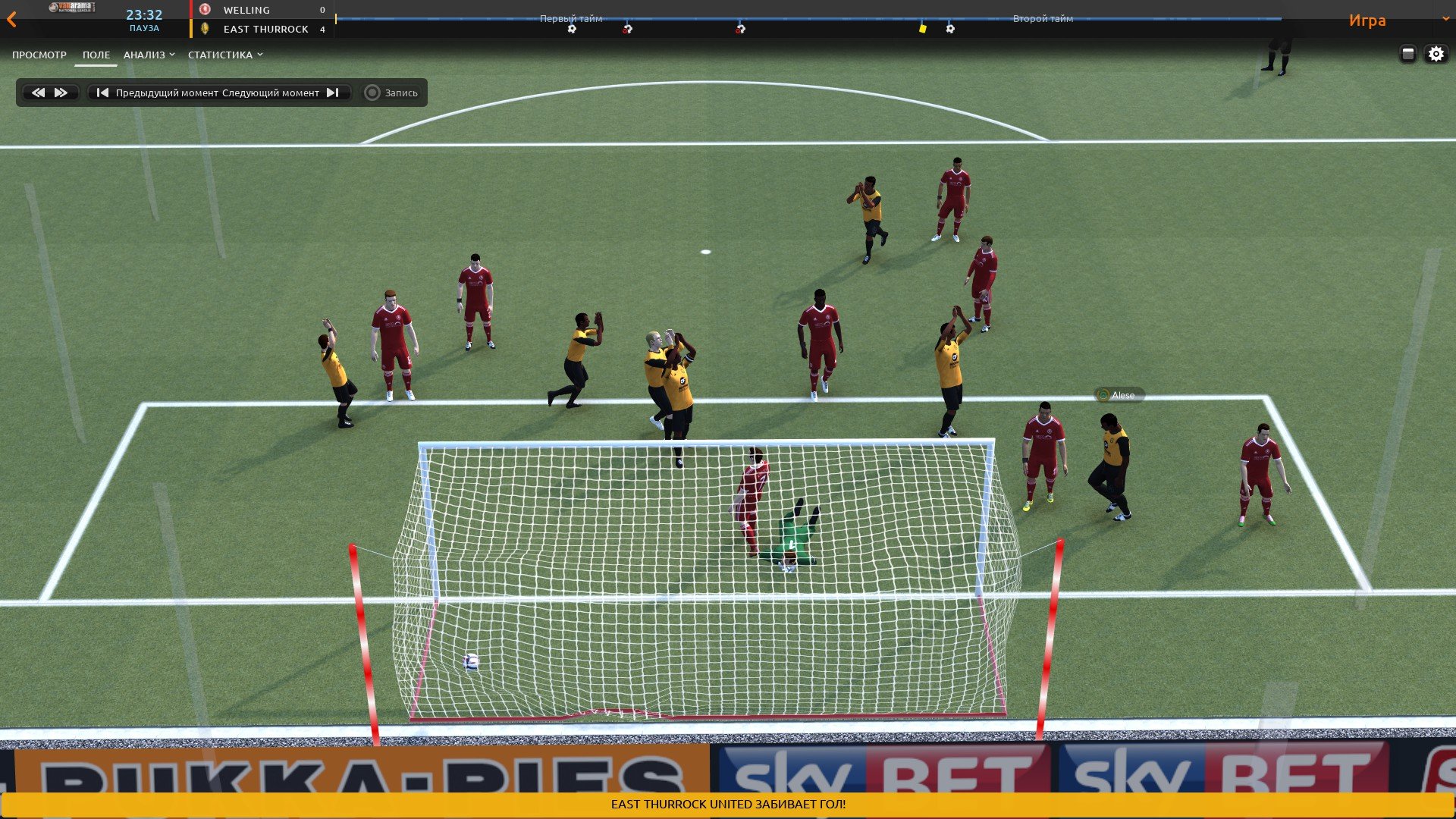
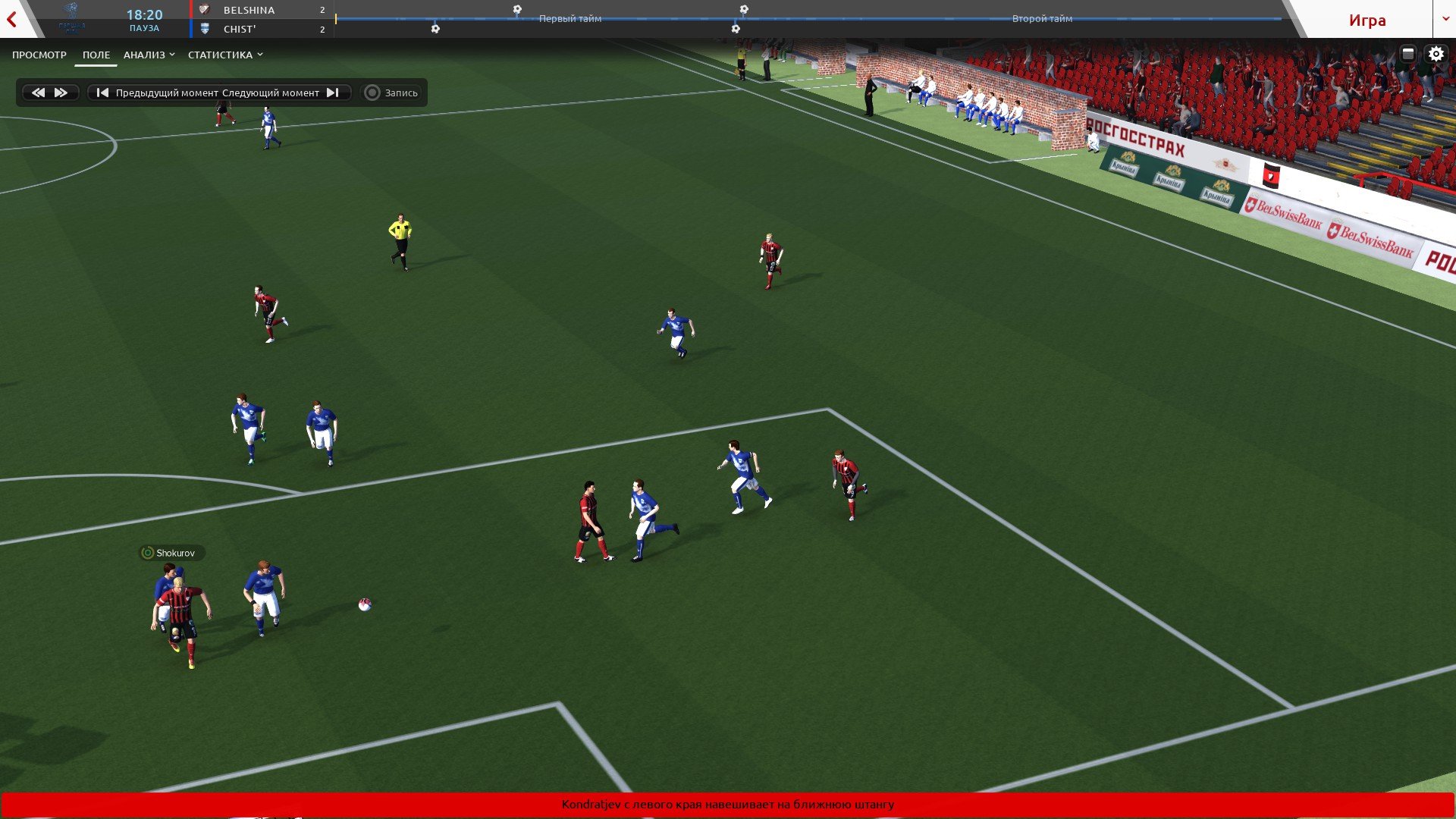
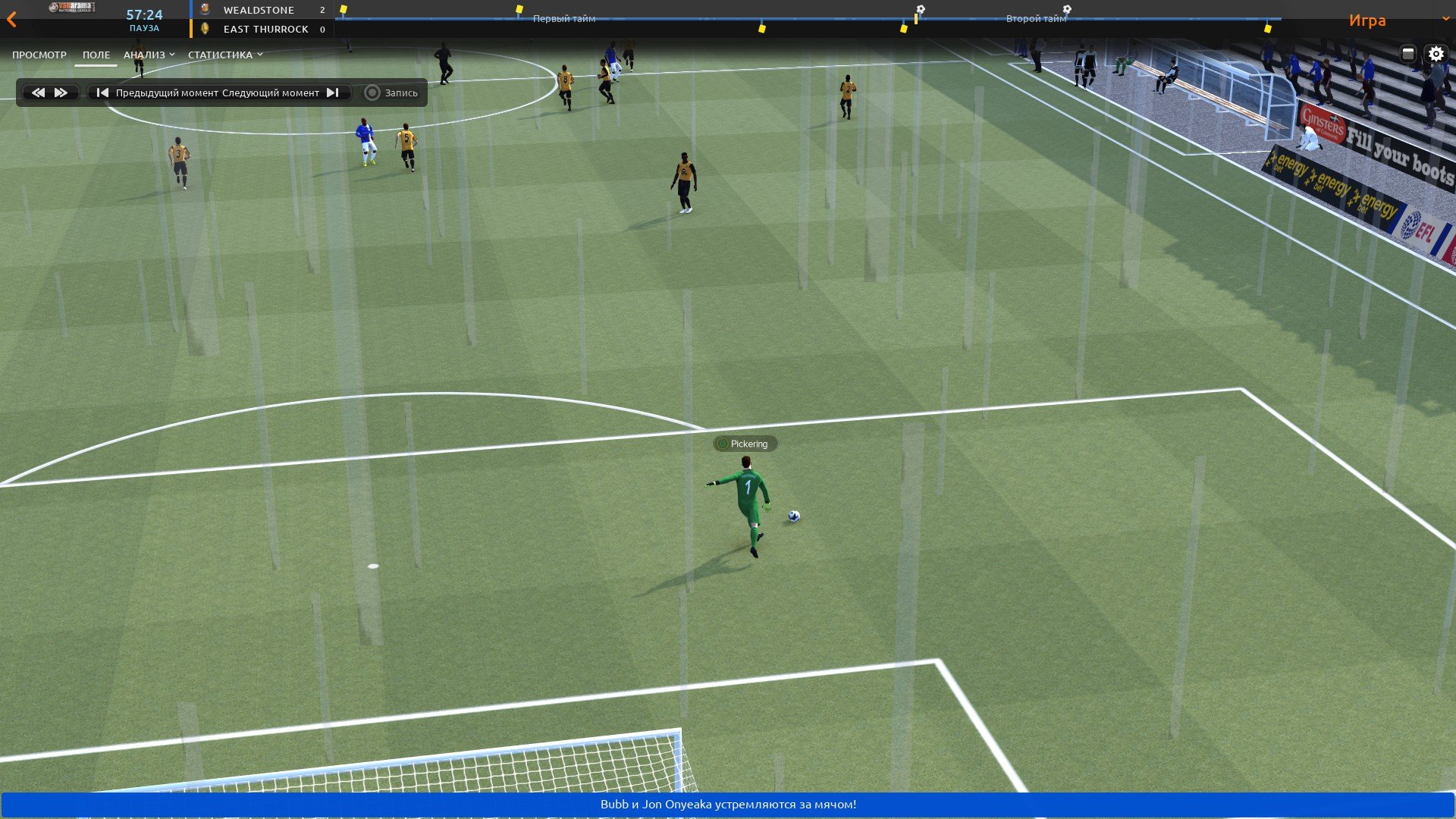
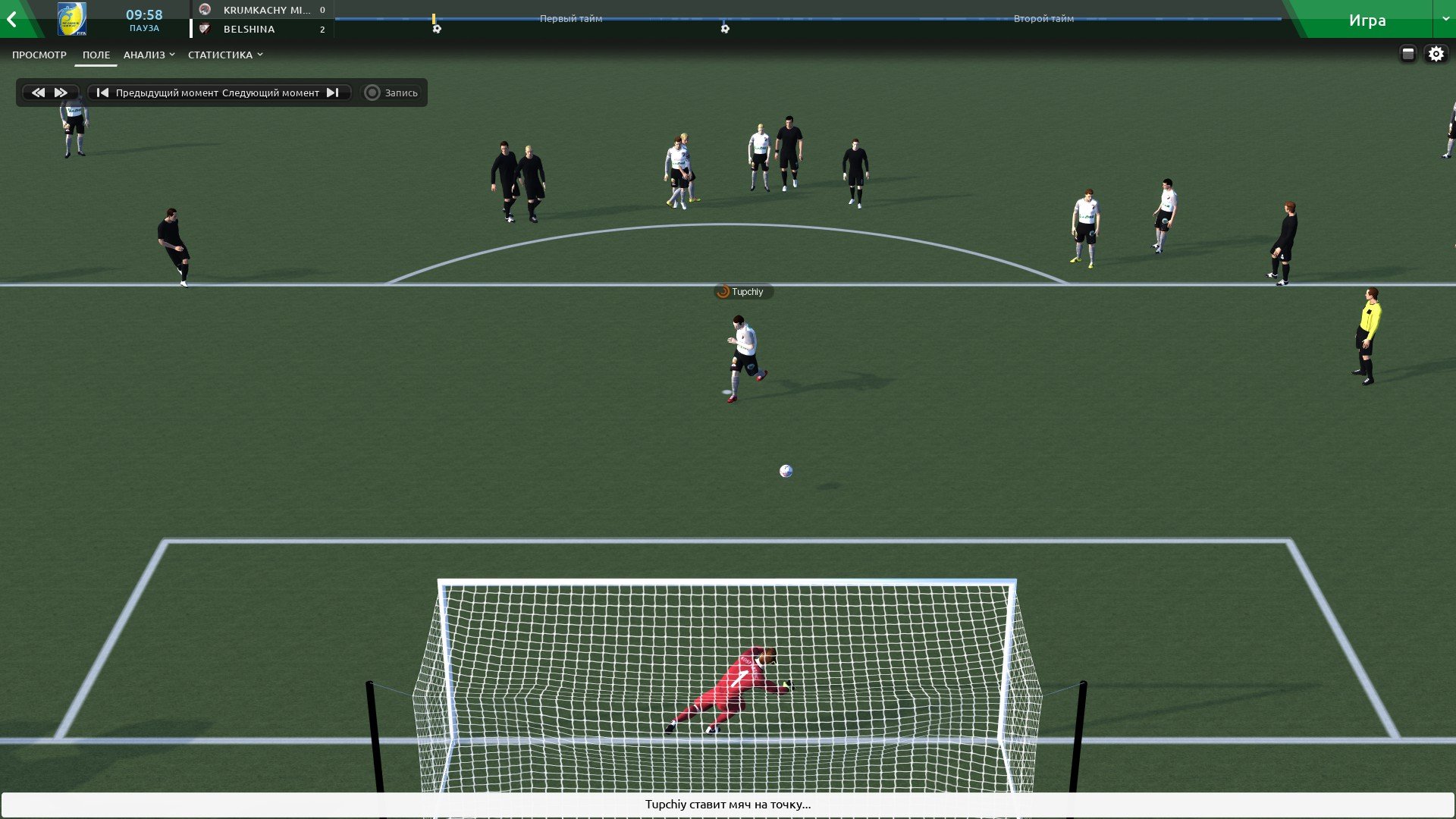
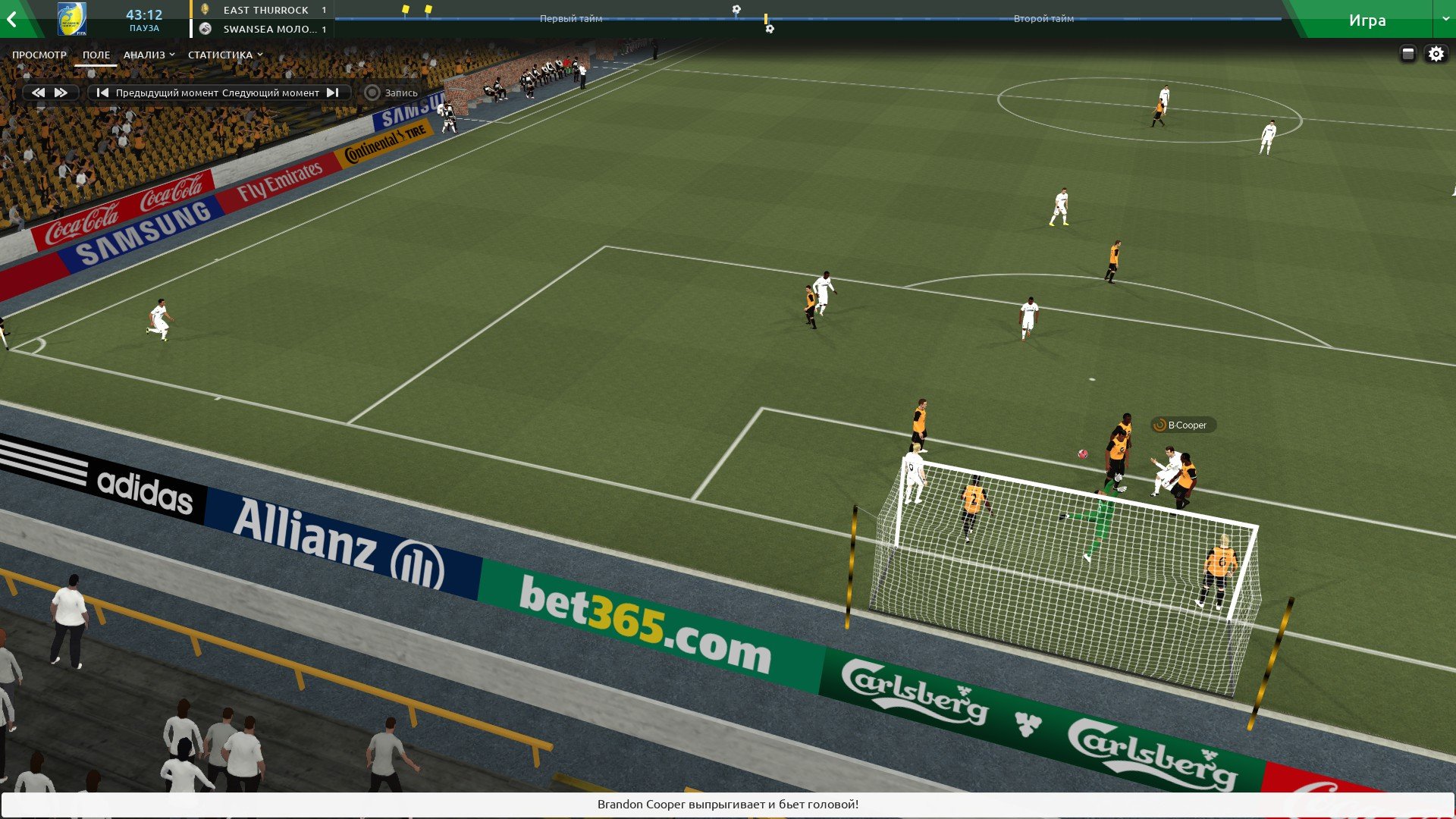
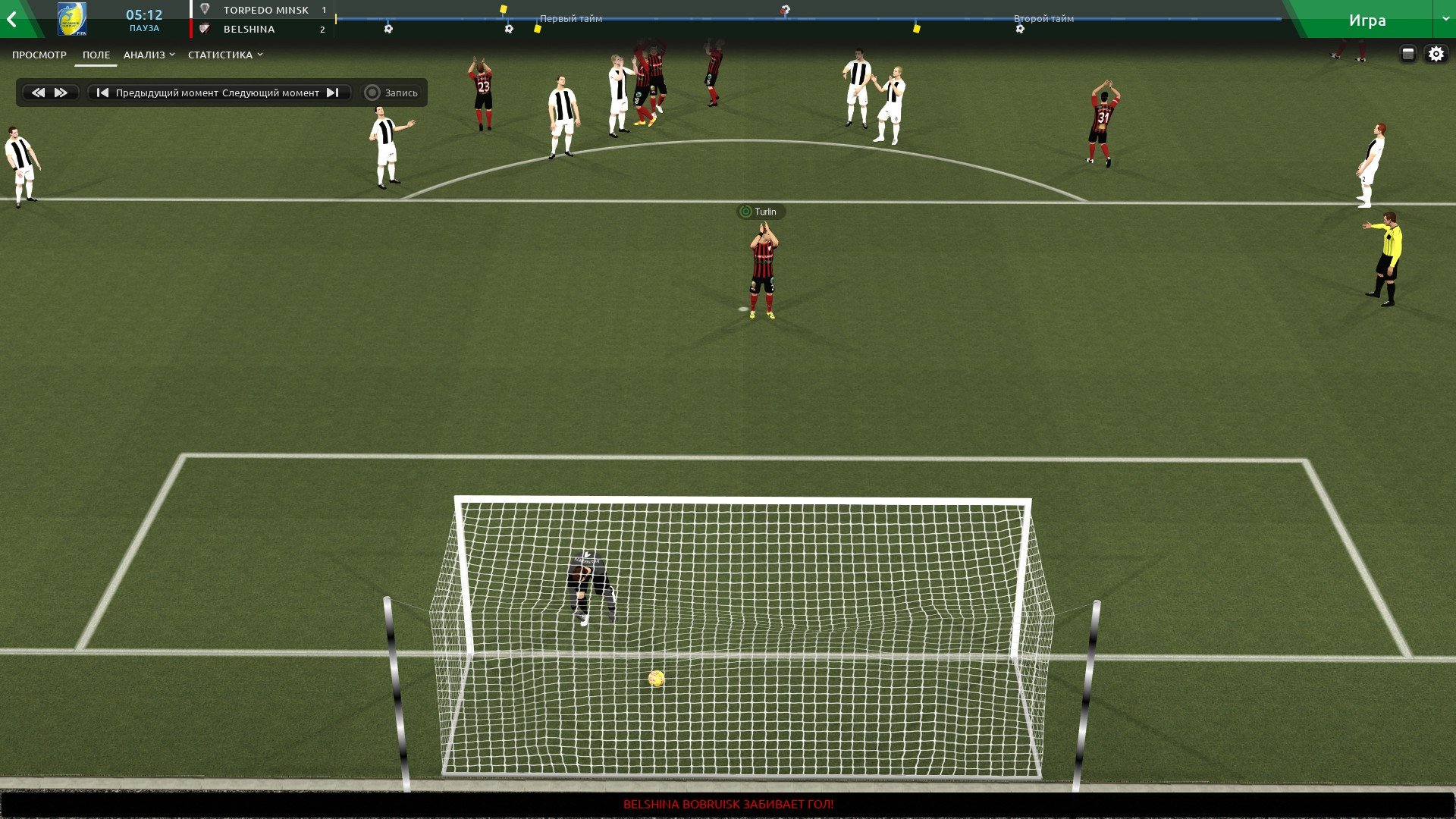
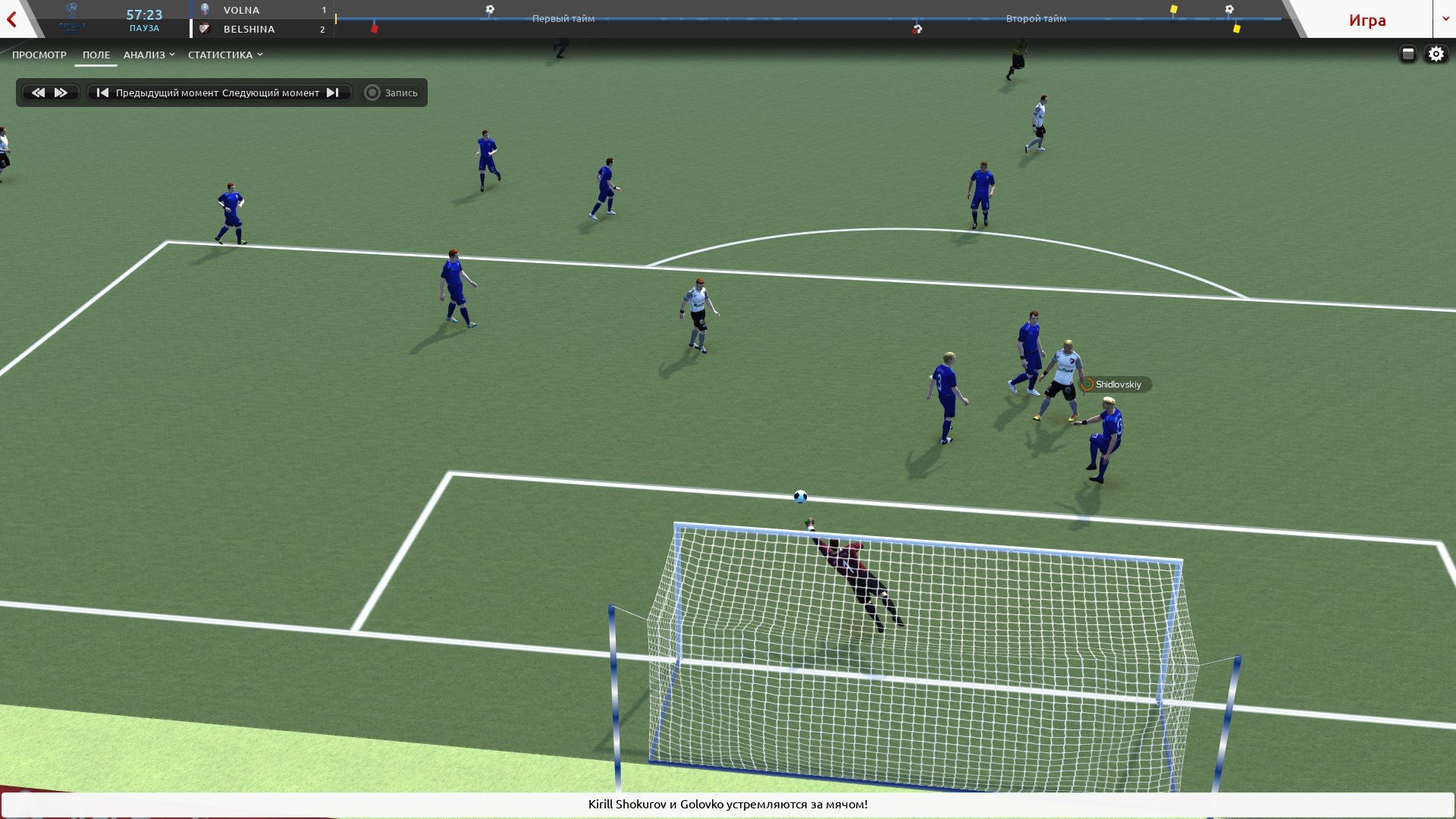
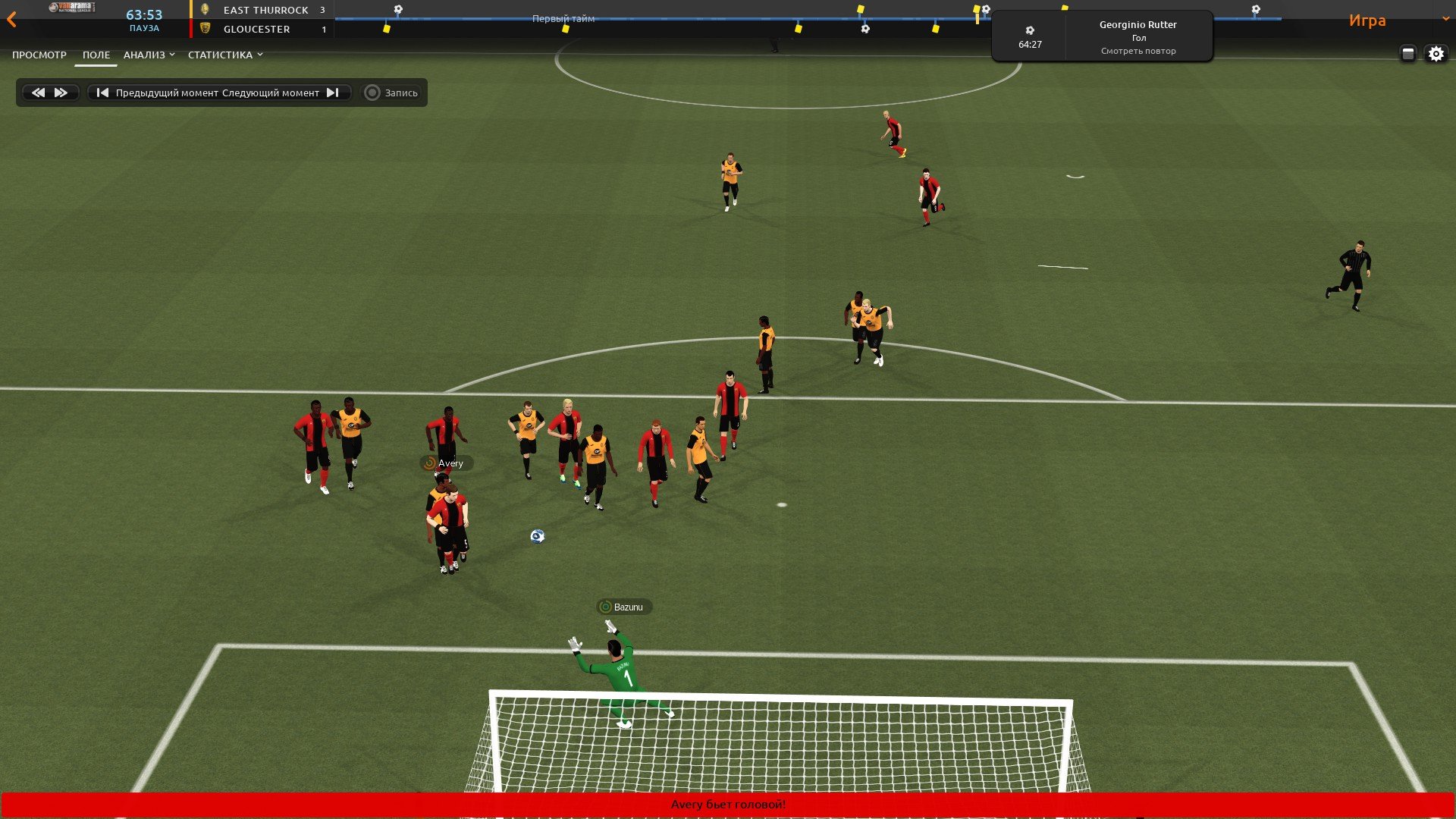
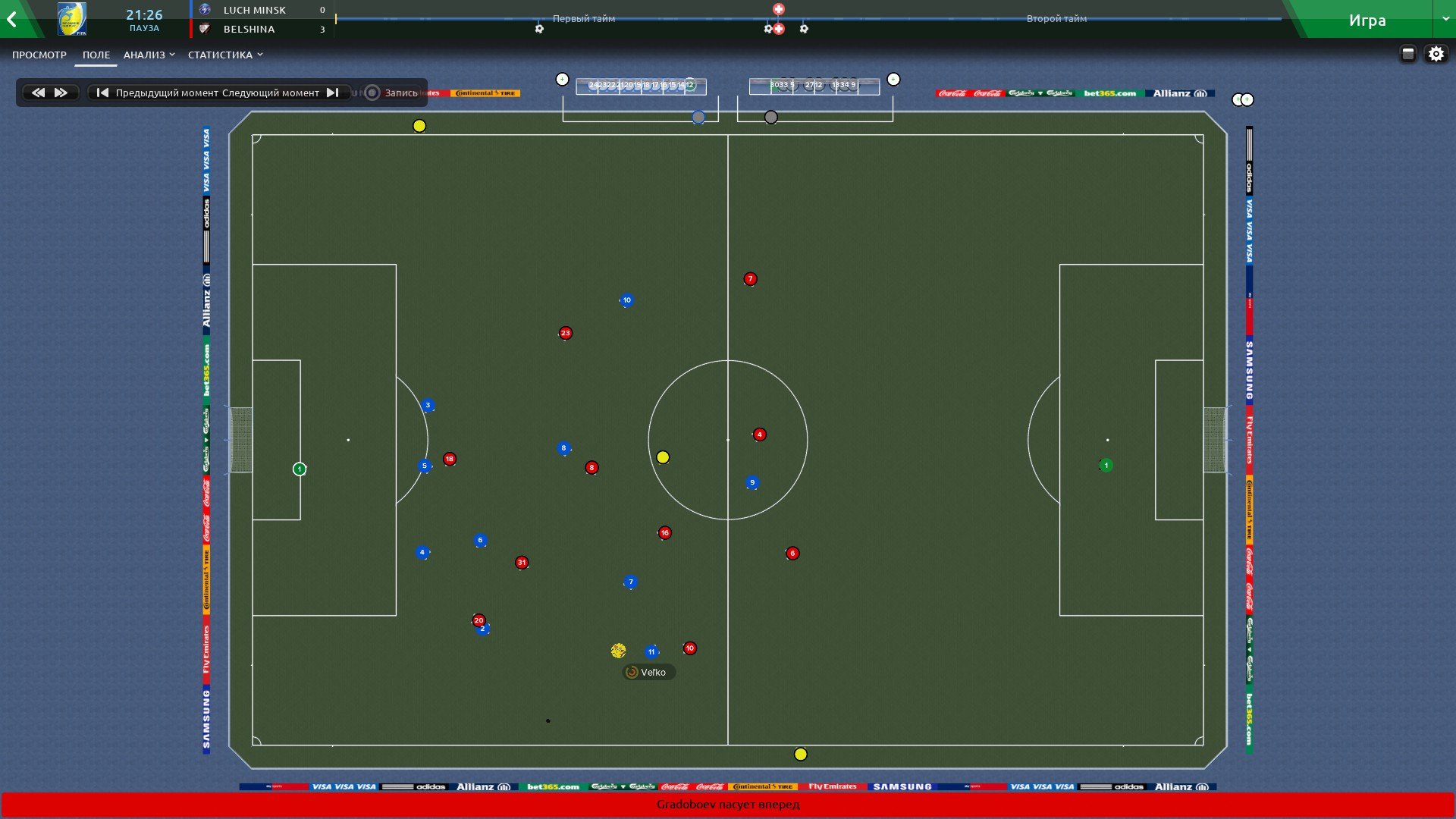
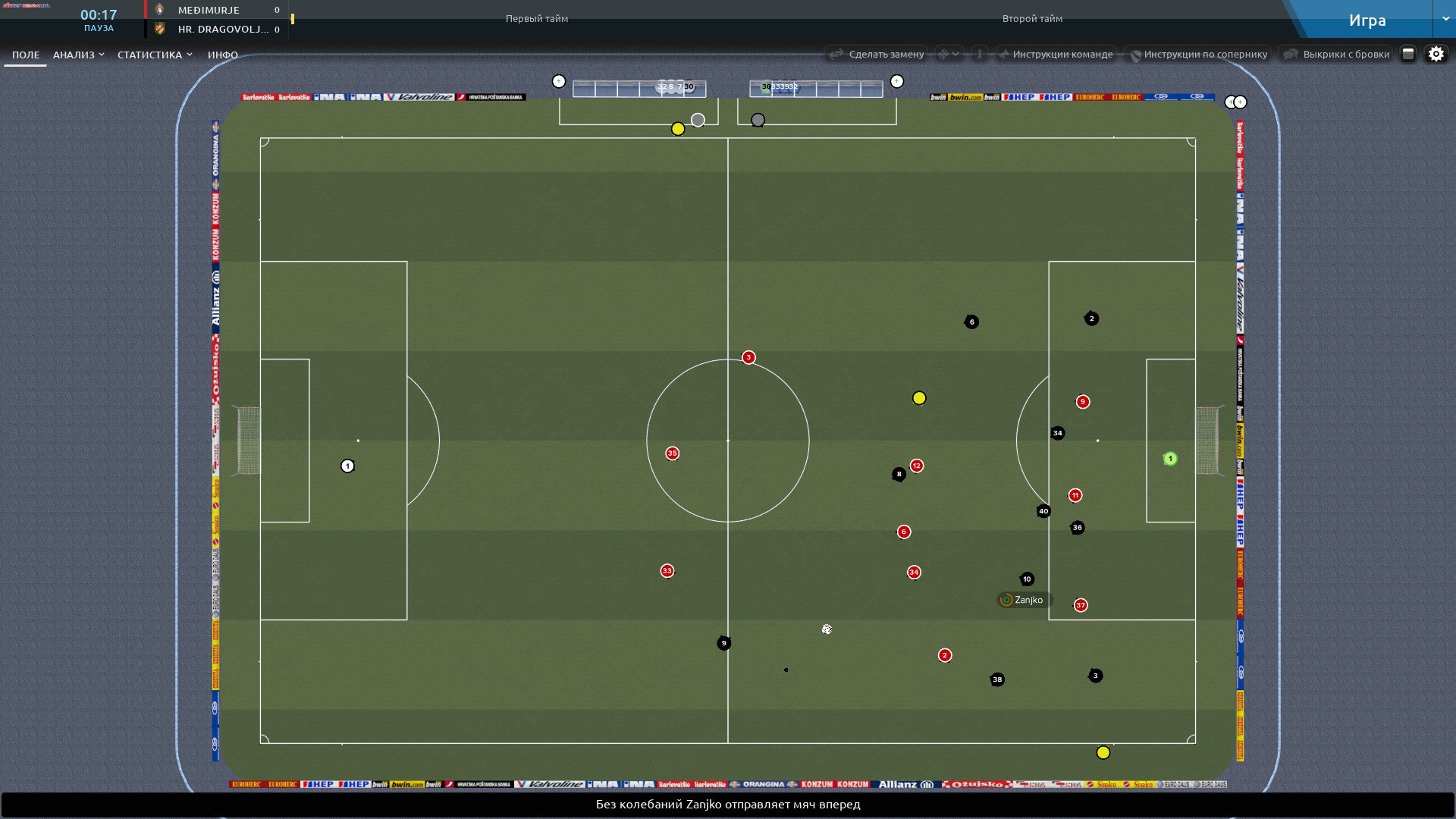
all finished balls in one archive


1. Extract folder "mesh" to Documents/Sport Interactive/Football Manager 2019/ put in here!


2. FM19 - click 'Preferences' > 'Interface' > unticked 'Use caching to decrease page loading times & tick 'Reload skin when confirming changes' > click 'Reload Skin' for first your time.

THEN ALWAYS when you download other packs, DO Click 'Preferences'>'Interface'>'CLEAR CACHE then again click 'RELOAD SKIN' AS ALWAYS after downloading to folders.

restart the game.

Enjoy
Credits: bartdude, ps_beldjs


Balls for 2D camera.


Install


1. Extract folder "textures" to Documents/Sport Interactive/Football Manager 2019/ put in here!

2. FM19 - click 'Preferences' > 'Interface' > unticked 'Use caching to decrease page loading times & tick 'Reload skin when confirming changes' > click 'Reload Skin' for first your time.

THEN ALWAYS when you download other packs, DO Click 'Preferences'>'Interface'>'CLEAR CACHE then again click 'RELOAD SKIN' AS ALWAYS after downloading to folders.

restart the game.

Enjoy
Comments
_Lio_
13 years ago
1 month ago
83
Doesnt work... at least in that directory mentioned: "Documents/Sport Interactive/Football Manager 2019/"
ps_beldjs
9 years ago
14 hours ago
241
Doesnt work... at least in that directory mentioned: "Documents/Sport Interactive/Football Manager 2019/"
Archive with the right ball unpacked? The "mesh" folder from the desired archive should be in "Documents/Sport Interactive/Football Manager 2019/". After that, restart the game if clearing the cache and resetting the theme did not help. it should work.
_Lio_
13 years ago
1 month ago
83
My bad, it works, i did everything like you said, i just didn't closed the game... sorry, and thank you very much! Way better this balls! Maybe add the "close game completely" into the tutorial...
ps_beldjs
9 years ago
14 hours ago
241
ps_beldjs
9 years ago
14 hours ago
241
kfnielsen
20 years ago
2 hours ago
3,458
Premium
plz make the EPL ball
ps_beldjs
9 years ago
14 hours ago
241
ps_beldjs
9 years ago
14 hours ago
241
kfnielsen
20 years ago
2 hours ago
3,458
Premium
Great work M8
can we have serie a and la liga aswell?
ps_beldjs
9 years ago
14 hours ago
241
Great work M8
can we have serie a and la liga aswell?

they are almost the same as the APL ball, the same model.
Rivanov
16 years ago
5 months ago
143
Premium

Are these FM 2019 screenshots? Were did you get those adboards from? Or is this FM 2018?
ps_beldjs
9 years ago
14 hours ago
241
Are these FM 2019 screenshots? Were did you get those adboards from? Or is this FM 2018?

These balls will be installed only on FM 19. I just moved the shields from the old version
Rivanov
16 years ago
5 months ago
143
Premium
These balls will be installed only on FM 19. I just moved the shields from the old version

I meant the in-game screenshots from you match. I see real adboards there so I was curious if they were screenshots from FM 2019 or 2018.
Because I can't get the adboard packs working in FM 2019 because all of them were specific for 2018.
kfnielsen
20 years ago
2 hours ago
3,458
Premium
@ps_beldjs
I notice when I play cups the ball are grey?
ps_beldjs
9 years ago
14 hours ago
241
I meant the in-game screenshots from you match. I see real adboards there so I was curious if they were screenshots from FM 2019 or 2018.
Because I can't get the adboard packs working in FM 2019 because all of them were specific for 2018.

Stupidity. shields are easily carried.
ps_beldjs
9 years ago
14 hours ago
241
@ps_beldjs
I notice when I play cups the ball are grey?

checked in different cups, the ball is in place.
https://cdn1.savepice.ru/uploads/2018/11/5/b95c8cf791e3c76471eb08482c0df107-full.jpghttps://cdn1.savepice.ru/uploads/2018/11/5/99ff56ea1ea2d68779b8dd2dcbb20dea-full.jpghttps://cdn1.savepice.ru/uploads/2018/11/5/dcf80f81c1b3b3b2b23fe2af7777ce3b-full.jpg
DashingDaz8
16 years ago
3 hours ago
12,733
Great work ps_beldjis
ps_beldjs
9 years ago
14 hours ago
241
Pack Update


Version 1.0
all finished balls in one archive
Doddo04
14 years ago
1 hour ago
1,576
Premium
Great Work thanks verry much
pottersmad
16 years ago
1 week ago
562
Premium
Wow a set of decent balls..Can you tell me what pithes are you using..Thanks
ps_beldjs
9 years ago
14 hours ago
241
Wow a set of decent balls..Can you tell me what pithes are you using..Thanks

Pitch himself did, but this is still an intermediate option.
Marco Frattini
12 years ago
6 months ago
27

can i put all or only one ball at a time for all the leagues?
kfnielsen
20 years ago
2 hours ago
3,458
Premium
Dooby Dooby
8 years ago
7 years ago
5
Can you make the ball size smaller in 2d mode?
ps_beldjs
9 years ago
14 hours ago
241
Balls for 2D camera.

Nike Merlin

https://fmfan.ru/board/uploads/monthly_2018_11/20181108025148_1.jpg.66525b8184b84072d381526e011e273c.jpghttps://fmfan.ru/board/uploads/monthly_2018_11/20181108025523_1.jpg.32cbe9c105fda17c5f555654ea0d54a7.jpg


Umbro Neo Pro VCS

https://fmfan.ru/board/uploads/monthly_2018_11/20181108182700_1.jpg.ee59ea6d19bc092b12476705a272727e.jpghttps://fmfan.ru/board/uploads/monthly_2018_11/20181108182704_1.jpg.72f05b171db155174dd8fdc860b85ca8.jpghttps://fmfan.ru/board/uploads/monthly_2018_11/20181108182944_1.jpg.68c73a0e8d5a25d4958981ba1e38e185.jpghttps://fmfan.ru/board/uploads/monthly_2018_11/20181108182949_1.jpg.b53c77cf7c1fa20c0f021689356f3cf1.jpg

Install

1. Extract folder "textures" to Documents/Sport Interactive/Football Manager 2019/ put in here!

2. FM19 - click 'Preferences' > 'Interface' > unticked 'Use caching to decrease page loading times & tick 'Reload skin when confirming changes' > click 'Reload Skin' for first your time.

THEN ALWAYS when you download other packs, DO Click 'Preferences'>'Interface'>'CLEAR CACHE then again click 'RELOAD SKIN' AS ALWAYS after downloading to folders.

restart the game.

Enjoy
ps_beldjs
9 years ago
14 hours ago
241
@Dooby Dooby
Balls for 2D camera.

Nike Merlin

https://fmfan.ru/board/uploads/monthly_2018_11/20181108025148_1.jpg.66525b8184b84072d381526e011e273c.jpghttps://fmfan.ru/board/uploads/monthly_2018_11/20181108025523_1.jpg.32cbe9c105fda17c5f555654ea0d54a7.jpg


Umbro Neo Pro VCS

https://fmfan.ru/board/uploads/monthly_2018_11/20181108182700_1.jpg.ee59ea6d19bc092b12476705a272727e.jpghttps://fmfan.ru/board/uploads/monthly_2018_11/20181108182704_1.jpg.72f05b171db155174dd8fdc860b85ca8.jpghttps://fmfan.ru/board/uploads/monthly_2018_11/20181108182944_1.jpg.68c73a0e8d5a25d4958981ba1e38e185.jpghttps://fmfan.ru/board/uploads/monthly_2018_11/20181108182949_1.jpg.b53c77cf7c1fa20c0f021689356f3cf1.jpg

Install

1. Extract folder "textures" to Documents/Sport Interactive/Football Manager 2019/ put in here!

2. FM19 - click 'Preferences' > 'Interface' > unticked 'Use caching to decrease page loading times & tick 'Reload skin when confirming changes' > click 'Reload Skin' for first your time.

THEN ALWAYS when you download other packs, DO Click 'Preferences'>'Interface'>'CLEAR CACHE then again click 'RELOAD SKIN' AS ALWAYS after downloading to folders.

restart the game.

Enjoy
pottersmad
16 years ago
1 week ago
562
Premium
Any chance you could do the yellow nike premier league one please
Dooby Dooby
8 years ago
7 years ago
5
@ps_beldjs

Thanks! It looks great!
Is it possible to make the ball smaller? The vanilla ball size looks like they are playing with a beach ball

You'll need to Login to comment