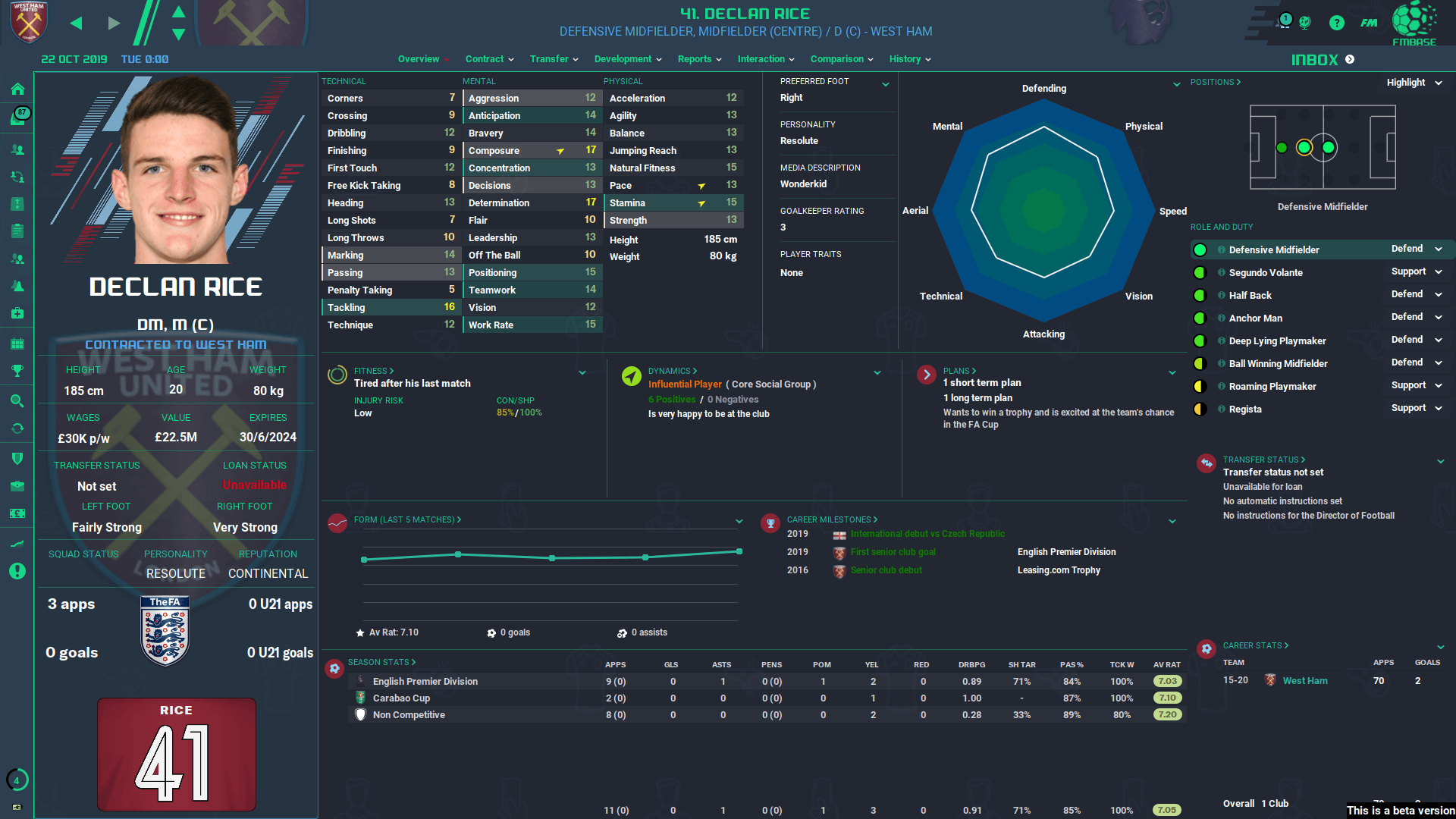
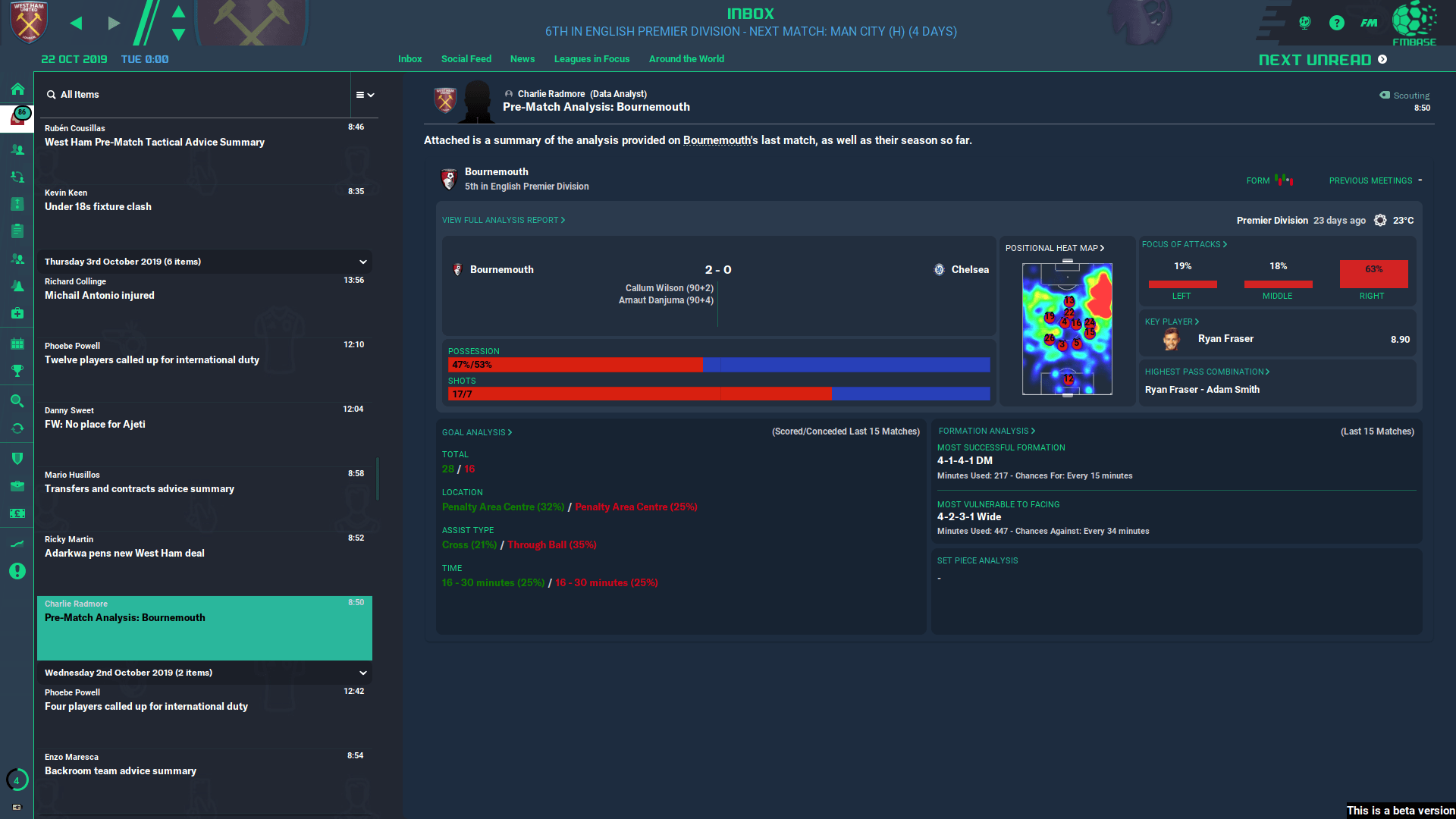
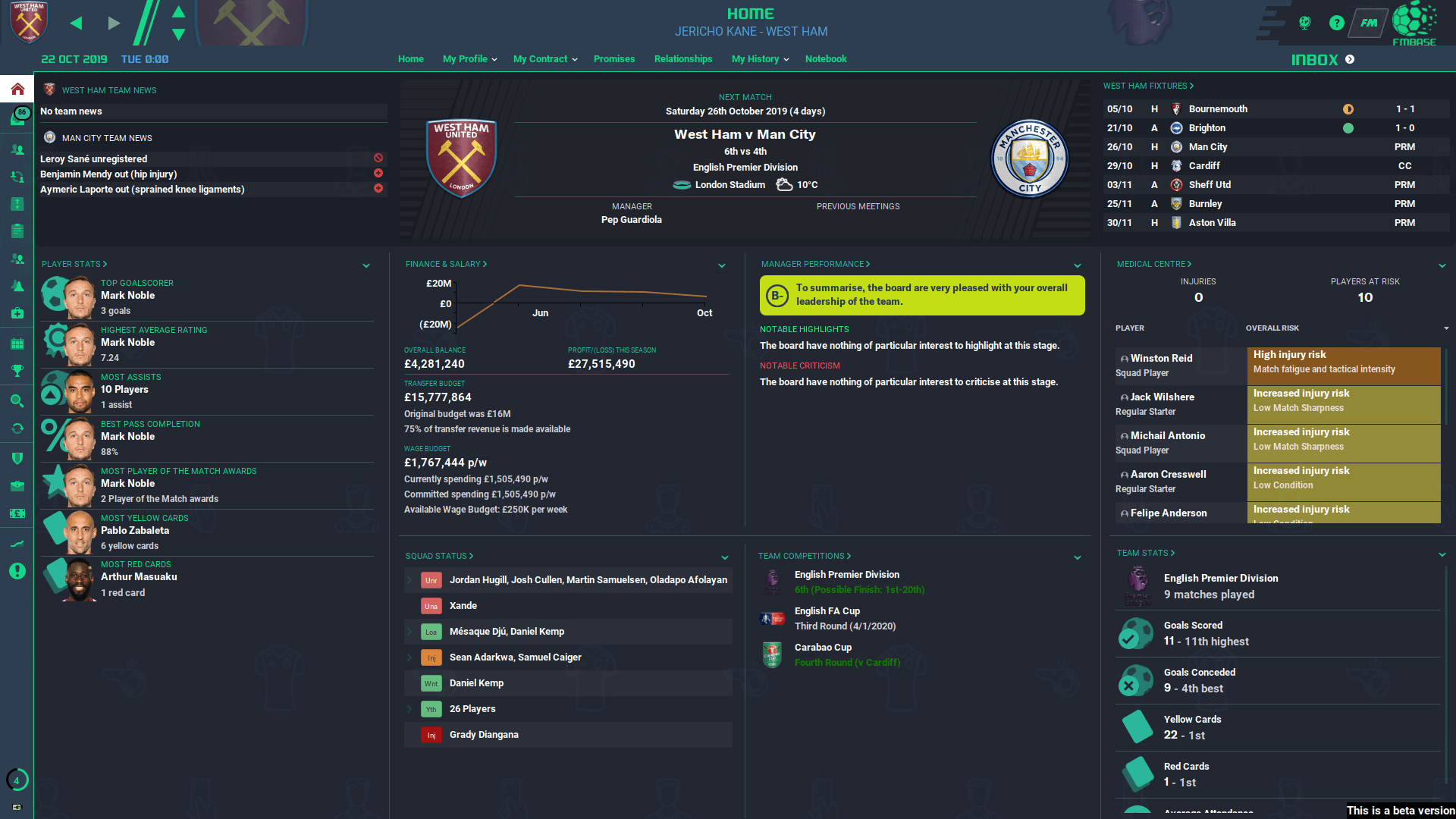
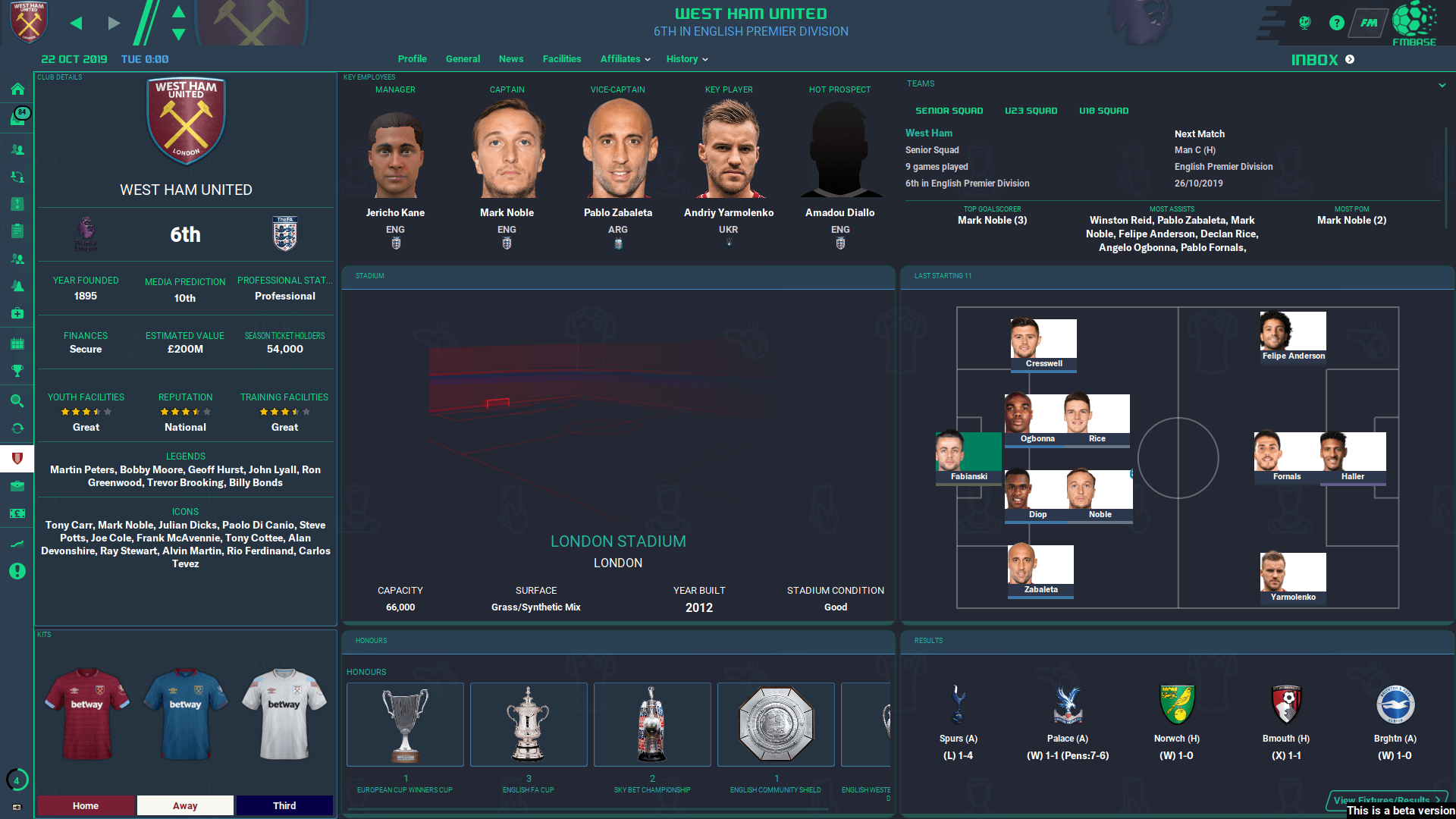
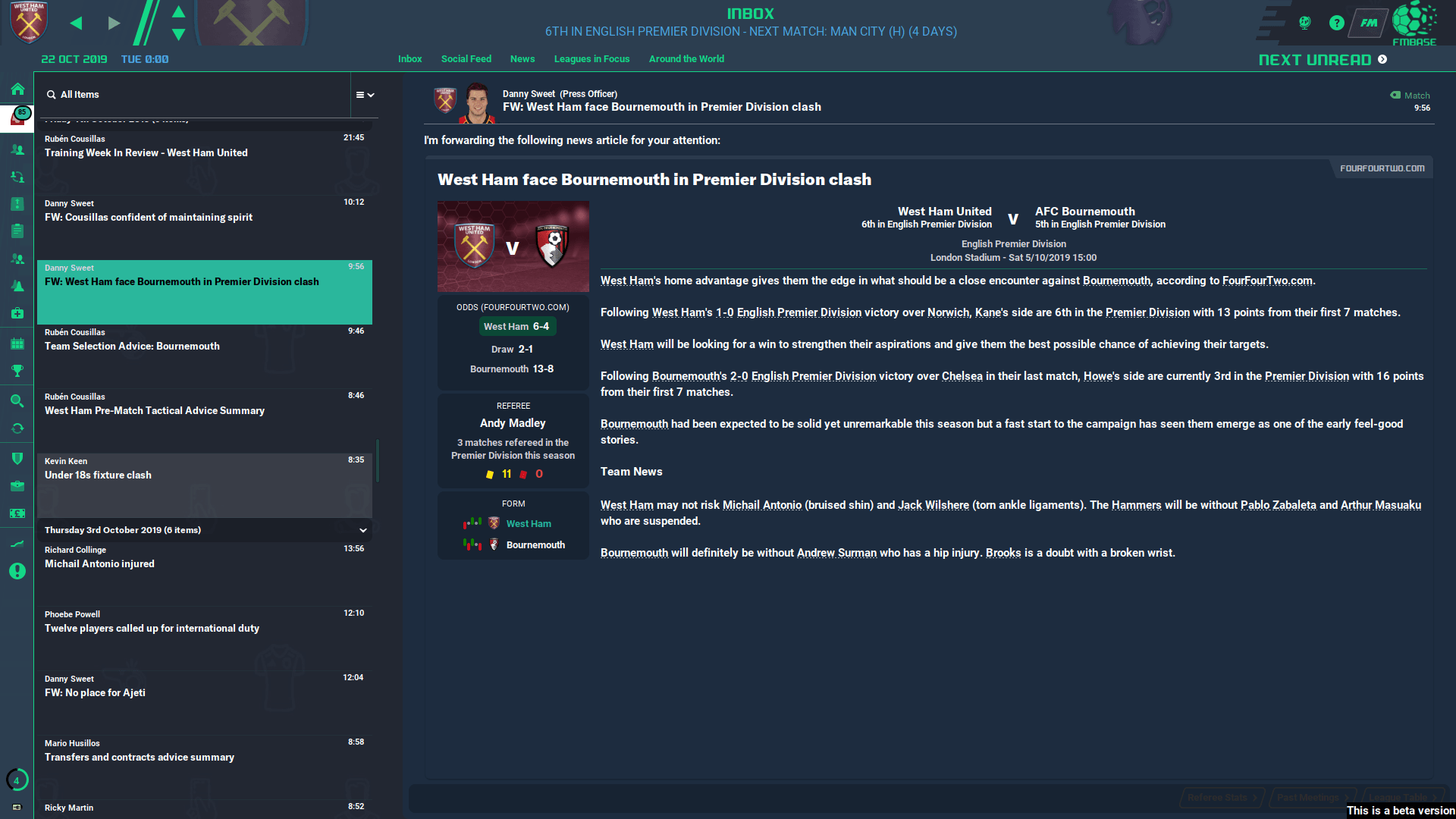
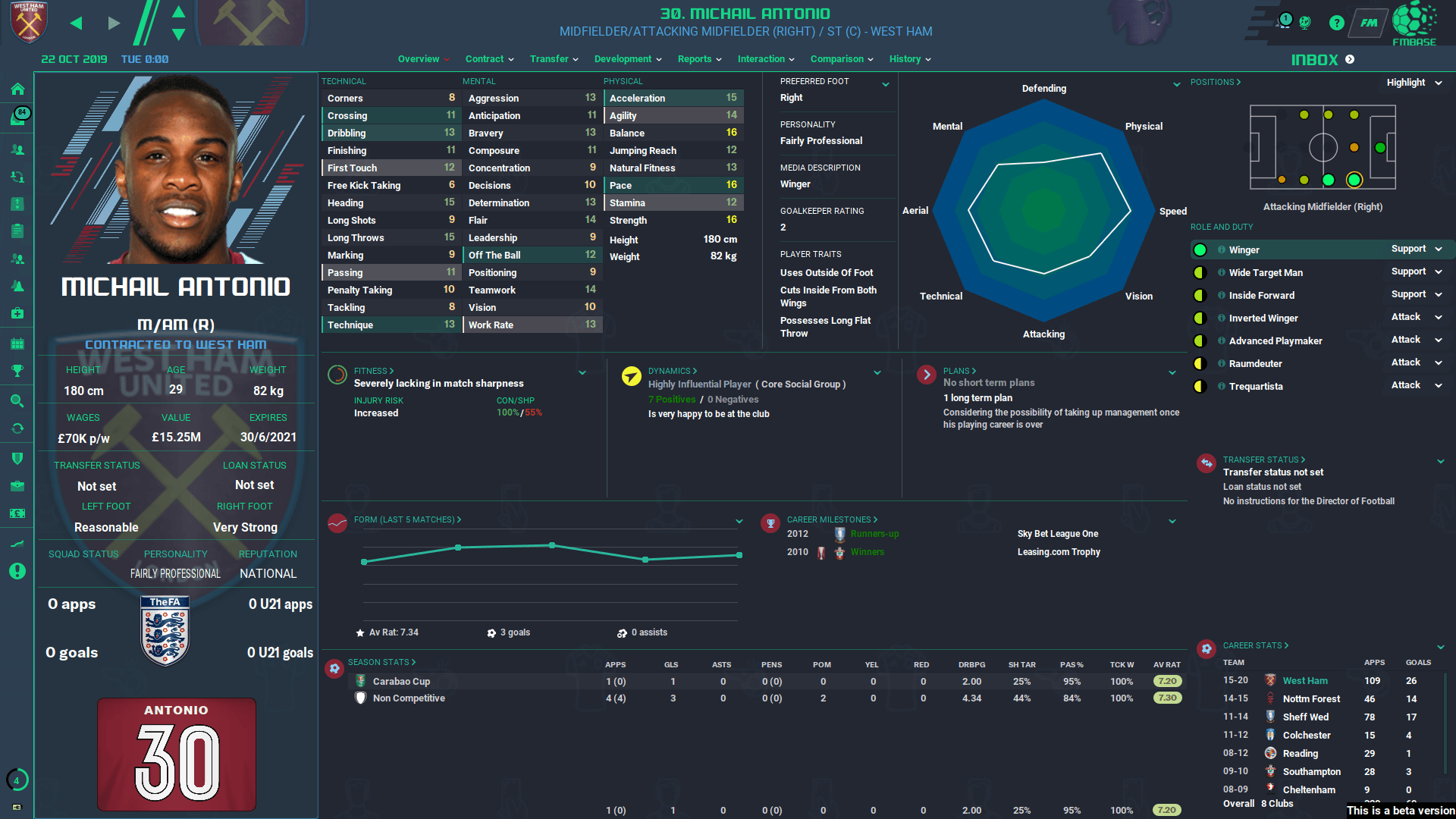
FM-Base Skin for Football Manager 2020.
To install, put the downloaded files in your skin folder.
Found a bug? Got a suggestion? Let wkdsoul know on FM Base.
Updated to version 5.
To install, put the downloaded files in your skin folder.
Found a bug? Got a suggestion? Let wkdsoul know on FM Base.
Updated to version 5.

- Date Created
- 04 Nov 2019 17:39:58
- Date Updated
- 24 Nov 2019 13:30:07
- Last Comment
- 21 Dec 2019 02:37:41
Comments
You'll need to Login to comment
matthewg25
FM Base
Bearded Shrimper
Dominic Oliver
I have the same issue, but unfortunately there is no contrast setting or option to change the background picture. The only workaround is to move your backgrounds/CityPics out of the graphics folder (for now), then you get a nice dark setting with no optical issues.
I'd also suggest that this is a very early BETA construct, which will either develop into something more intricate (and fix issues like the above) or stopped being supported once FLUT gets his amazing skin out (probably later this month). Either way, it's great to have a decent skin this early as FM has been true to form and put out an ugly/unworkable skin as the default option.
VP.
https://sortitoutsi.net/downloads/view/50727/dark-is-actually-dark-fm20-skin
Bearded Shrimper
VP.
Try deleting any skins you have downloaded and then re-download just the one you want to use. I'm not sure what you have done but somehow you have conflicting files which is causing everything to mess up
Bearded Shrimper
it's only weird with the default ones that are already on there. Just a case of waiting until the skins come out with the main release?
VP.
If its just the default ones try this.
Open Steam, right click on FM and go to properties, then local files and select 'verify integrity of game files'. That will re-install any files that may be missing.
Bearded Shrimper
that's fixed it, thanks.
aworldapart
Anyone else finding the D.O.B on just the attributes page kinda annoying?
Promising skin. Keep up the good work
FM Base
VampireMike
But happy it has been fixed/updated, much appreciated