


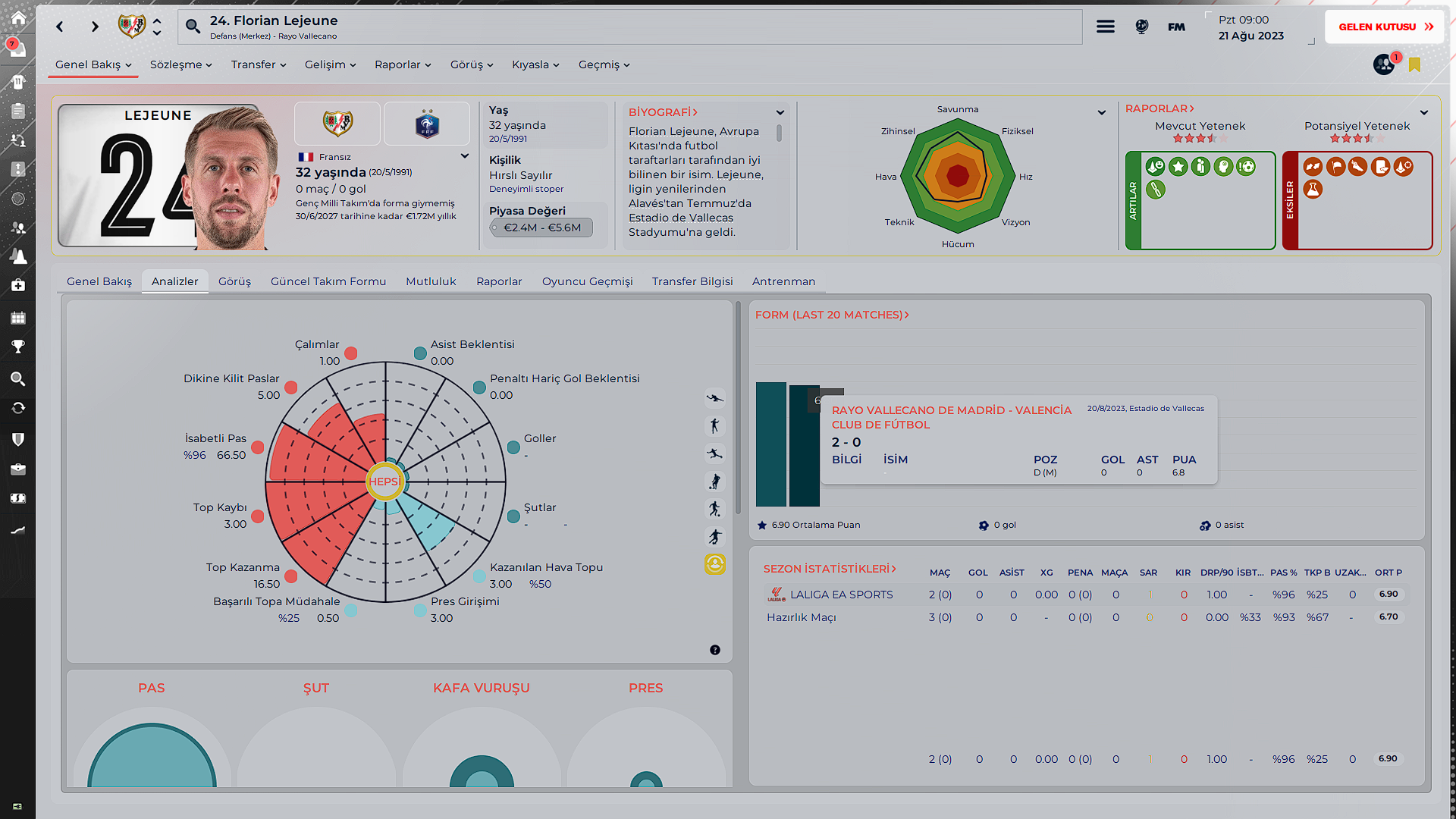


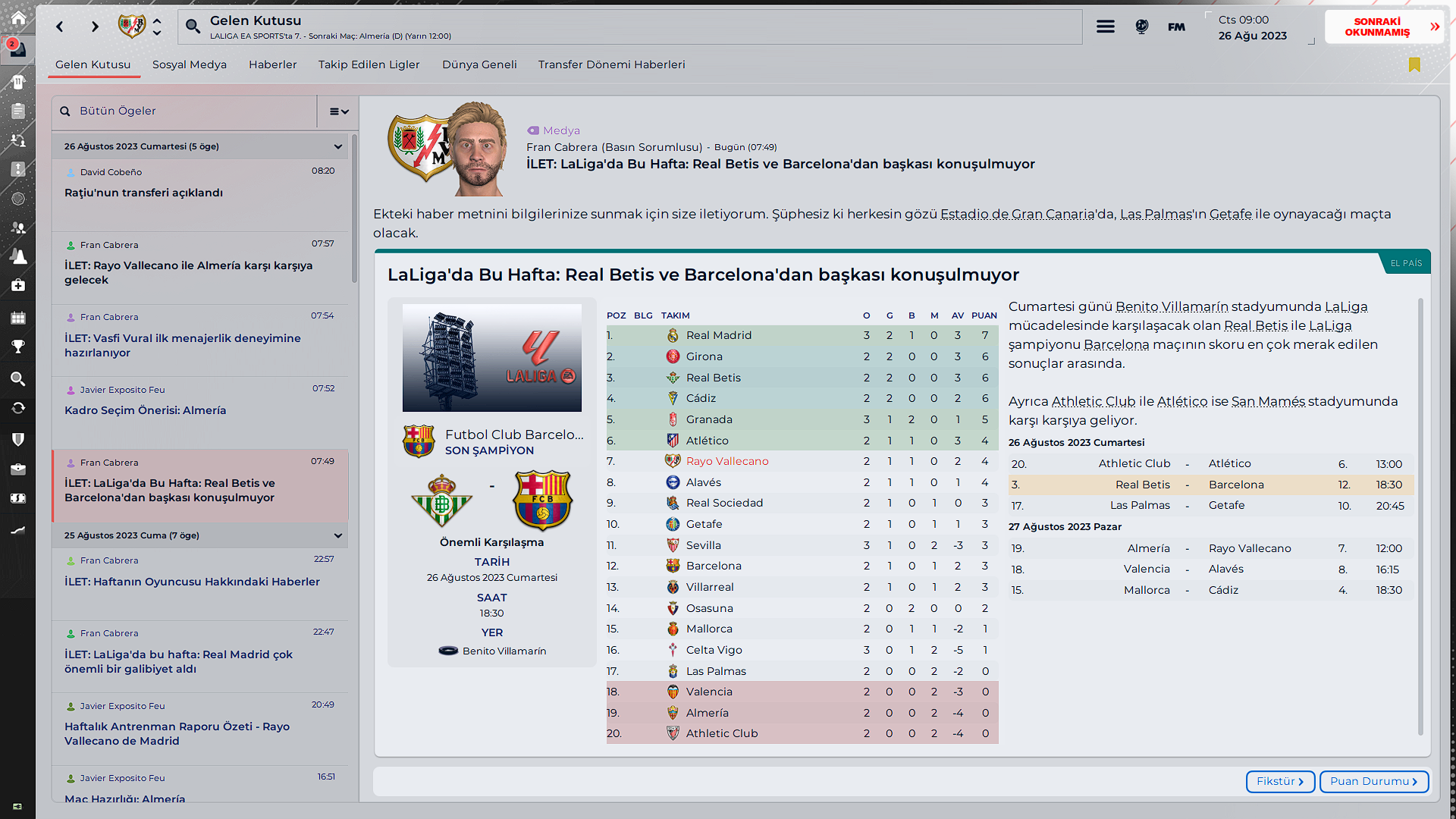

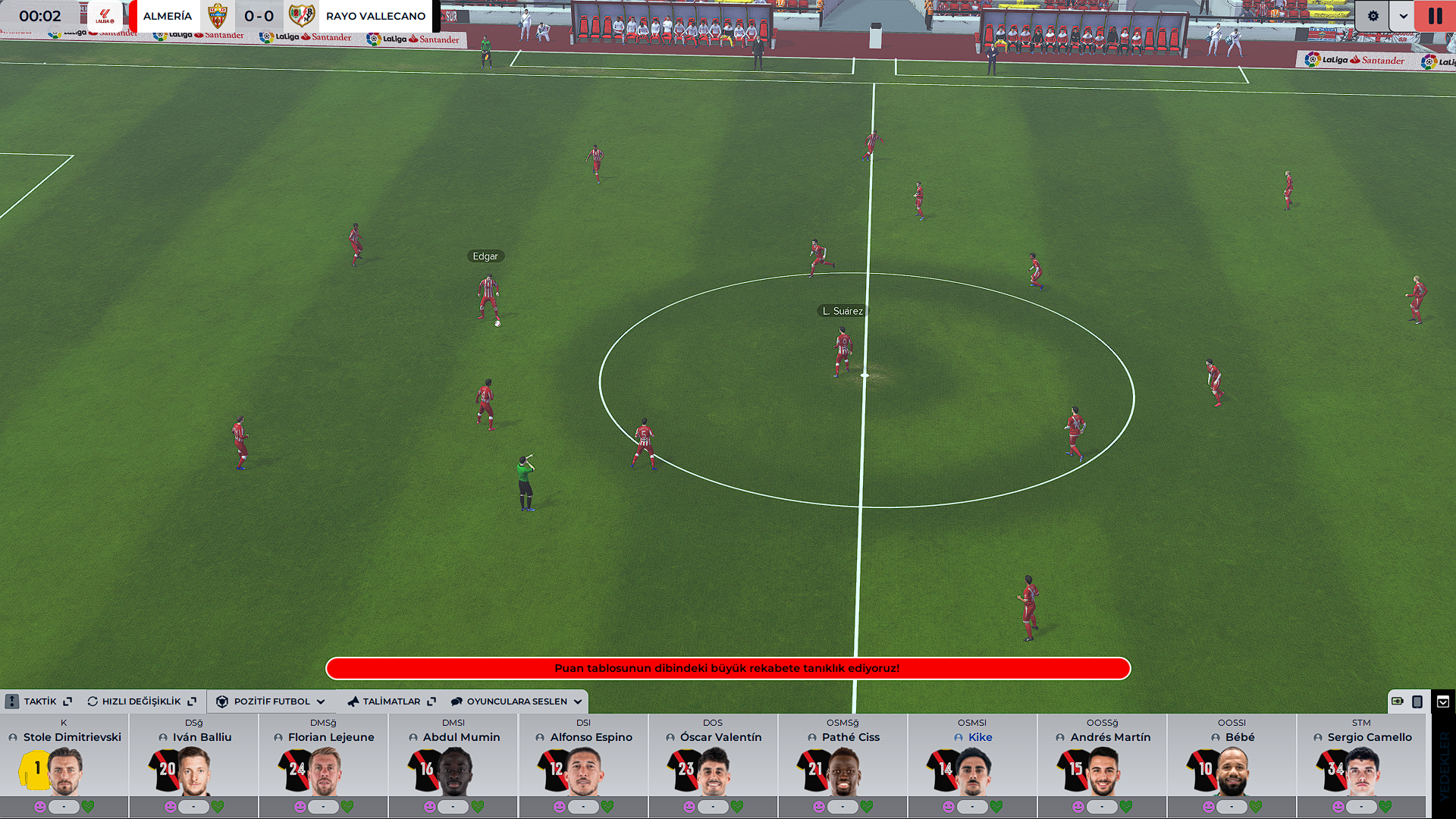


- Upload photos of faces, stadiums and cities for a good experience.
- Optimized for 1920x1080p 85%, may have issues on larger and smaller screens.
- Clear cache.
- Enjoy the game.
Credits and Thanks
WTCS Gold
Mustermann
Rensie
TCS Skin
Mixed Skin
Comments
You'll need to Login to comment
Dario Zveks
I like the skin. But how do I make it dark mode? to change the background so that it is not white. Thanks
Vasfi Vural
Thank you, only light.
ricky white
Brilliant skin! The ball is a grey color in match mode…… any way to change this? Thank you for your time and effort into this skin
Vasfi Vural
you’re welcome, have you tried this add-on?
https://sortitoutsi.net/content/66947/3d-matchballs-megapack-season-20242025
Peuhenriiique
Nice skin! Is there any way to add player backgrounds, or set a percentage of transparency?
Vasfi Vural
thank you, no.
milenec11
forgive if i am wrong. but is this skin WTCS in light mode??? it seems that is similar by almost 90%. am i wrong?
ricky white
Worked a treat!! Thank you once again
Bielsa is a legend
Author credits WTCS in OP
messidinho
kral skini kurdum da renkler hariç arkaplan değişmedi düz wtcsyi de mi indirmem lazım yoksa kurduğum insta result skiniyle çakışıyor olabilir mi?
brigou
Hi, i dont understand why the screen is black and no light …
Serkanedabasar
a theme full of errors
Riyaz Rajan
Any update on this?
Can145
EN:
Could you please provide an update that indicates the conditioning and match deficiencies as a percentage?
TR:
Kondisyon ve maç eksiğini yüzdelik şekilde yazdırtacağın bir update gelir mi acaba?
Quíntis Lobato
A nice-looking skin, more like a light version of 50% Mustermann + 50% WTCS combination to me. Like it, It's not perfect, but worth a try. Like most light skin, it has some colour issues. Hope can use the dark version, which will definitely be my main skin.
Another bug: In match and in highlight, when I try to click the button to check info, the panel won't show, need to drag it from right side.
TobiasThorsen07
best looking skin, just waiting for darkmode now
Mark C 123
nice skin is there a dark version?
FRANCESCO_86
è la skin più bella che io abbia mai visto, vorrei apportare solo tre modifiche tutte nella stessa schermata
1) il campo un verde chiaro tipo quello usato per il riquadro “sgs”
2) il menu laterale dello stile tattico vorrei cambiare il colore con il blu delle riserve
3) un colore tendente al verde per gli aspetti “positivi” e uno al rosso per gli aspetti “negativi”
per fare ciò quale file dovrei andare a modificare?
grazie mille per il lavoro che avete fatto
salewine01
please add a dark version! best skin i've come across, does everything right. also, there is an error i've found - in all the league pages, “top scorer” is not translated into english
Martin Lachmann
FINALLY a great light skin for FM24! The few others just didnt work for me. This one only has very few problems with the colour, but i can live with that.
Dont need a dark version at all! There are plenty of dark skins for everyone.
Thank you!
lenin1923
kardeşim skin gerçekten tam istediğim gibi duruyor eline sağlık fakat kurmayı beceremedim. yardımcı olursan sevinirim
Palmer21
Hi, love this light skin and the skin elements, thanks for sharing!
Question from me is, the staff seem to lose their attributes and show only the circles for their stats (like the attributeless skin by Mustermann). Is there a way to fix this?
FM | Dan
Good afternoon!
Firstly, I absolutely love this skin, and I'm glad there are people out there knocking together quality light skins.
I have one issue I'm looking to amend if anyone can help me.
As per the screen shot below, despite having the game set in English, there are some words that still appear non-English (circled red as an example).
Is there any way of me fixing this?
Many thanks in advance for any help that anyone is able to give me.
sasmaz
looks like a wrong Translation_id is used..if you open this file
Documents\Sports Interactive\Football Manager 2024\languages - example.ltf you can see most id's and search for goal you should be able to locate the correct ID, then you just have to edit your skin file and replace the current one with the new one and you should be sorted
FM | Dan
Thanks for this, mate.
I've found the ID in the example.ltf - but where am I likely to find the corresponding ID in the skin folder? Is there a particular file name that I'm looking for?
Thanks again.
sasmaz
competition overview panel.xml if i remember correct
Holzi_85
competition overview panel.xml
<widget class="picture" file="icons/custom/player stats/top goalscorer" rrep="fg" width="20" image_alignment="centre" scale_picture="true" keep_aspect_ratio="true"/>
<widget class="text" alignment="centre_x,centre_y,can_scale" size="large" font="title" colour="fg" auto_size="horizontal">
<translation id="text" type="use" value="Gol Krallığı"/>
</widget>
Use the correct translation id there. Or write something you want to use in the value="" part.
sasmaz
as written above -
If you wanna use the id, you have to replace
<translation id="text" type="use" value="Gol Krallığı"/>
with
<translation id="text" translation_id="INSET THE ID YOU FOUND" type="use" value="Gol Krallığı"/>
if you use the id,, the text in the value="" has no effect
FM | Dan
@sasmaz and @Sebastian Holzapfel (it won't let me tag you)
Thank you both very much for your help, that is now all sorted!
Very much appreciated.
Ahmed Makboul
The skin is loading in dark mode not light mode. Any help?