@Jão Andrade, at this rate, I'd much prefer it if you didn't upload any more packs. I've been asking you to pay attention to the guidelines, but you don't seem to understand them.
There is a lot of blue snow around the head.
Moreover, many of the cuts in this pack have either snow or appear to have been cut using the eraser tool or something similar. Others could do with being brightened, and others still have had better cuts produced recently.
Your technique clearly needs a lot of work. Use remove.bg, and nothing else. Here's a couple of videos on how to use it, one when combined with Photoshop and another using photopea.com, which is a free online app so close to Photoshop that it has the same shortcuts, layout and icons.
If you don't have Photoshop, photopea.com is the tool I would recommend to use to tweak the draft cut produced by remove.bg. It's more powerful and versatile than GIMP and other similar tools.
@Jão Andrade, at this rate, I'd much prefer it if you didn't upload any more packs. I've been asking you to pay attention to the guidelines, but you don't seem to understand them.
There is a lot of blue snow around the head.
Moreover, many of the cuts in this pack have either snow or appear to have been cut using the eraser tool or something similar. Others could do with being brightened, and others still have had better cuts produced recently.
Your technique clearly needs a lot of work. Use remove.bg, and nothing else. Here's a couple of videos on how to use it, one when combined with Photoshop and another using photopea.com, which is a free online app so close to Photoshop that it has the same shortcuts, layout and icons.
If you don't have Photoshop, photopea.com is the tool I would recommend to use to tweak the draft cut produced by remove.bg. It's more powerful and versatile than GIMP and other similar tools.
Don't worry, I won't send you anything else like 40 photos and you don't like one and then you complain. It's volunteer work. I just want to help, and you keep undoing it.

 Background and Stadium Packs



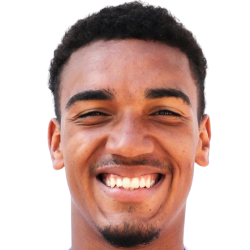
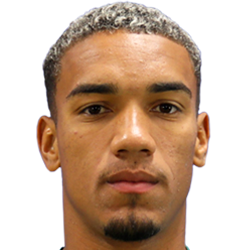
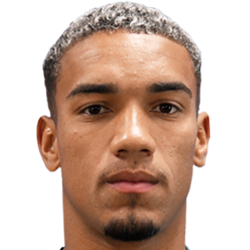




@Jão Andrade, at this rate, I'd much prefer it if you didn't upload any more packs. I've been asking you to pay attention to the guidelines, but you don't seem to understand them.
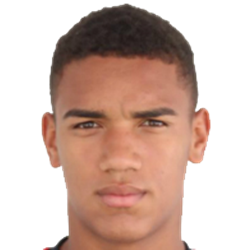
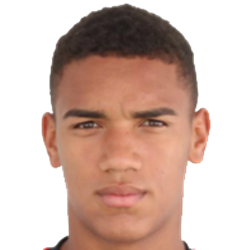
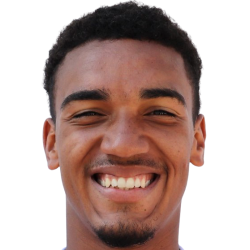
There is a lot of blue snow around the head.
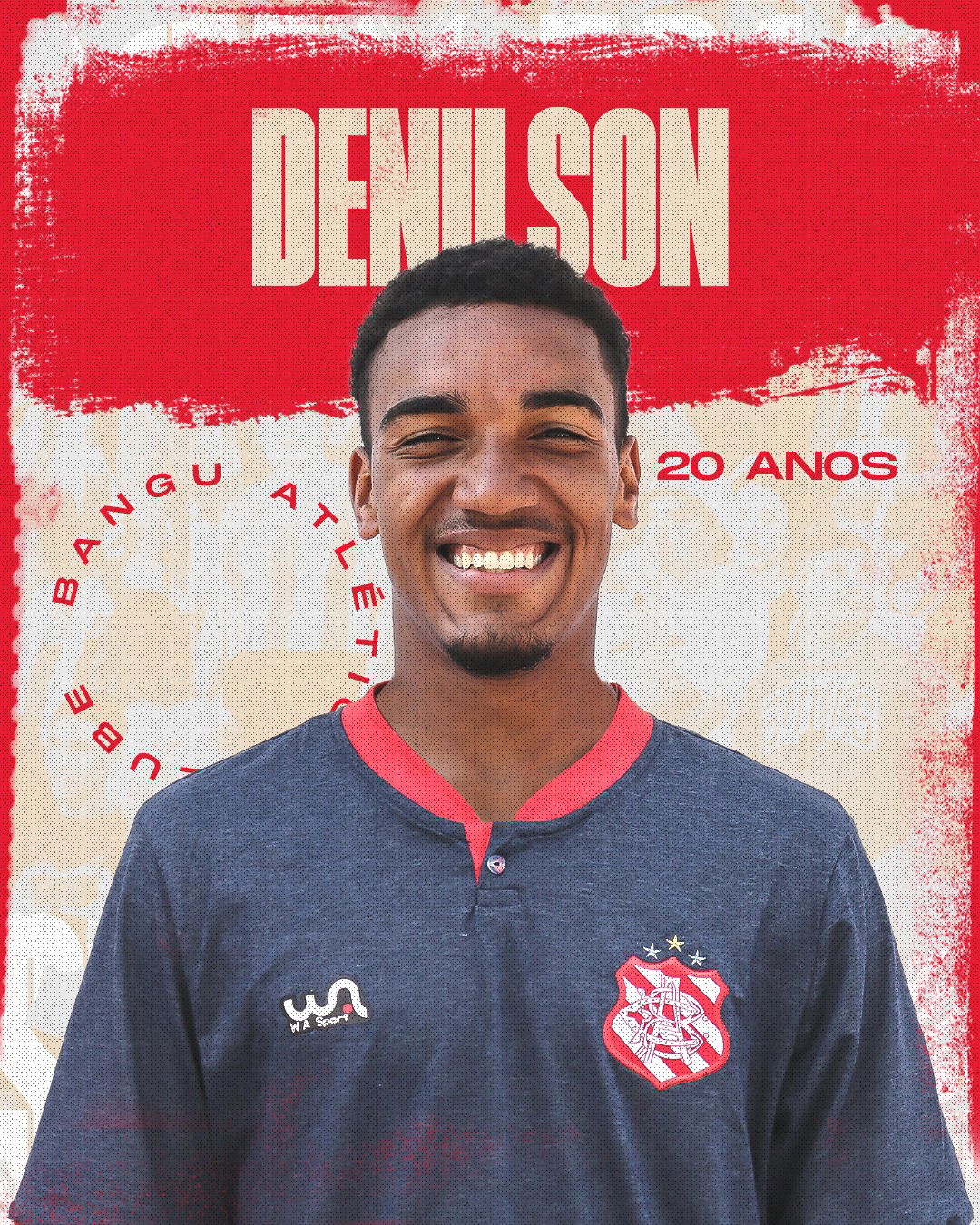
Moreover, many of the cuts in this pack have either snow or appear to have been cut using the eraser tool or something similar. Others could do with being brightened, and others still have had better cuts produced recently.
Your technique clearly needs a lot of work. Use remove.bg, and nothing else. Here's a couple of videos on how to use it, one when combined with Photoshop and another using photopea.com, which is a free online app so close to Photoshop that it has the same shortcuts, layout and icons.
If you don't have Photoshop, photopea.com is the tool I would recommend to use to tweak the draft cut produced by remove.bg. It's more powerful and versatile than GIMP and other similar tools.