
Joe Gelhardt - Submissions - Cut-Out Player Faces Megapack
222724 Background and Stadium Packs


Timeline
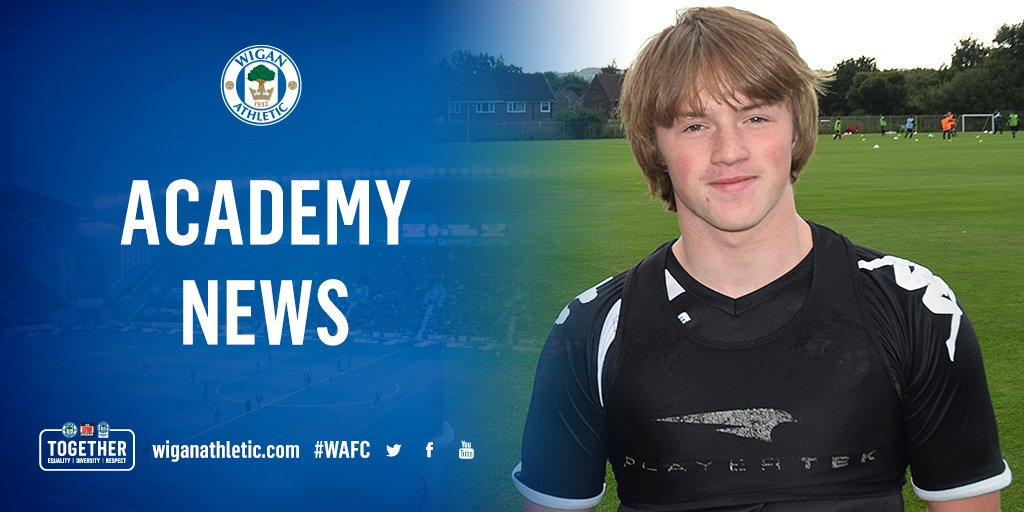



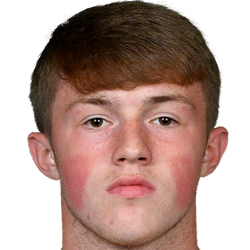


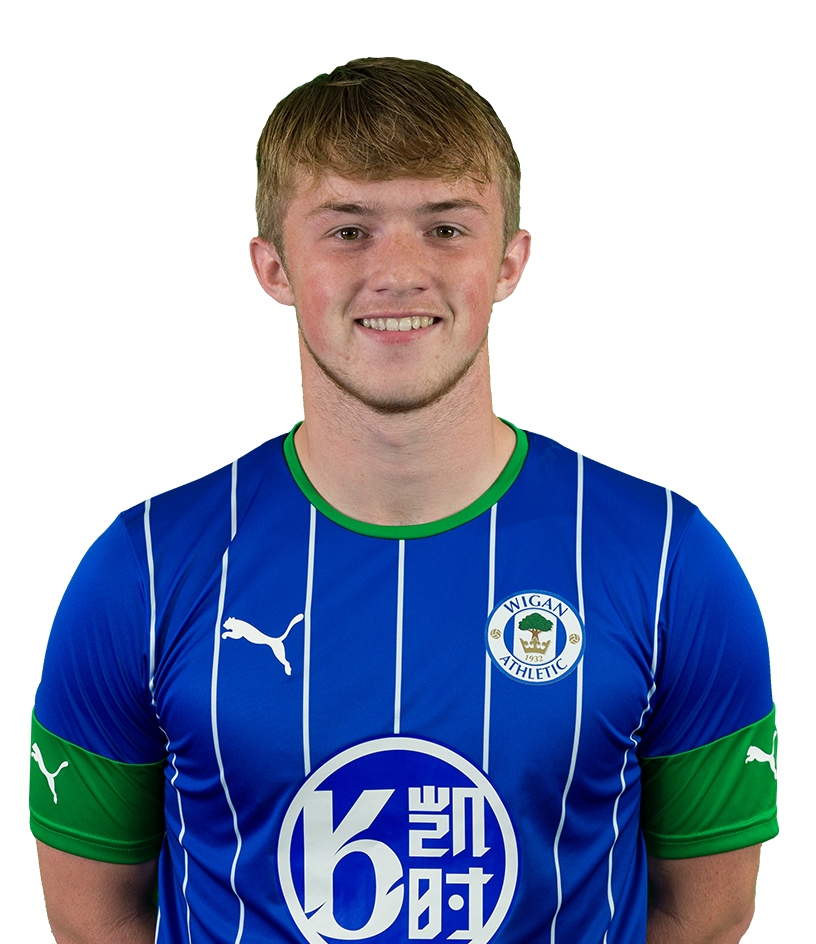
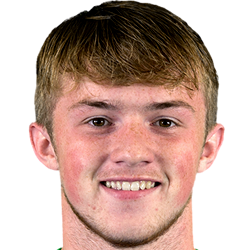

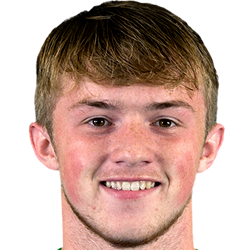
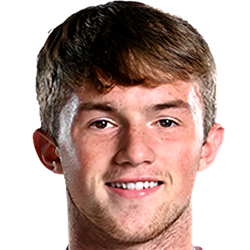


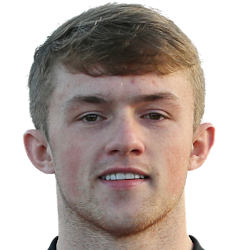
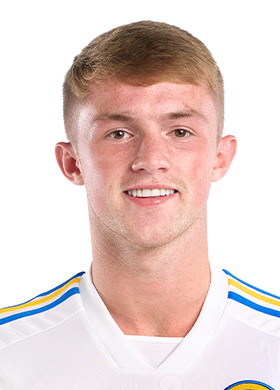
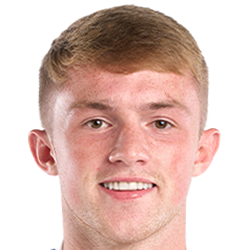
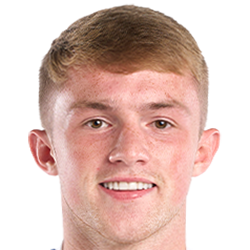


@superleeds27, decent work, but we want the player's face to fill the canvas for the 250px cutout, which would mean cropping the image along these red lines:
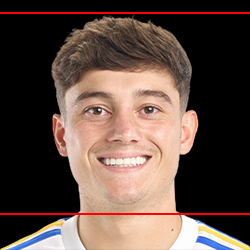
At the same time, we want all cuts to include a little bit of collar. In instances where the person in the image may have a longer neck than usual, this would be quite difficult to achieve naturally.
Here's a video of the process on how to nudge the collar upwards:
No probs, thought I'd give it a go with some of the ‘easier’ ones that I've found!
No probs, thought I'd give it a go with some of the ‘easier’ ones that I've found!
No worries, it's quite good apart from that. Using remove.bg and Photoshop, I imagine?
P.S. If you use the reply button and quote my comment, I get a notification when you reply 😉
No worries, it's quite good apart from that. Using remove.bg and Photoshop, I imagine?
P.S. If you use the reply button and quote my comment, I get a notification when you reply 😉
Affinity actually (On the laptop at the mo, desktop has photoshop!).
The new version (3) has object selection tool which does a really good job on these types of headshots.
Affinity actually (On the laptop at the mo, desktop has photoshop!).
The new version (3) has object selection tool which does a really good job on these types of headshots.
It leaves a little bit of snow, which remove.bg is much better at removing. If you haven't heard of it, it's a free online tool which removes the background to an excellent standard, for free and almost instantly.
Here's a video on how to use it when combined with Photoshop, but you can ignore the Photoshop steps if you're using another software.
This thread contains guidelines for what we're looking for in our cuts in terms of dimensions, snow, collars, face orientation etc. and video tutorials for each element. Also, when you have a lot of images to upload, then you should upload them as a pack instead of individually and save the both of us some time.
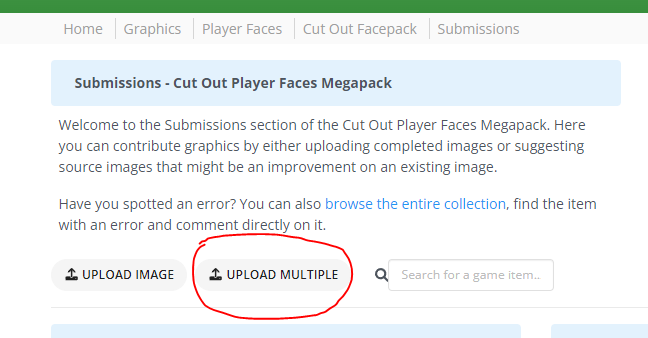
You can also upload up to 50 images per pack instead of just a maximum of 3 when done individually.
Baja