
Giorgi Jgerenaia - Submissions - Cut-Out Player Faces Megapack
59047104 Background and Stadium Packs


Submitted
17 Jun 2026 20:22:54
Timeline

This image is part of a pack:
50 cuts from Peru and other countries
Pending
by Jan Edwinssen
on 13 Jun 2021 13:00:17
Completed
by mons
on 13 Jun 2021 18:23:38
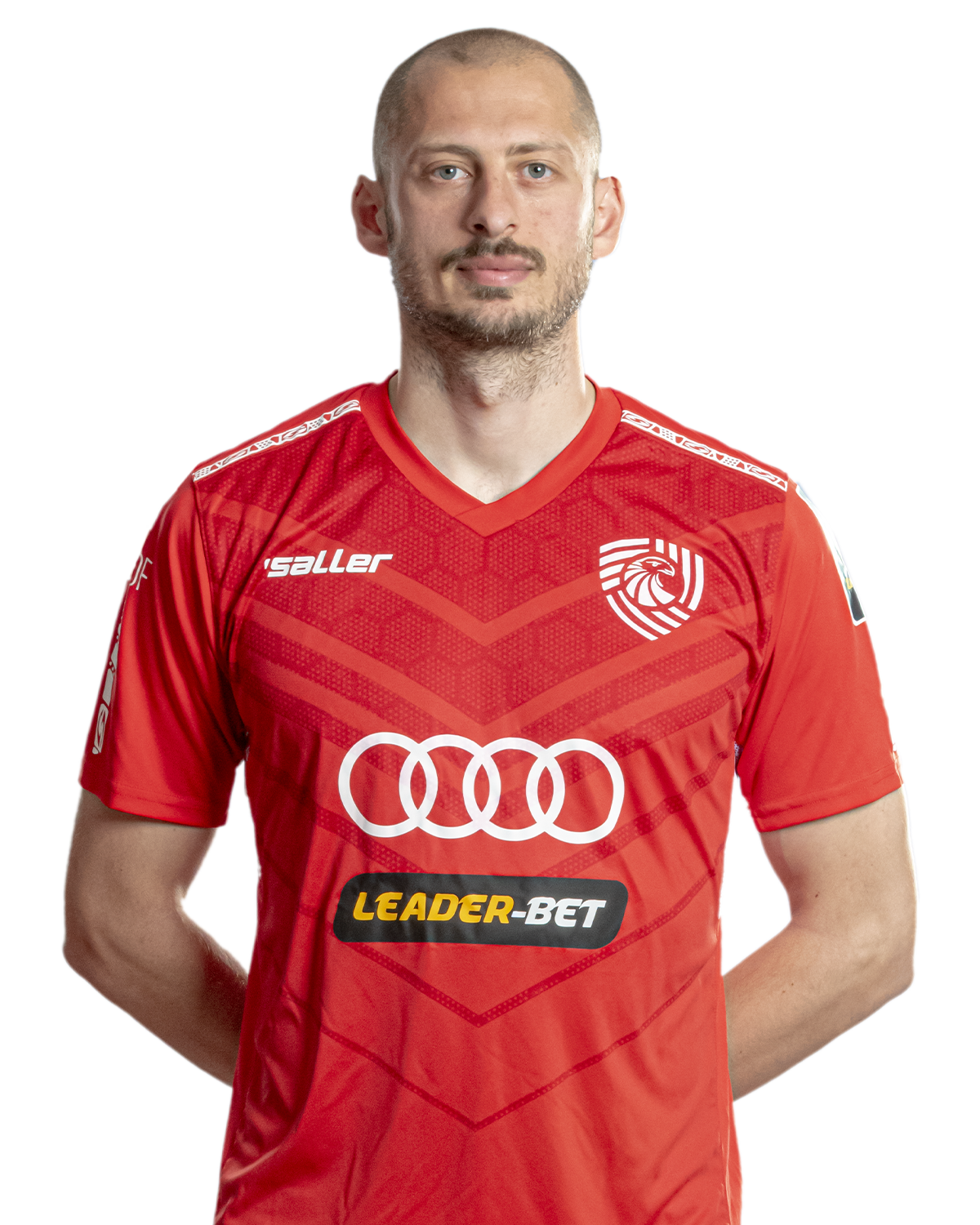
This image is part of a pack:
Georgia Missing/Improvement/Update 1
Pending
by bhamichaelg
on 04 Jun 2023 21:58:18
In Progress
by bhamichaelg
on 26 Jun 2023 21:51:29
Completed
by mons
on 01 Jul 2023 06:56:49
This image is part of a pack:
Pack 143
Pending
by bhamichaelg
on 29 Jun 2023 21:33:19
Completed
by mons
on 29 Jun 2023 21:42:12
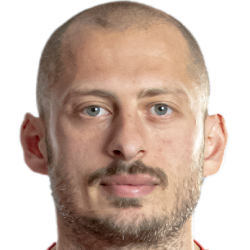
This image is part of a pack:
Take 2 #2
Pending
by bhamichaelg
on 30 Jun 2023 21:03:17
Completed
by mons
on 01 Jul 2023 06:56:49
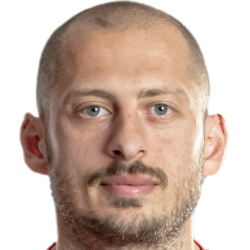

This image is part of a pack:
UzbekSuperLeague - Paxtakor/Navbahor
Pending
by Tombull360
on 20 Apr 2026 04:45:50
In Progress
by noxrain
on 16 May 2026 11:37:15
Completed
by mons
on 16 May 2026 17:49:14

This image is part of a pack:
UzbekSuperLeague - Paxtakor/Navbahor


This image is a response to
#3823483
@noxrain, adding to what I just posted elsewhere, it's always good if you refine the original source to get the best possible version in-game.
For example, brightening darker images like this one always looks better in-game. The easiest way is to go to this tab in Photoshop:
and tweak the brightness slider.
There is also a Photoshop action file, available for download here, which contains a lot of common actions, including one for brightening, for ease of use 😉