
Anıl Can Yolgörmez - Submissions - Cut-Out Player Faces Megapack
70115413 Background and Stadium Packs


Timeline
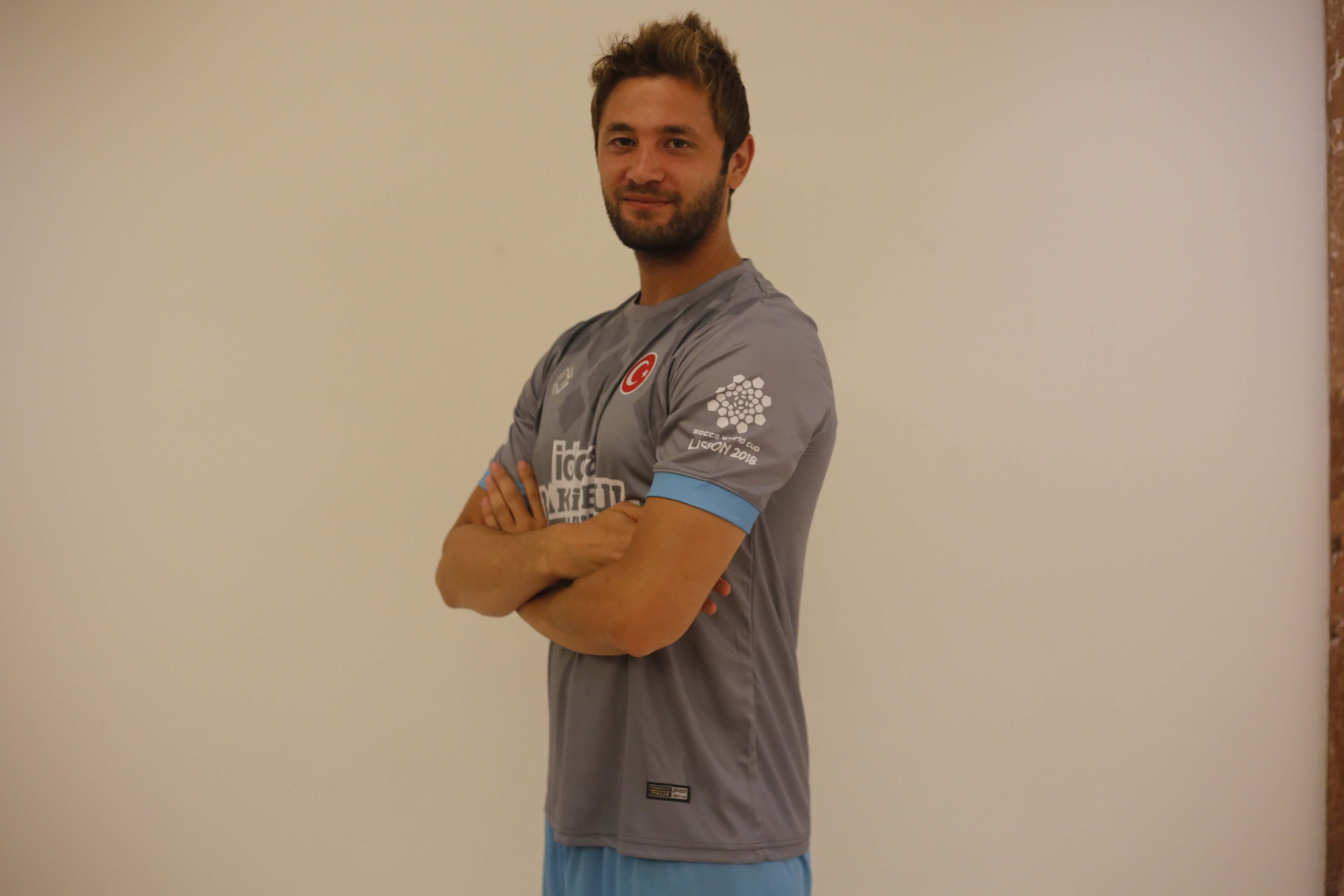



Is there a way to completely delete this pack? I think they're all useless and I can't add new ones.

Is there a way to completely delete this pack? I think they're all useless and I can't add new ones.
They're certainly not all useless. All the pending ones are good enough to provide a cut-out. You'll just have to be patient, or give cutting a go yourself. This thread contains guidelines for what we're looking for in our cuts in terms of dimensions, snow, collars, face orientation etc. and video tutorials for each element.
I would recommend using remove.bg, which is a free online tool which removes the background to an excellent standard, for free and almost instantly.
Here's a couple of videos on how to use it, one when combined with Photoshop and another using photopea.com, which is a free online app so close to Photoshop that it has the same shortcuts, layout and icons.
If you don't have Photoshop, photopea.com is the tool I would recommend to use to tweak the draft cut produced by remove.bg. It's more powerful and versatile than GIMP and other similar tools.
@eminay Not large enough for a 250 cut