
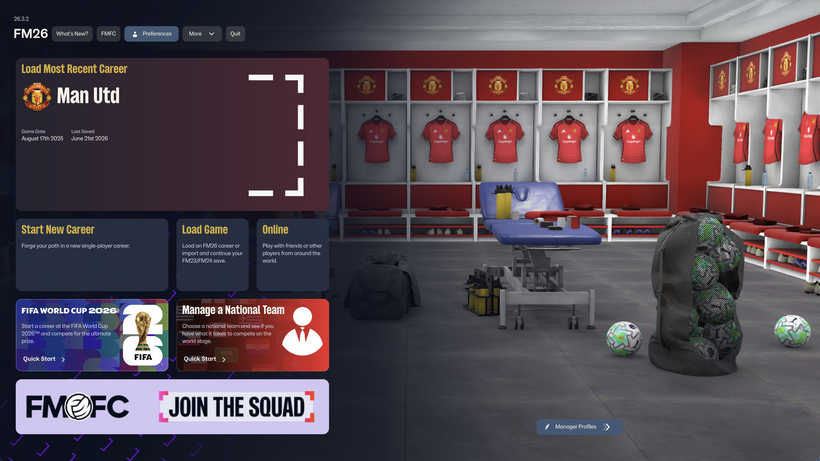
z
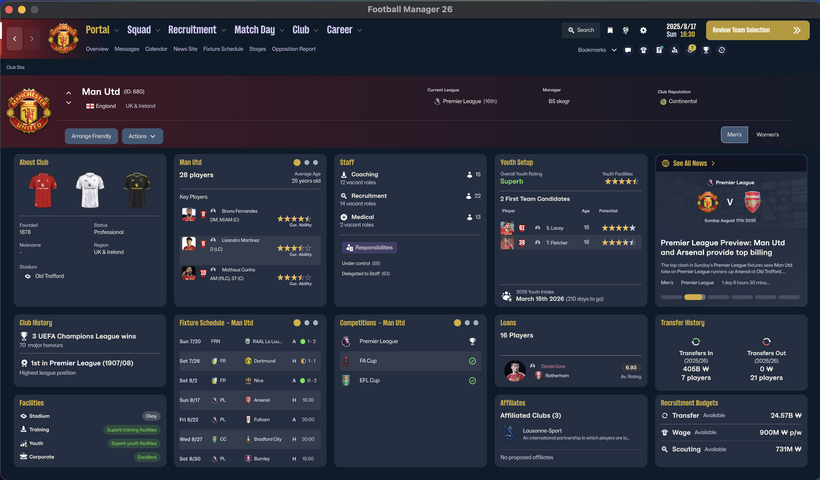
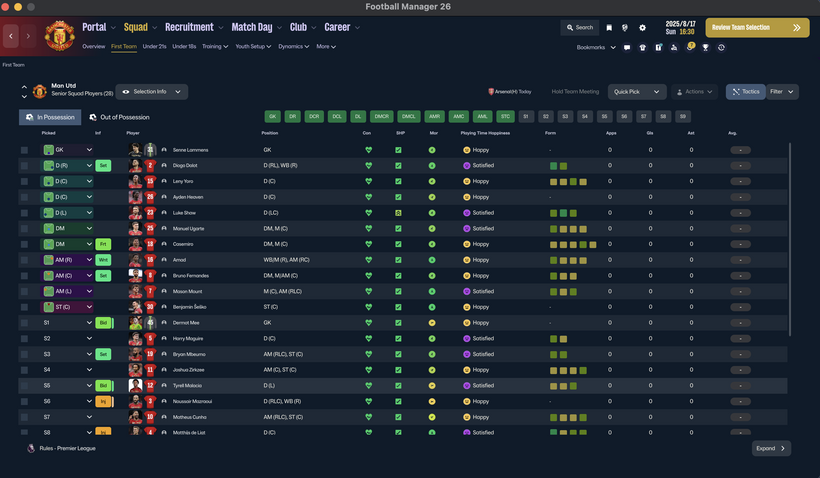
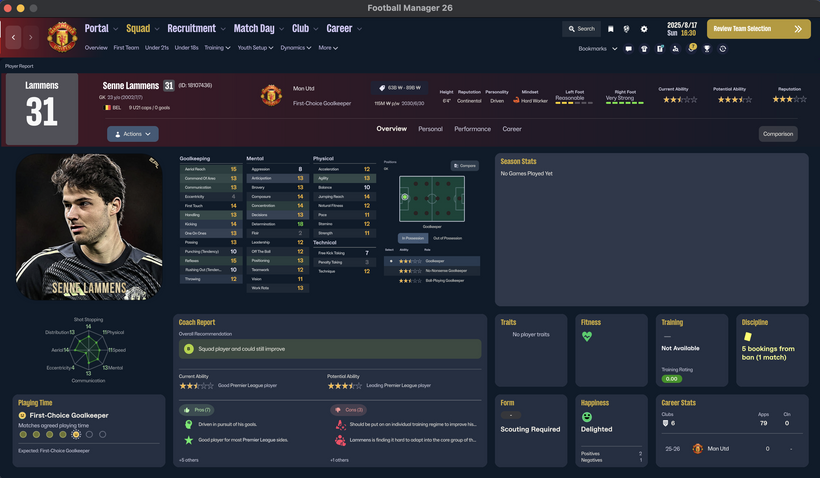
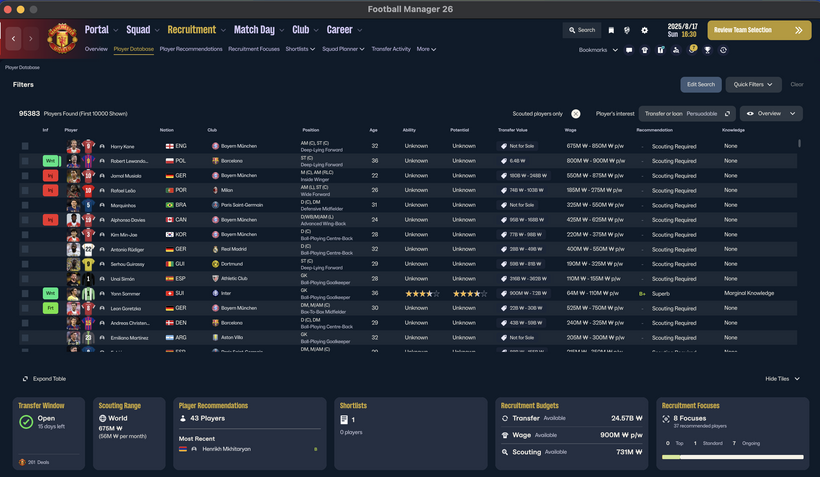
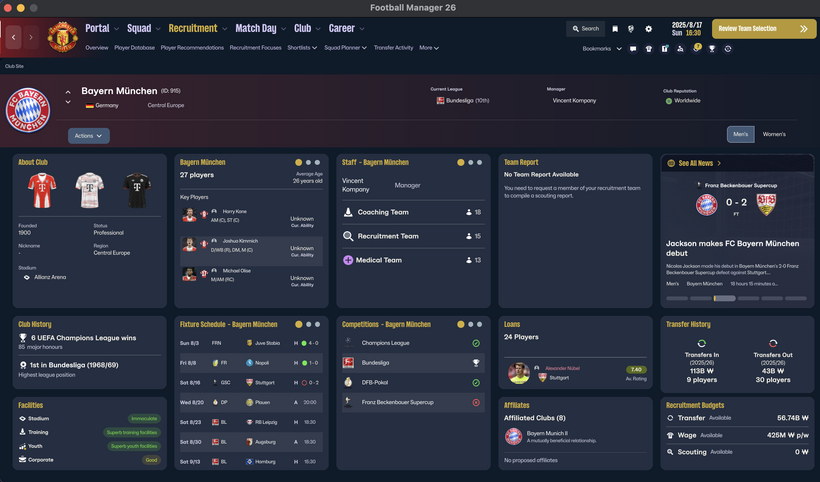
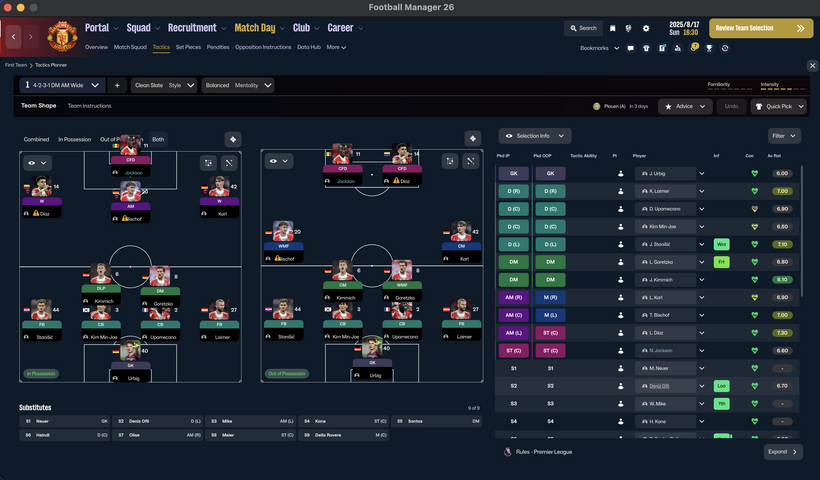
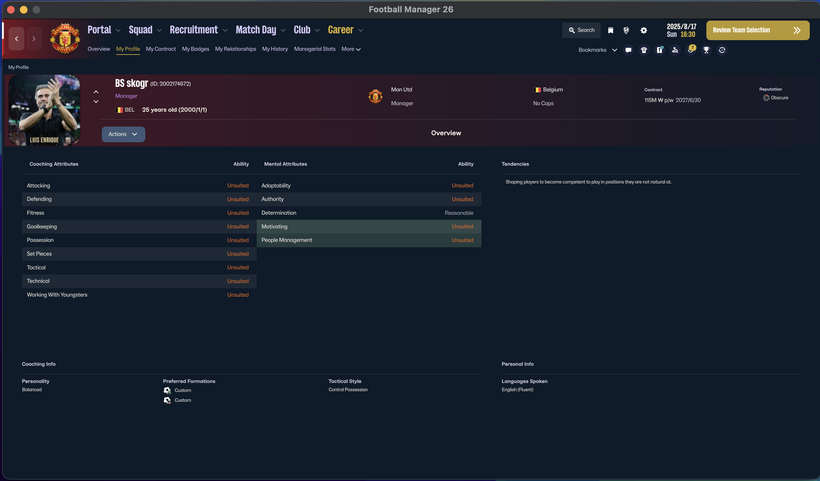
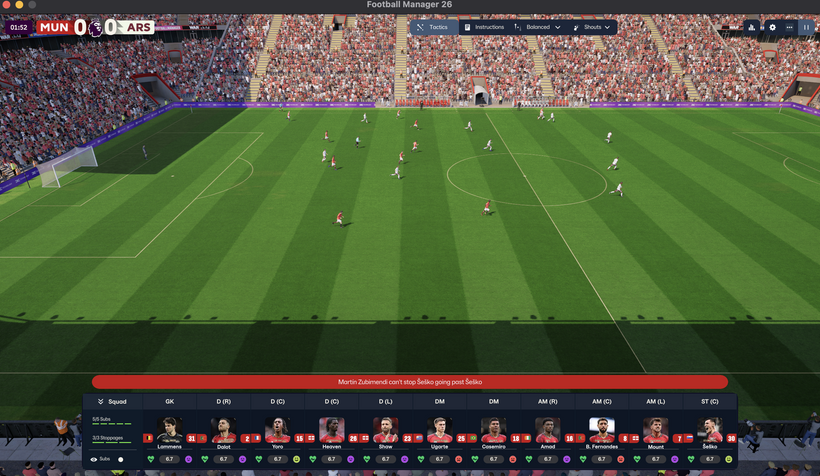
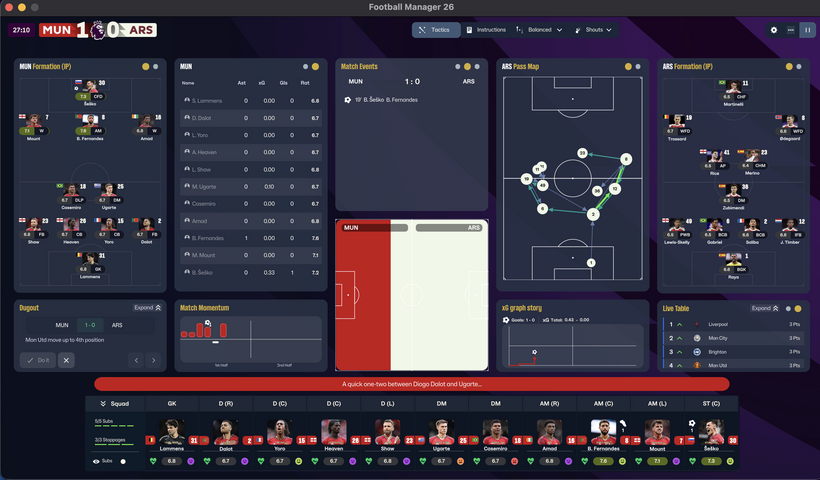
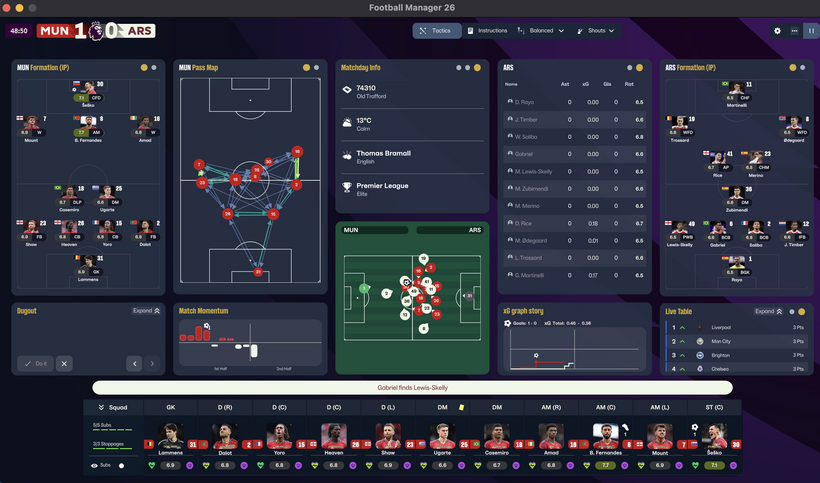
skogr skin free
Key Differences from Vanilla Skin
Manager Photo Replacement: Change your manager's profile picture without any extra software, just like player or staff facepacks.
Simply find your Manager ID and place the desired photo in your graphics folder using that ID.
(Tip: Search for "facepack installation guides" for detailed instructions.)
Opponent Tactics Preview: View the opposing team's tactics in advance.
Enhanced Profile Photos: Larger, better-scaled images for both player and staff profiles.
Visual Improvements: Various UI/UX enhancements for better gameplay convenience.
[IMPORTANT] The "Numerical Attributes" feature (displaying player/staff attributes as numbers) is excluded from this free version.
Compatibility & Installation
Both Mac and Windows versions are provided. Please download the version compatible with your OS.
How to Install (Mac Version)
Download the Mac version.
Copy the 17 files located inside the free folder.
Paste them into the directory below and replace the existing files. [IMPORTANT: A backup of your original files is mandatory before replacing.]
/Users/(YourName)/Library/Application Support/Steam/steamapps/common/Football Manager 26/fm.app/Contents/Resources/Data/StreamingAssets/aa/StandaloneOSX/
How to Install (Windows Version)
Unzip the downloaded file and locate the free skin folder.
Copy only the files inside that folder (do not copy the folder itself).
Paste them into the following directory: [IMPORTANT: A backup of your original files is mandatory before replacing.]
\Football Manager 26\fm_Data\StreamingAssets\aa\StandaloneWindows64
For more information regarding our paid and membership skins, please check the link below: https://www.patreon.com/skogr/posts/skogr-skin-has-161889818
Credits
Comments
You'll need to Login to comment
lazyx
где скачать можно?
Azrael
please read the title of the post, and that will answer your question.
lazyx
и когда оно будет готово?
skogr
"Downloads are just temporarily paused until the next release."
"Загрузки временно приостановлены до следующего релиза."
batigoalzyh
waiting…..
lazyx
бесплатной загрузки не будет?
skogr
"Бесплатная версия уже обновлена и доступна для скачивания на моем Patreon. Только версия Black/Red Custom является платной."
"The free version has already been updated and is available for download on my Patreon. Only the Black/Red Custom is the paid version."
lazyx
можно ссылку? ато тут только платная
skogr
Posts on Patreon that are not marked as paid can be downloaded with a free membership (you just need to sign up for a free account). Also, the free version is available on the Sortitoutsi website here: https://sortitoutsi.net/
Публикации на Patreon, которые не отмечены как платные, можно скачать с бесплатной подпиской (достаточно просто зарегистрироваться бесплатно). Кроме того, бесплатная версия также доступна на сайте Sortitoutsi: https://sortitoutsi.net/
lazyx
спасибо вам 🙂 и скин как всегда супер
DISTOCWEL
Brother, please correct the font errors in Polish next time 🙂
skogr
I have checked and fixed the Turkish language error. The Polish language issue should also be resolved now. Please wait for the next update.
Sprawdziłem i naprawiłem błąd z językiem tureckim. Problem z językiem polskim prawdopodobnie również został rozwiązany. Proszę czekać na kolejną aktualizację.
Arvid01
I love the Dark Skin. - But when I open the “Settings” menu while playing the 3D game, the screen freezes, and I can’t get back into the game! - This has happened to me twice now.
skogr
I am currently investigating the issue. Since it does not happen every time, it is difficult to verify, but I will fix it as soon as possible.
Arvid01
@skogr – Merci.
Umberto Ramuby
Hi Skogr, could you tell me which files of Skin indicate the fatigue percentage?
Thanks
skogr
Simply copying the file will not make it work on other skins.
Umberto Ramuby
?!?!?!?!?!
milenec11
when i want to use the in game editor and for examble i want to edit a player ..i press the button for in game editor and instead of the player that i want to edit its pop up my profile , what ever player or staff i want to edit only my profile pop up to edit
skogr
Below the v0.1.5 update details, you can find instructions on how to use the editor. Since I completely changed the internal structure during skin development, it was originally incompatible, but a workaround was found in the Korean community. Please check it out.
Ben Retter
@skogr is it possible to convert the form column (last 5 games) on squad view to a numerical value? Rather than the coloured bars. It is visible as a numerical value on each individual player screen.
skogr
I will look into it.
stratos79
Good morning and well done for the work, especially with the addition of player statistics with numbers as with the bars it is not easy to calculate their fatigue to use them in the next game (which file is this out of the 19?)
Just one observation: The coach's profile is not working. In other words, the sketch we created at the beginning is not visible. Only the dark outline is there.
Be well.
Nguyễn Sỹ Duy Hoàng
Look so good man. 10/10 perfect. Who give u idea to put the nationality and shirts number in the tactics board. Significant improve
Nguyễn Sỹ Duy Hoàng
lazyx
не отображаются номера игроков замены
skogr
Я проверил, на моем экране всё отображается нормально. И благодаря вам я нашел скрытое сердечко. Тем не менее, на всякий случай я скорректирую эту часть с сердечком, чтобы всё работало и применялось правильно.
I checked, and it displays normally on my end. Also, thanks to you, I found the hidden heart. However, just in case, I will adjust the heart icon to make sure everything is applied properly.
e1twat0
Good work man, just experimenting with your numbers for stats in my skin, hope you don't mind me using them let me know if not I'm no where near releasing yet. How are you getting the condition and sharpness numbers level. Mine seem to be just off as you can see
skogr
Since it is a public release, you are free to use it. However, please make sure to credit me and include a link to my Patreon when you release it.
e1twat0
Sure thank you, but what about how the numbers look on my version. Yours are in line, mine are just slightly off. I've tried adjusting the columns but it makes no difference. Also tried different fonts including the default like you've used. Still not getting them straight