
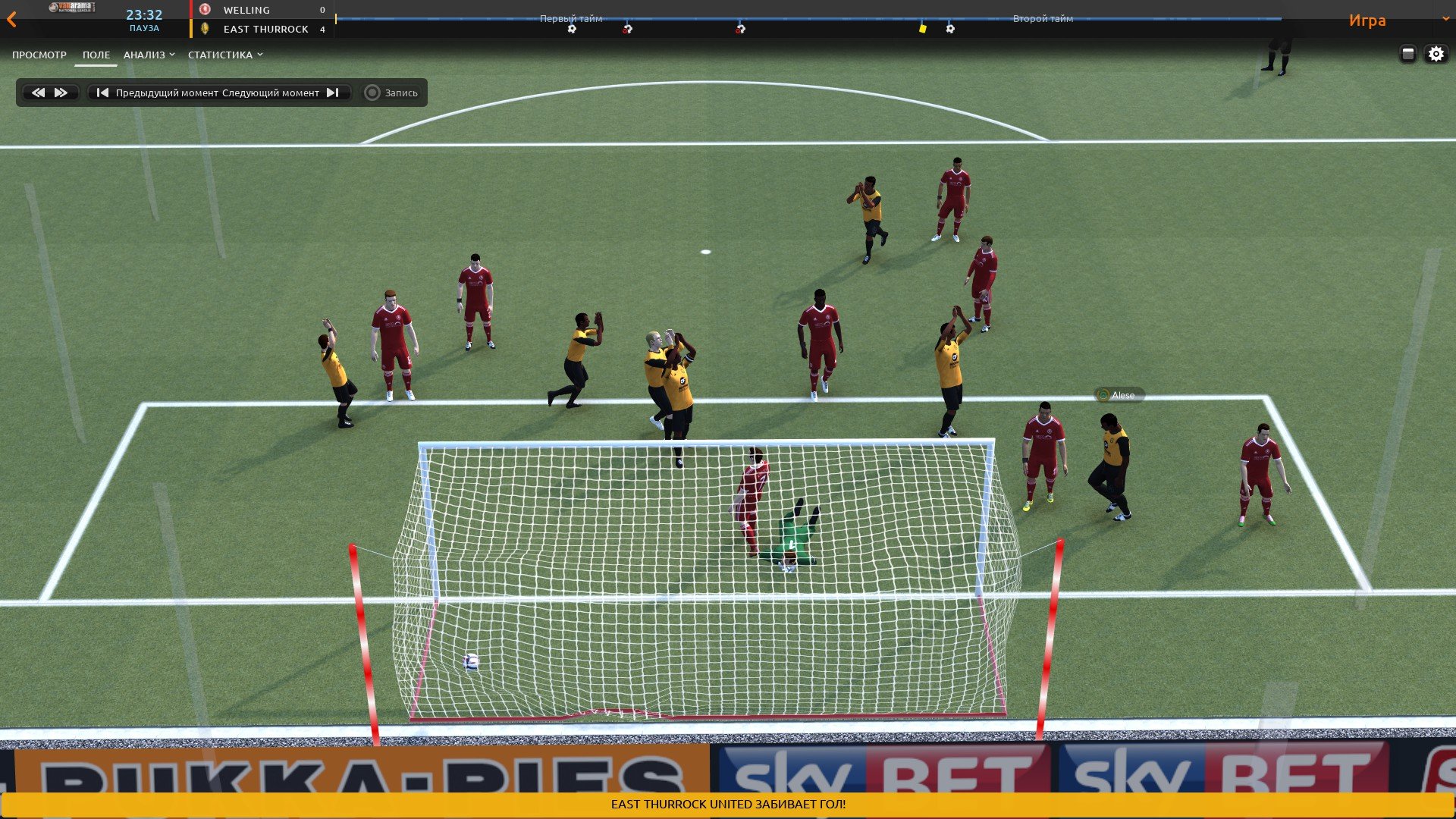
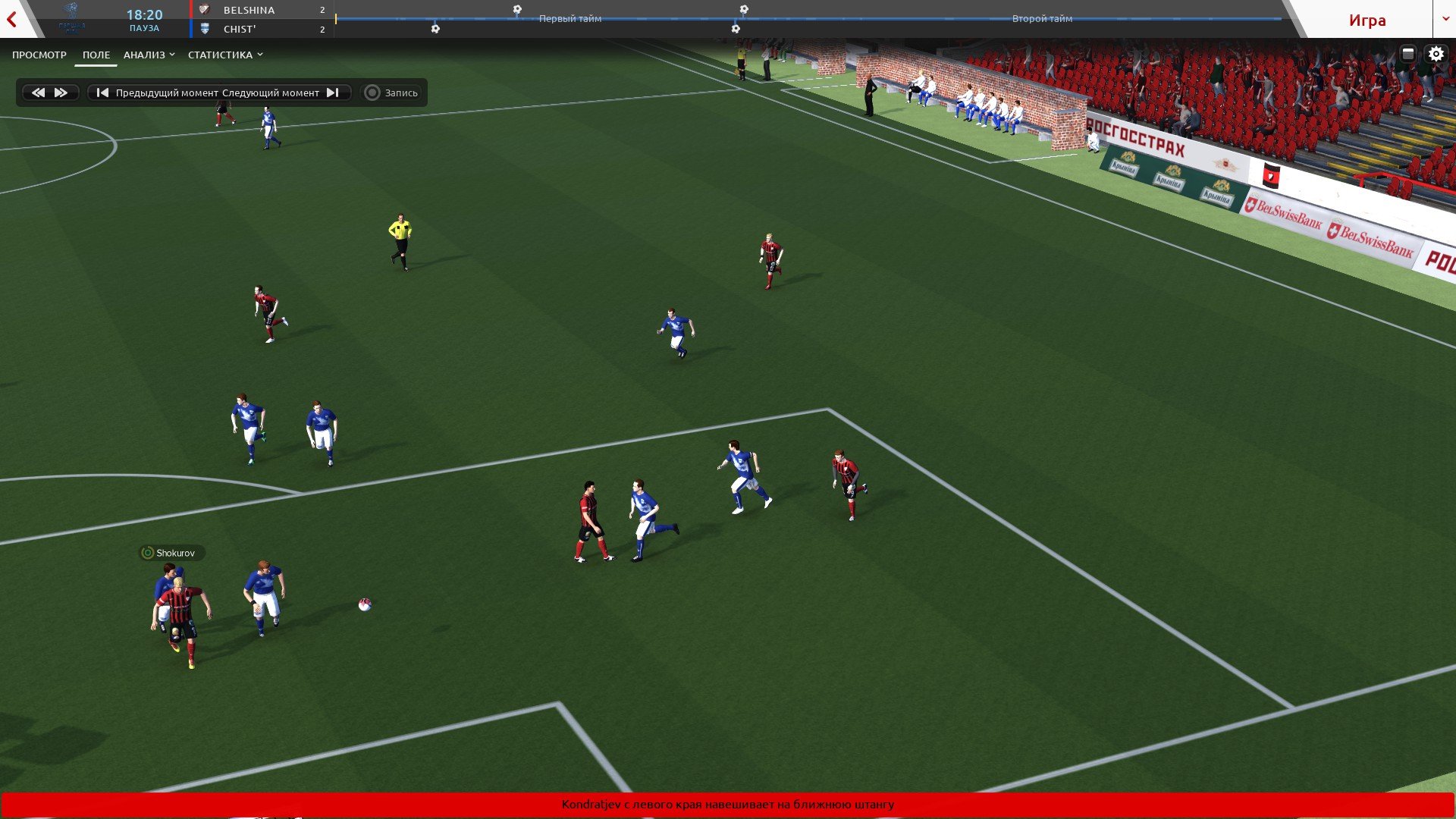
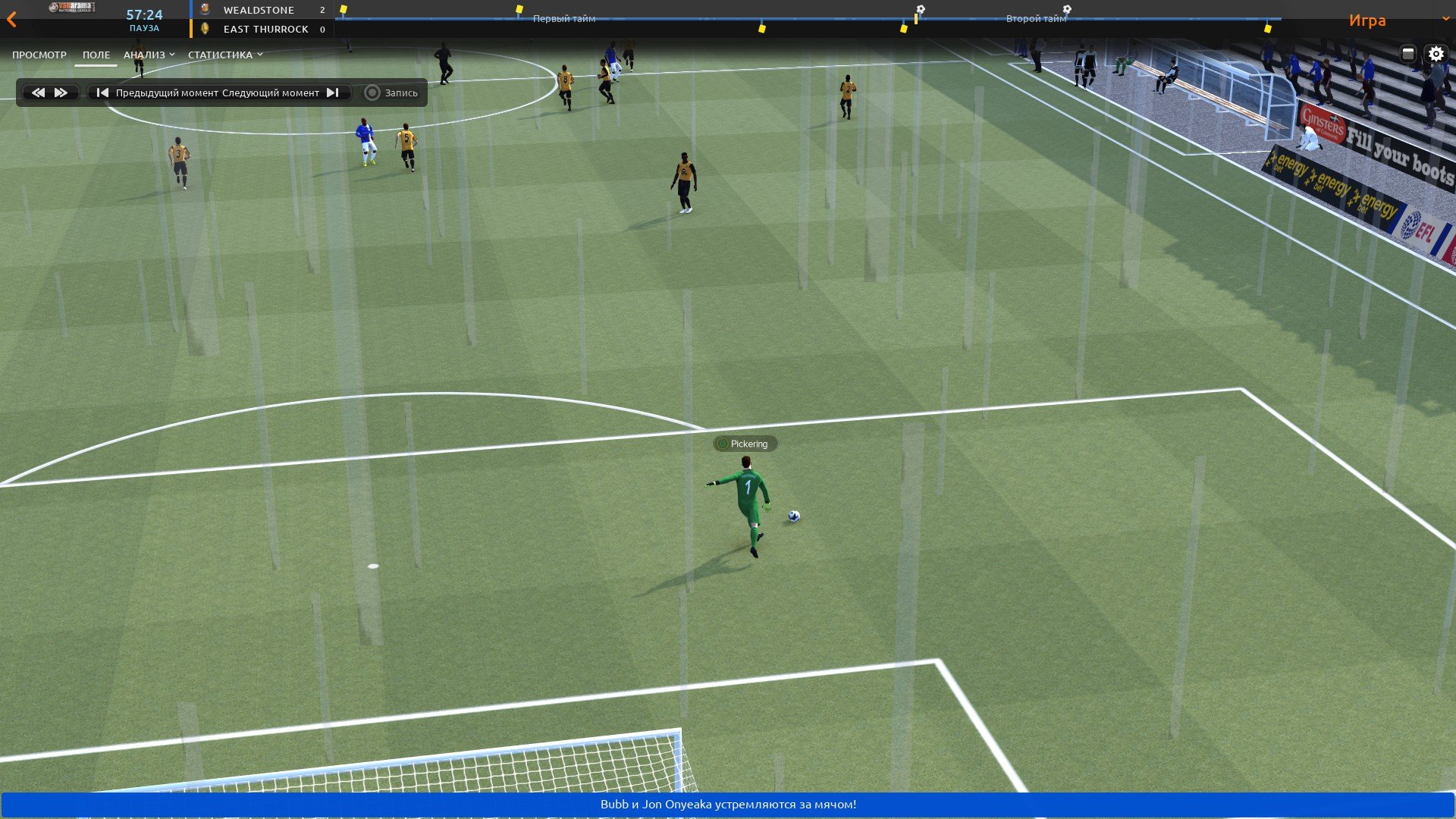
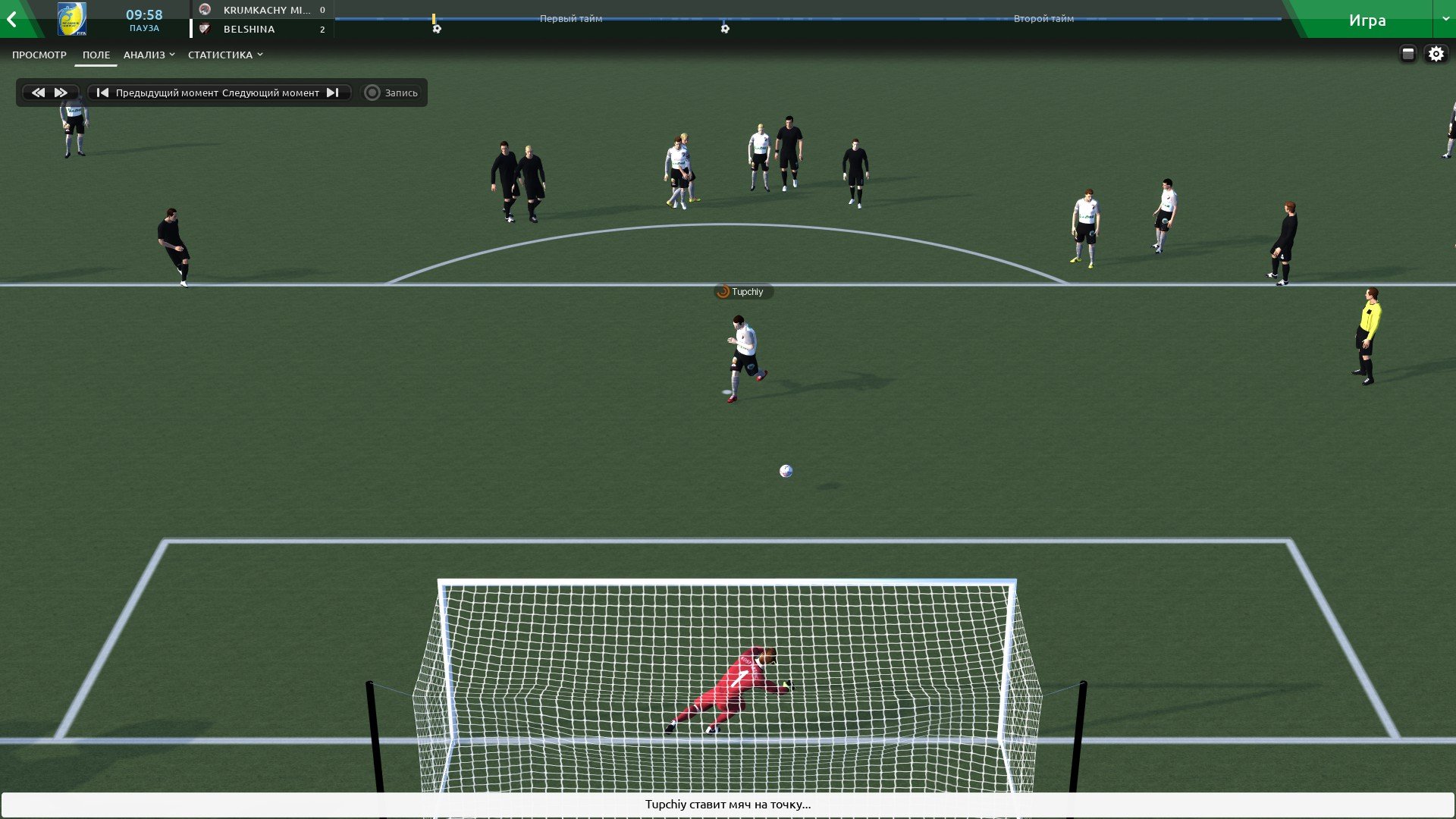
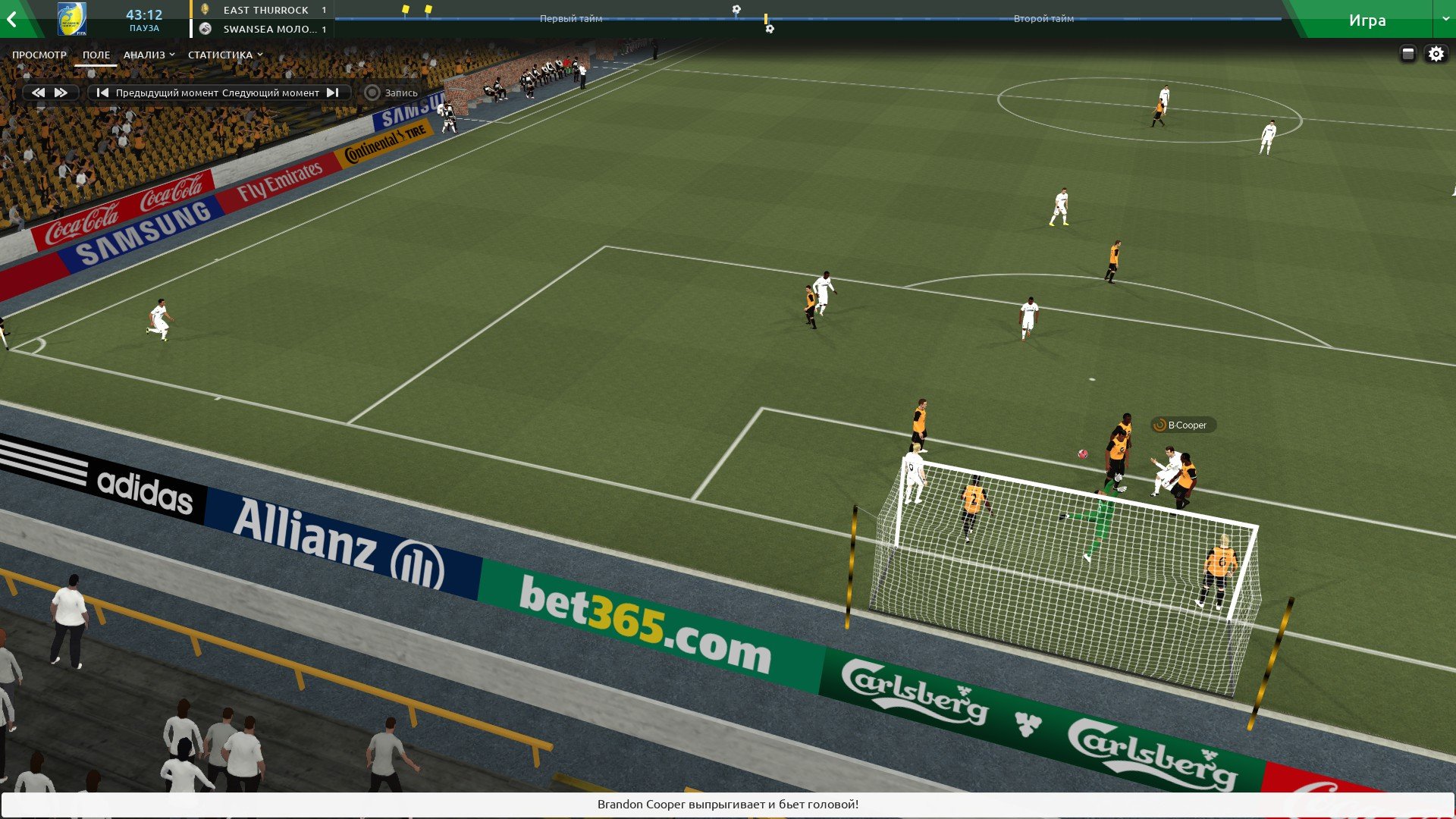
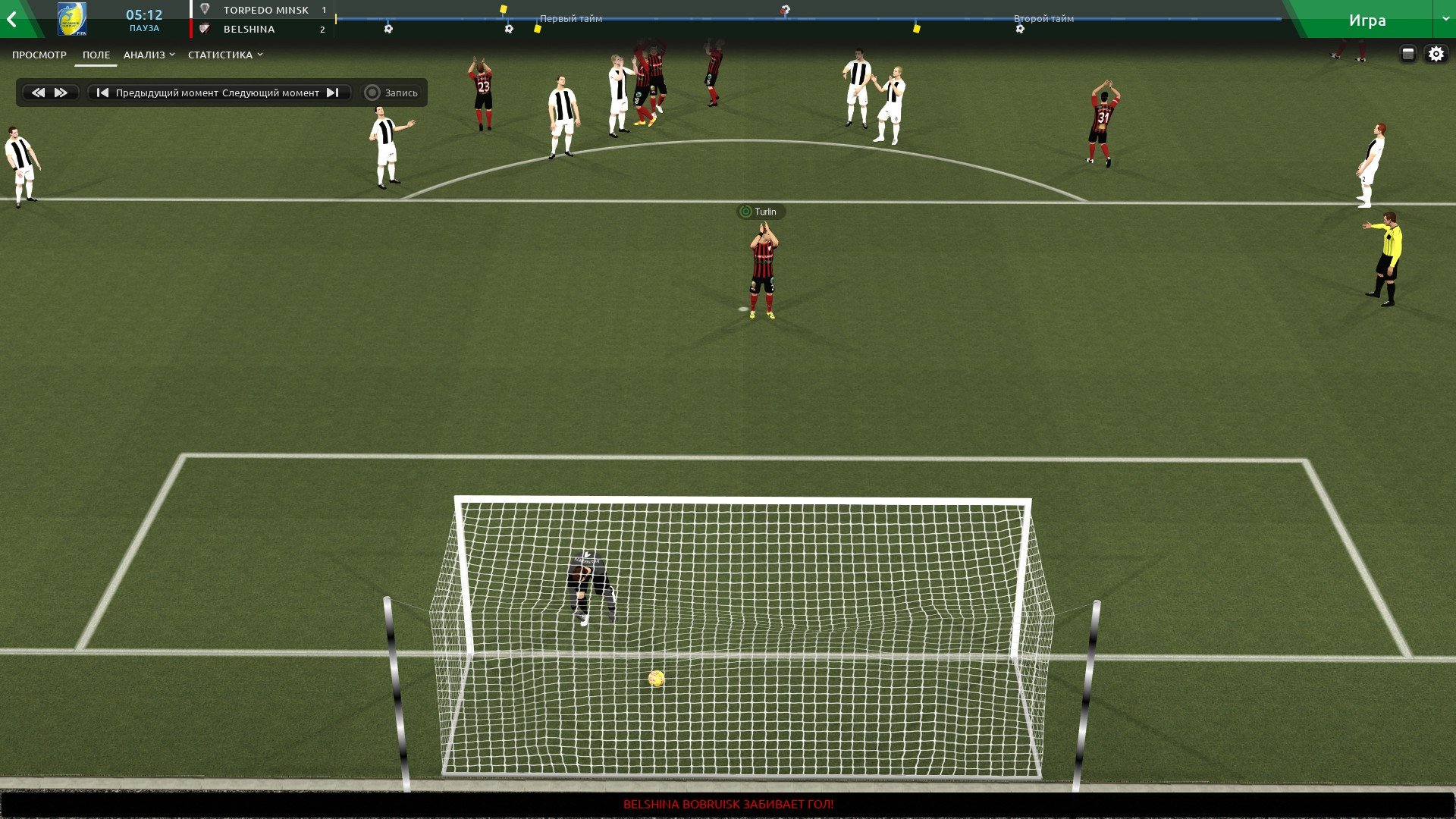
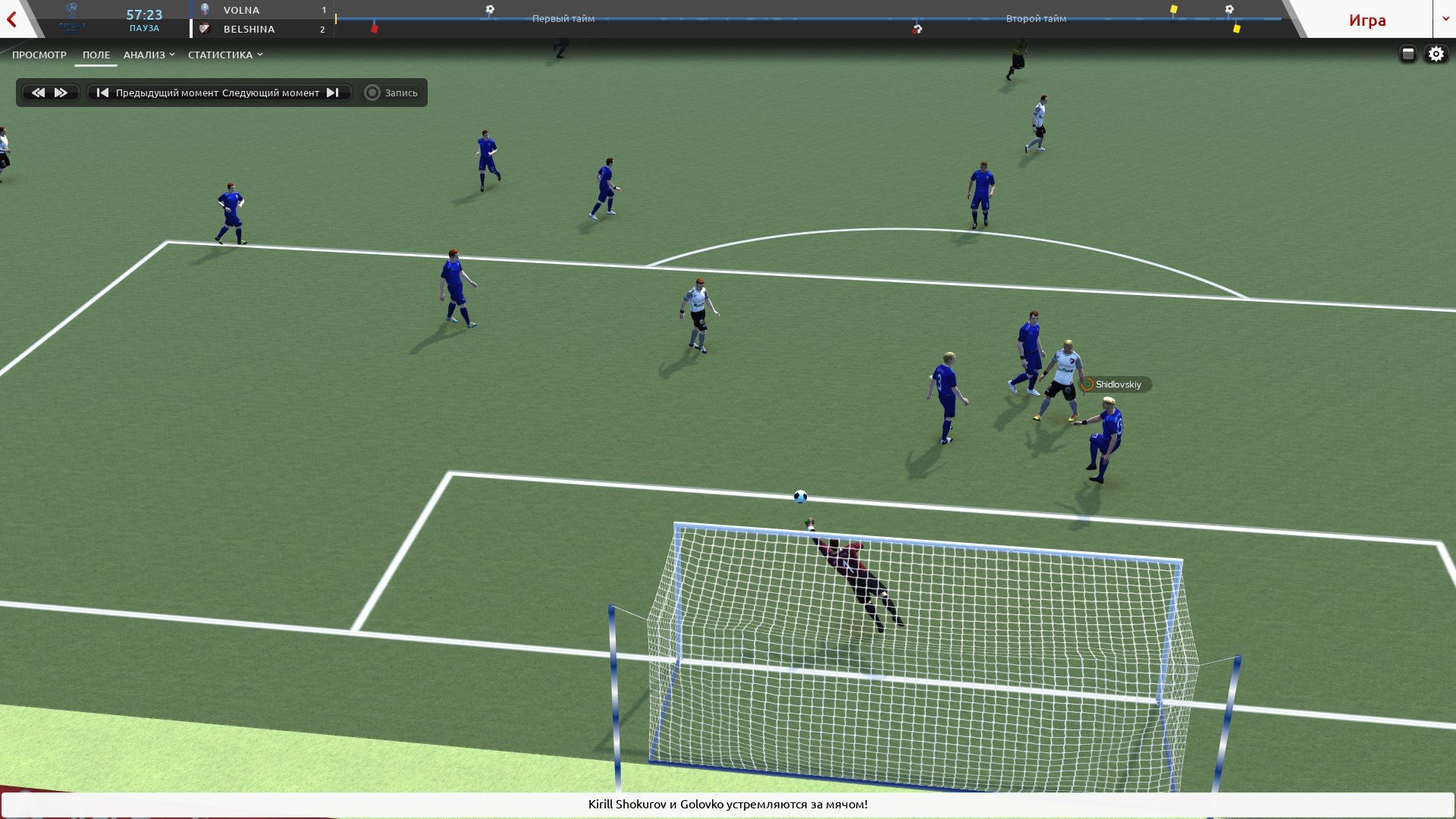
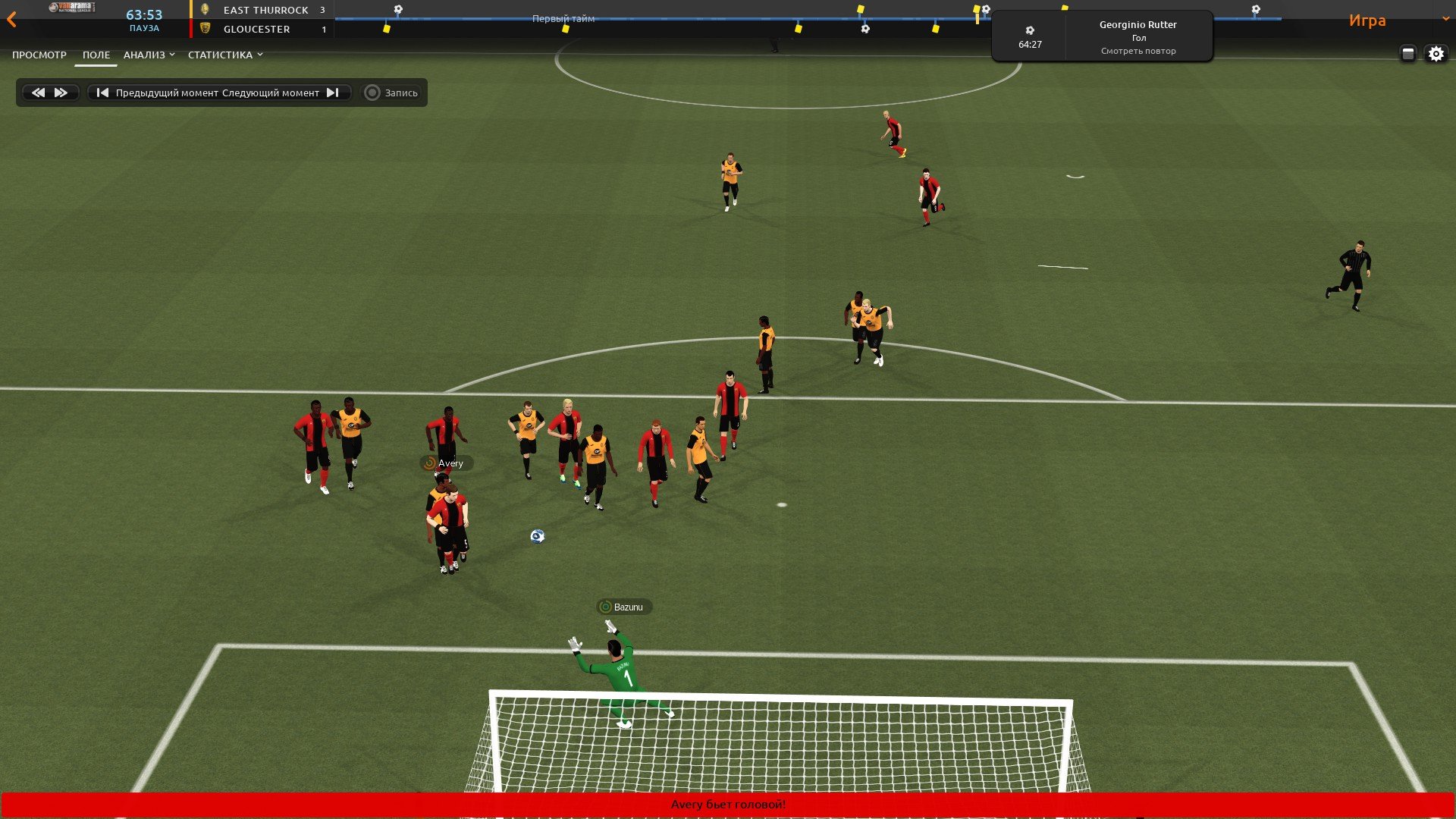
all finished balls in one archive
1. Extract folder "mesh" to Documents/Sport Interactive/Football Manager 2019/ put in here!
2. FM19 - click 'Preferences' > 'Interface' > unticked 'Use caching to decrease page loading times & tick 'Reload skin when confirming changes' > click 'Reload Skin' for first your time.
THEN ALWAYS when you download other packs, DO Click 'Preferences'>'Interface'>'CLEAR CACHE then again click 'RELOAD SKIN' AS ALWAYS after downloading to folders.
restart the game.
Enjoy
Credits: bartdude, ps_beldjs
Balls for 2D camera.
Install
1. Extract folder "textures" to Documents/Sport Interactive/Football Manager 2019/ put in here!
2. FM19 - click 'Preferences' > 'Interface' > unticked 'Use caching to decrease page loading times & tick 'Reload skin when confirming changes' > click 'Reload Skin' for first your time.
THEN ALWAYS when you download other packs, DO Click 'Preferences'>'Interface'>'CLEAR CACHE then again click 'RELOAD SKIN' AS ALWAYS after downloading to folders.
restart the game.
Enjoy

- Date Created
- 05 Nov 2018 05:32:24
- Date Updated
- 05 Nov 2018 05:32:24
- Last Comment
- 20 Oct 2020 19:07:24
Comments
You'll need to Login to comment
Dooby Dooby
ps_beldjs
The size of the ball adjusts the game.
DemonSoul
I would like this too
ps_beldjs
Cvija
ps_beldjs
Nike Merlin \ Umbro Neo Pro VCS \ Adidas Germany WC 2006
Install
1. Extract folder "textures" to Documents/Sport Interactive/Football Manager 2019/ put in here!
2. FM19 - click 'Preferences' > 'Interface' > unticked 'Use caching to decrease page loading times & tick 'Reload skin when confirming changes' > click 'Reload Skin' for first your time.
THEN ALWAYS when you download other packs, DO Click 'Preferences'>'Interface'>'CLEAR CACHE then again click 'RELOAD SKIN' AS ALWAYS after downloading to folders.
restart the game.
Enjoy
DemonSoul
gardner195
ps_beldjs
cruyff14
Chocomonster
kad38
Emba
Emba
No it works!
Meiky99
Doddo04
https://www.footyheadlines.com/2019/05/derbystar-bundesliga-19-20-ball.html
ps_beldjs
Nike Merlin 19/20 APL
1. Extract folder "mesh" to Documents/Sport Interactive/Football Manager 2019/ put in here!
2. FM19 - click 'Preferences' > 'Interface' > unticked 'Use caching to decrease page loading times & tick 'Reload skin when confirming changes' > click 'Reload Skin' for first your time.
THEN ALWAYS when you download other packs, DO Click 'Preferences'>'Interface'>'CLEAR CACHE then again click 'RELOAD SKIN' AS ALWAYS after downloading to folders.
restart the game.
Enjoy
ps_beldjs
Derbystar Bundesliga 19/20
1. Extract folder "mesh" to Documents/Sport Interactive/Football Manager 2019/ put in here!
2. FM19 - click 'Preferences' > 'Interface' > unticked 'Use caching to decrease page loading times & tick 'Reload skin when confirming changes' > click 'Reload Skin' for first your time.
THEN ALWAYS when you download other packs, DO Click 'Preferences'>'Interface'>'CLEAR CACHE then again click 'RELOAD SKIN' AS ALWAYS after downloading to folders.
restart the game.
Enjoy
ps_beldjs
Puma La Liga 19/20
1. Extract folder "mesh" to Documents/Sport Interactive/Football Manager 2019/ put in here!
2. FM19 - click 'Preferences' > 'Interface' > unticked 'Use caching to decrease page loading times & tick 'Reload skin when confirming changes' > click 'Reload Skin' for first your time.
THEN ALWAYS when you download other packs, DO Click 'Preferences'>'Interface'>'CLEAR CACHE then again click 'RELOAD SKIN' AS ALWAYS after downloading to folders.
restart the game.
Enjoy
Doddo04
Thank you verry much !!!
kfnielsen
Big thanks for this really cool
ps_beldjs
Select Brilliant Super UPL 19/20
1. Extract folder "mesh" to Documents/Sport Interactive/Football Manager 2019/ put in here!
2. FM19 - click 'Preferences' > 'Interface' > unticked 'Use caching to decrease page loading times & tick 'Reload skin when confirming changes' > click 'Reload Skin' for first your time.
THEN ALWAYS when you download other packs, DO Click 'Preferences'>'Interface'>'CLEAR CACHE then again click 'RELOAD SKIN' AS ALWAYS after downloading to folders.
restart the game.
Enjoy
ps_beldjs
1. Extract folder "textures" to Documents/Sport Interactive/Football Manager 2019/ put in here!
2. FM19 - click 'Preferences' > 'Interface' > unticked 'Use caching to decrease page loading times & tick 'Reload skin when confirming changes' > click 'Reload Skin' for first your time.
THEN ALWAYS when you download other packs, DO Click 'Preferences'>'Interface'>'CLEAR CACHE then again click 'RELOAD SKIN' AS ALWAYS after downloading to folders.
restart the game.
Enjoy
Filippo2506
Your text to link here...
Damien FMalteser
kfnielsen
Lets hope they will be updated when full game is released
ps_beldjs
Hello. I will not work on the balls for the 20th version. Maybe later.
Jack Shea
Jack Shea