
Bernardo Moreno - Submissions - Cut-Out Player Faces Megapack
83320226 Background and Stadium Packs


Submitted
03 Nov 2020 03:28:14
Timeline
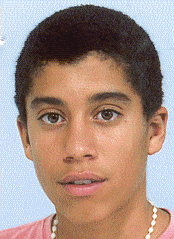

This image is a response to
#282951

Its the photo on his official profile on the portuguese futebol federation website... 
https://www.fpf.pt/Jogadores/Ficha-de-Jogador/playerId/141081
The full name and date of birth correspond to the ones in the database...
https://www.fpf.pt/Jogadores/Ficha-de-Jogador/playerId/141081
The full name and date of birth correspond to the ones in the database...
Its the photo on his official profile on the portuguese futebol federation website...
https://www.fpf.pt/Jogadores/Ficha-de-Jogador/playerId/141081
The full name and date of birth correspond to the ones in the database...
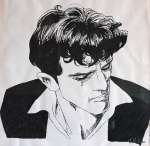
Here's a recent picture of him, but it's in black and white. Photo
Also, this is the only coloured pic I could find, but it's dated 2014.
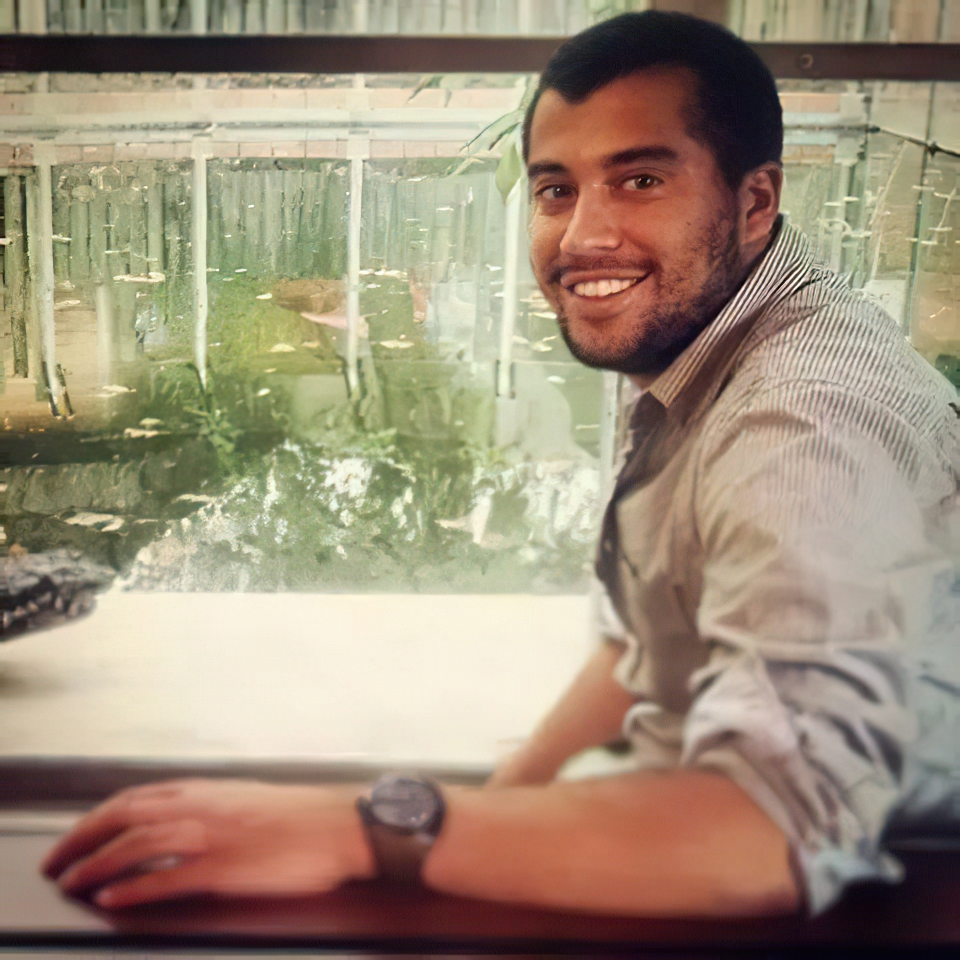
I think its the same person in all photos 
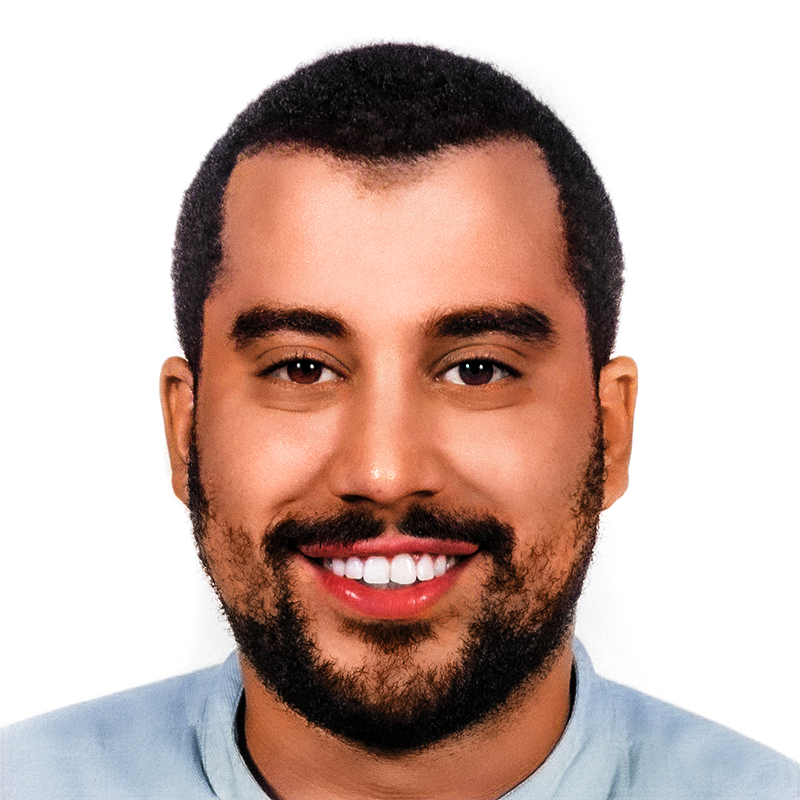
Attempt to colorize it:
Well done, @weeniehutjr !
 Is there a tutorial you can share for colorizing b/w photos?
Well done, @weeniehutjr !
Just a lot of trial and error! I started with a base of using an AI image colorizer like this site (here's the result I got from that), then used adjustment layers in Photoshop to increase the vibrance/saturation and darken the image, and layer masks to remove the skin-tone colours from the teeth and eyes. Then I painted over the image on a new layer with skin-tone colours (blend mode set to Color) to make the skin colours look more realistic and less red/pink as well as paint the lips more pink, and finally a Hue/Saturation adjustment to make the shirt blue instead of skin-coloured. This YouTube video might be useful if you're interested in learning more about colorizing black and white photos!


Just a lot of trial and error! I started with a base of using an AI image colorizer like this site (here's the result I got from that), then used adjustment layers in Photoshop to increase the vibrance/saturation and darken the image, and layer masks to remove the skin-tone colours from the teeth and eyes. Then I painted over the image on a new layer with skin-tone colours (blend mode set to Color) to make the skin colours look more realistic and less red/pink as well as paint the lips more pink, and finally a Hue/Saturation adjustment to make the shirt blue instead of skin-coloured. This YouTube video might be useful if you're interested in learning more about colorizing black and white photos!
Thank you for this in-depth tutorial!
Ernesttico