
Gassan Ahadme - Submissions - Cut-Out Player Faces Megapack
29225860 Background and Stadium Packs
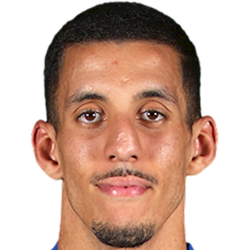

Submitted
31 Oct 2022 12:39:16
Timeline

This image is part of a pack:
Missing academy players 4 [Old Request Response]

This image is part of a pack:
Missing academy players 4 [Old Request]
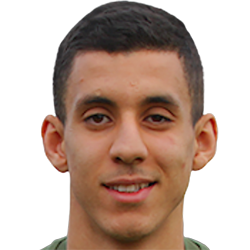
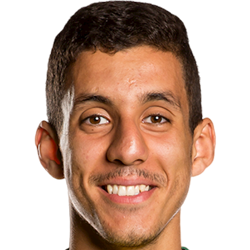
This image is part of a pack:
Norwich City U18 & U23 [Old Request Response]
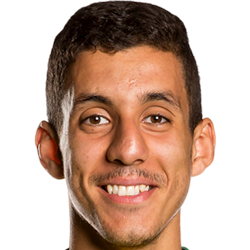
This image is part of a pack:
Norwich City U18 & U23 [Old Request]
This image is part of a pack:
Ipswich Town
Pending
by Deleted User #1094108
on 25 Oct 2022 08:43:34
Completed
by mons
on 30 Oct 2022 09:31:16

Completed
by mons
on 30 Oct 2022 09:31:16
This image is a response to
#2391208


Good work @bostonbruins33, but remember to brighten and/or use auto-contrast to get a more vibrant cut-out in sources like this.
Also, when you're cutting a request, do mark yourself as working on it, to avoid the possibility that somebody else is working on it at the same time…
@mons what tool should i use for the brightness
@mons what tool should i use for the brightness

The second post of the tutorial thread has action files for common techniques, both for Photoshop and photopea, one of which is adding brightness.
Good work @bostonbruins33, but remember to brighten and/or use auto-contrast to get a more vibrant cut-out in sources like this.
Also, when you're cutting a request, do mark yourself as working on it, to avoid the possibility that somebody else is working on it at the same time…