
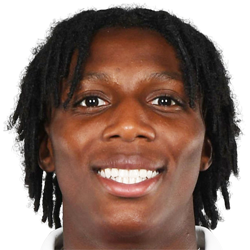
Brooke Norton-Cuffy - Submissions - Cut-Out Player Faces Megapack
2000047226 Background and Stadium Packs


Submitted
10 May 2026 20:18:44
Timeline
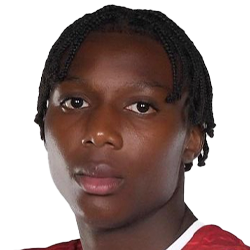
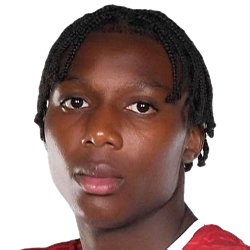
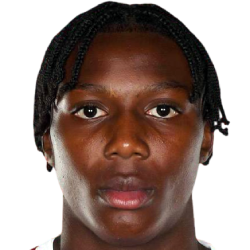
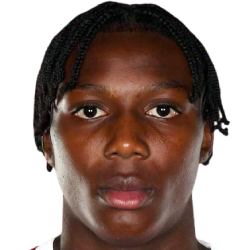
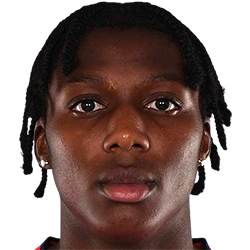
This image is part of a pack:
Arsenal youth

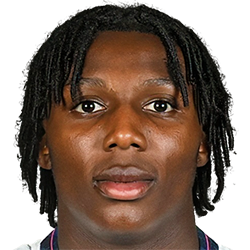
This image is part of a pack:
England EURO U19
Pending
by bakizp
on 21 Jun 2022 21:49:57
Completed
by weeniehutjr
on 21 Jun 2022 21:53:07
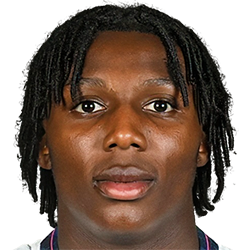

This image is part of a pack:
Arsenal Youth
Pending
by tamtsunhon
on 18 Aug 2022 15:38:56
In Progress
by tv_capper
on 13 Sep 2022 12:46:27
Completed
by mons
on 13 Sep 2022 13:41:40
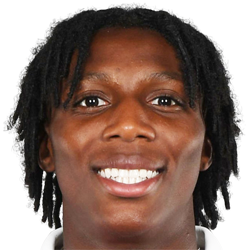
This image is part of a pack:
League One Request Pack
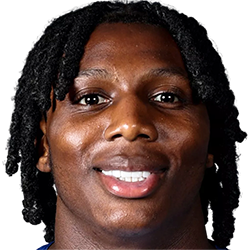
This image is part of a pack:
U20 World Cup - New & Fixes
Completed
by Zangor
on 06 Jun 2023 13:13:40
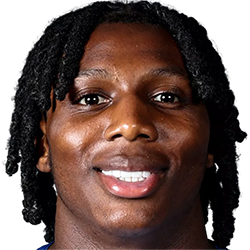

Completed
by mons
on 29 Apr 2026 10:13:33

This image is a response to
#3812485

@Rivozz, a couple of things to keep in mind please:
a) keep an eye out for snow. Snow is the colour from the background of the cut which was not totally removed. It is often white (hence ‘snow’) but it can be other colours. It can often be easily removed by putting the cut through remove.bg.
Here's a video on how you can easily remove any remaining snow thereafter within Photoshop:
b) Brightening darker images like this one always looks better in-game. The easiest way is to go to this tab in Photoshop:

and tweak the brightness slider.
There is also a Photoshop action file, available for download here, which contains a lot of common actions, including one for brightening, for ease of use 😉
@Rivozz, a couple of things to keep in mind please:
a) keep an eye out for snow. Snow is the colour from the background of the cut which was not totally removed. It is often white (hence ‘snow’) but it can be other colours. It can often be easily removed by putting the cut through remove.bg.
Here's a video on how you can easily remove any remaining snow thereafter within Photoshop:
b) Brightening darker images like this one always looks better in-game. The easiest way is to go to this tab in Photoshop:
and tweak the brightness slider.
There is also a Photoshop action file, available for download here, which contains a lot of common actions, including one for brightening, for ease of use 😉