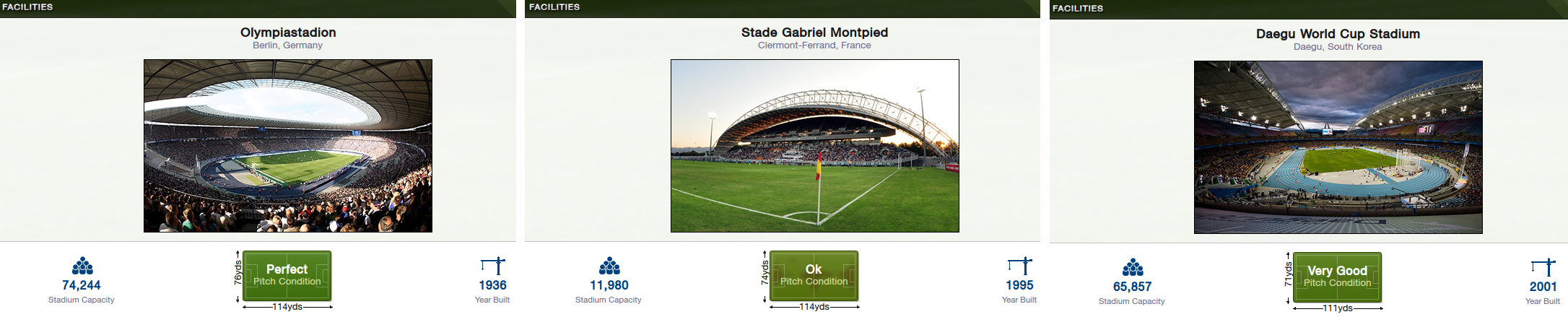

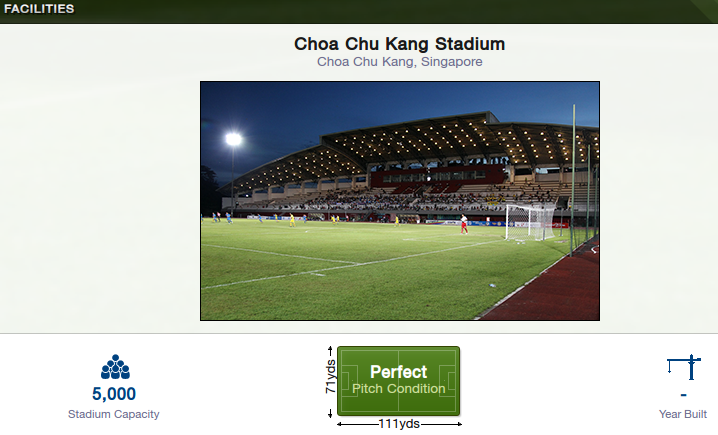
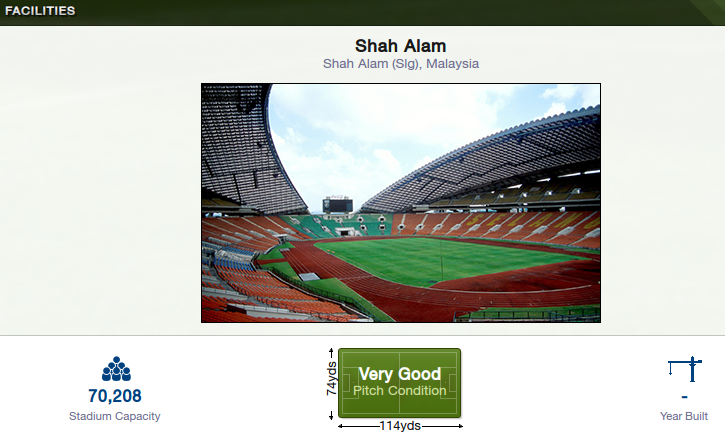
Extract to desktop, open the folder, highlight the contents (Ctrl and a) and move them over to the stadium superpack folder, hit yes to replace all and you're good to go.
Comments
You'll need to Login to comment
honourus
mons
darkthrone10
love_animals
geordie1981
Sounds like you've had a corrupted download because the new config is definitely larger in size than the old one, download again using a download manager.
suss1690
Sorry, have searched all over, but to no avail, thanks in advance folks!
geordie1981
suss1690
Ahh, no worries! At least that answers why i cant find any! May have a look at how I can make my own, thanks
the_coach
Thanks a lot for all this jpb
alperaltun
must I combine them and delete one (which one) config file? or do I put them seperate in my folders?
Godlike87
alperaltun
ok ive done that now, but in fm i dont see the pictures? (where can i see them)
(i have reloaded the skin in preferences)
Grudge1
geordie1981
Sounds like you've moved the actual folder into the superpack rather than just the images and config.
You need to open the update folder highlight all of the images and the config by pressing Ctrl and a and then cut and paste them into the superpack folder.
alperaltun
ive done that, only the pictures and the config file, not the map itself, but no pictures, where in fm can i see them??
geordie1981
Skins and screenshots.
http://sortitoutsi.net/downloads/view/1981/fmc-stadium-superpack#comment_21731
alperaltun
geordie1981
hjs
alperaltun
after i downloaded the 2 packs i made 1 map of it like you said and also deleted the old config file and replaced it with the one out the update pack/map.
the map where i put is is: documents/sport interactice/football manager 2013/graphics/pictures/stadiums
i can see all my kits and logos and face packs in the game, that i know how to do, i did the same with these stadium pictures, but in the game i searched for it but nowhere to be found. not in clubinfo screen or in accomodation screen.
geordie1981
alperaltun
i use the original skin and i see the normal stats of the game by stadium etc.
you can say i see the original things that we all see in the game, but no 'extra' stadium pictures.
i cleared the cache also, but im going to put the folder directly in the graphics folder, maybe that will help...
alperaltun
nothing to see after i tried everything...
aaaaaaaaa!!!
geordie1981
Nkunku
Godlike87
Nkunku
Nkunku
geordie1981
or
Download this http://community.sigames.com/showthread.php/322682-Football-Manager-2013-Base-Skins which is just a version of the default skin that can be edited and ask in there how to add the stadiums in.
or
Ask for it to be included in future versions here; http://community.sigames.com/showthread.php/306914-What-s-that-A-new-Wishlist-Thread-What-you-would-like-to-see-in-future-FM-versions./page11?highlight=list
quake07