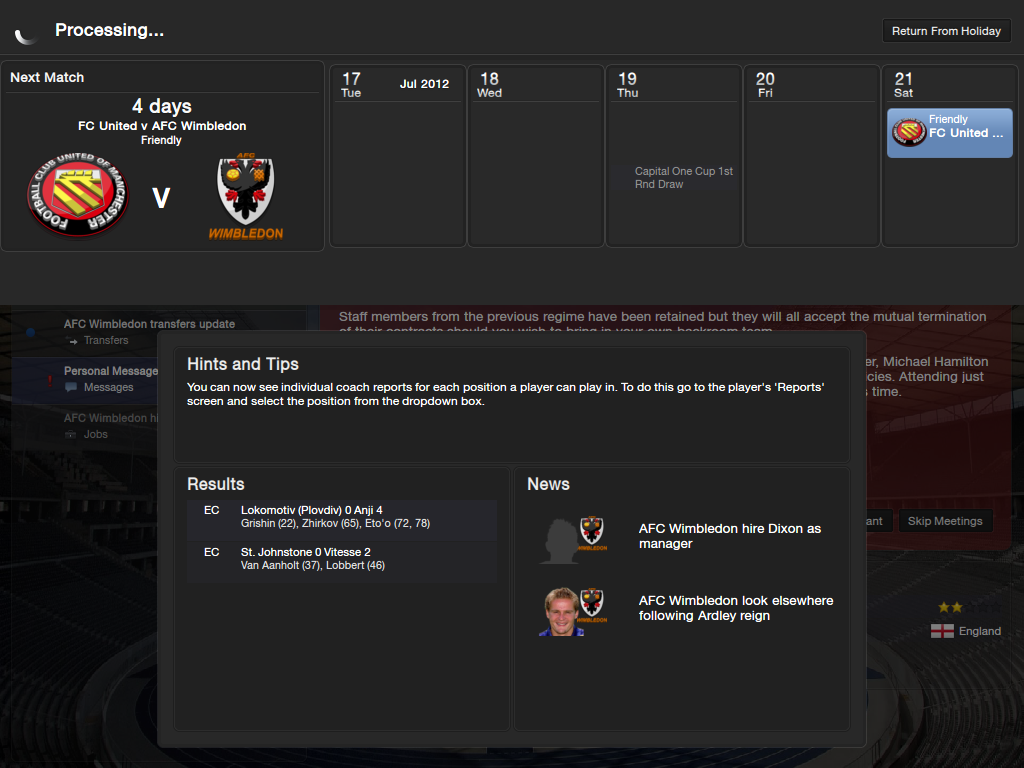
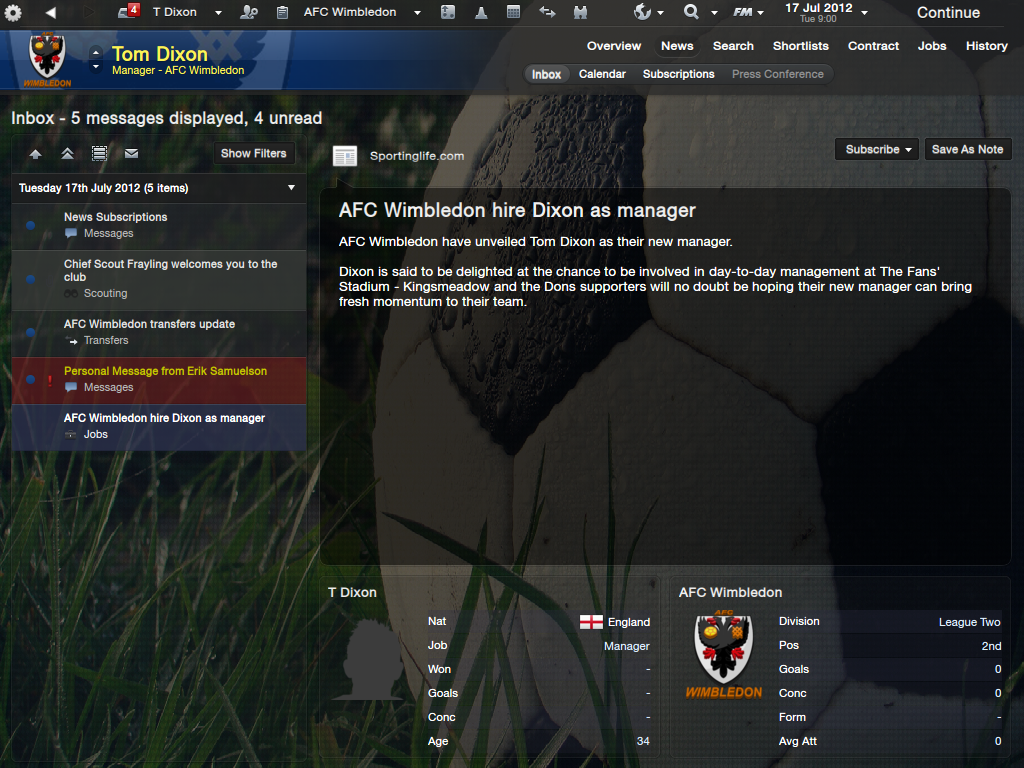
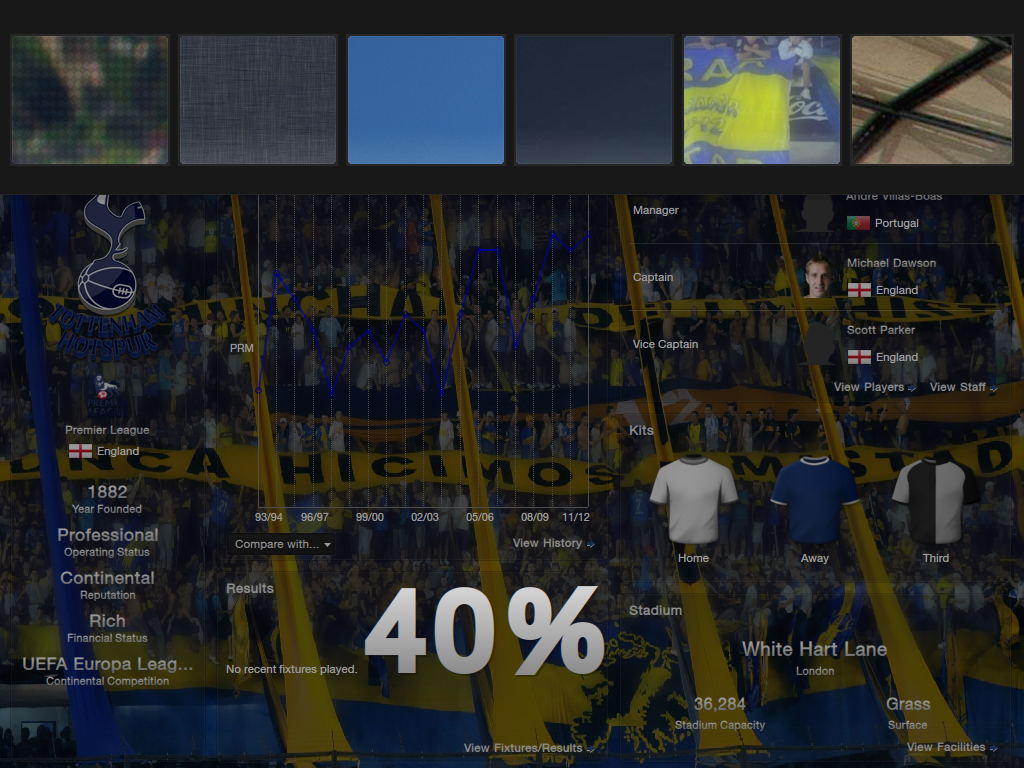
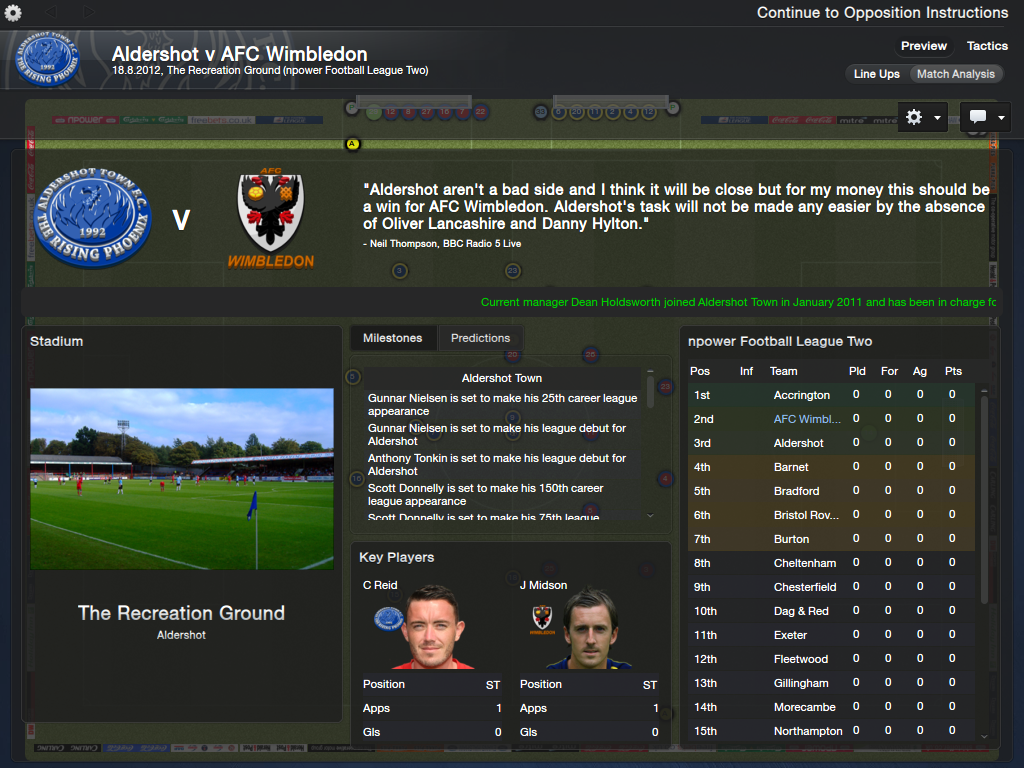
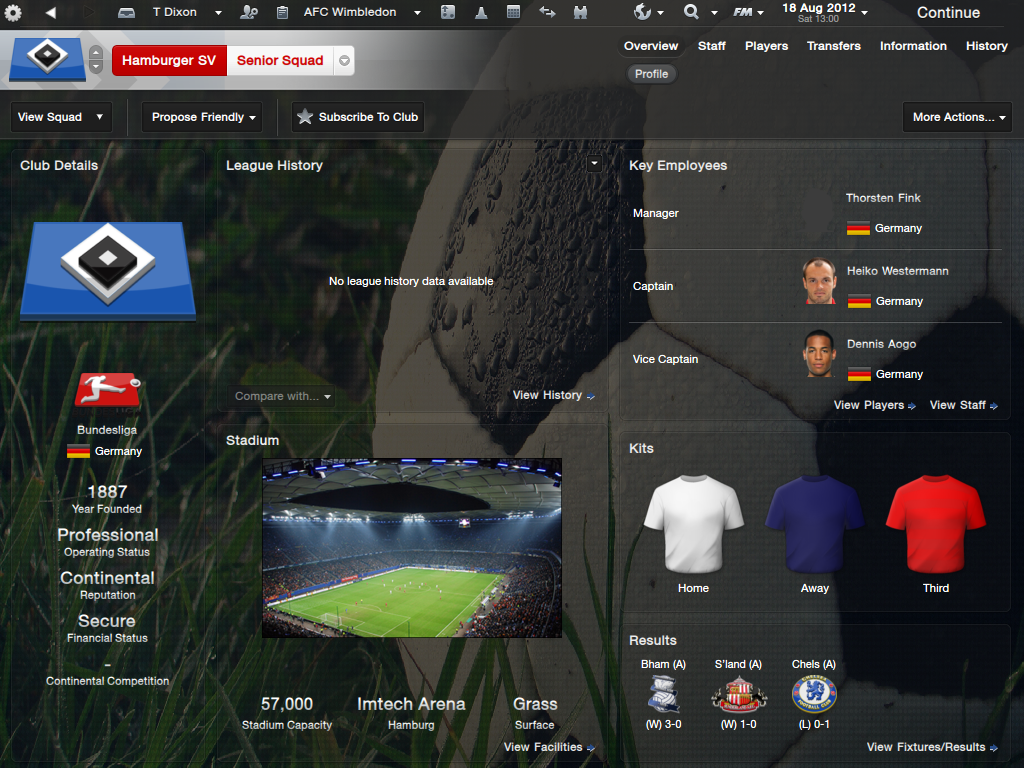
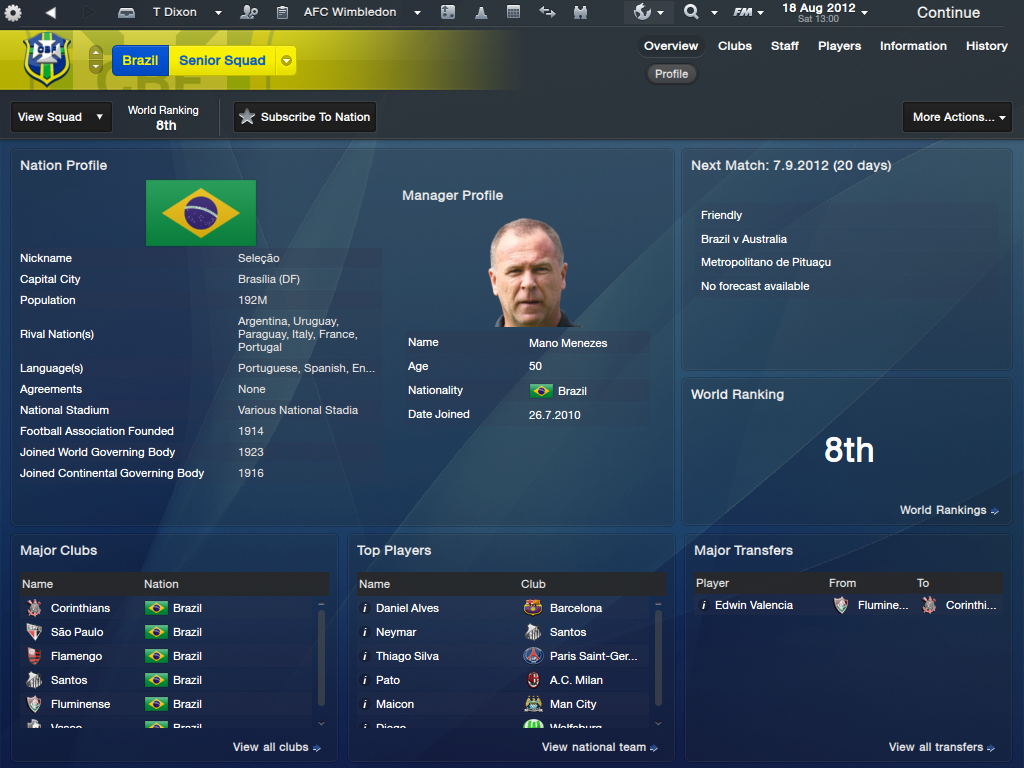
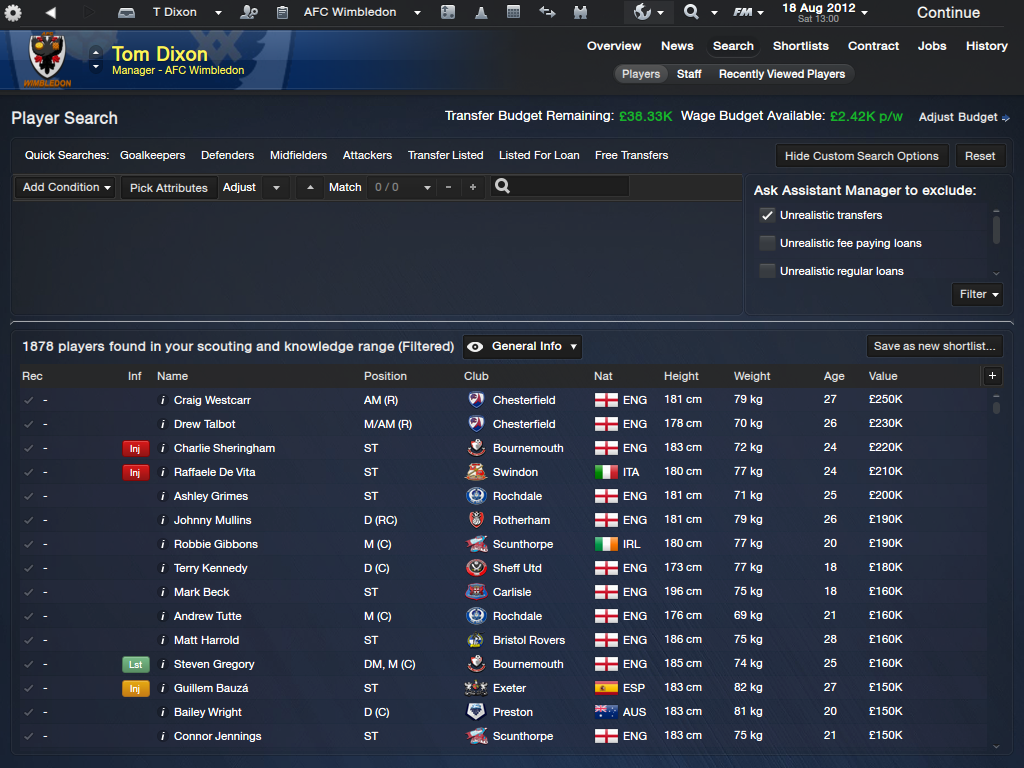
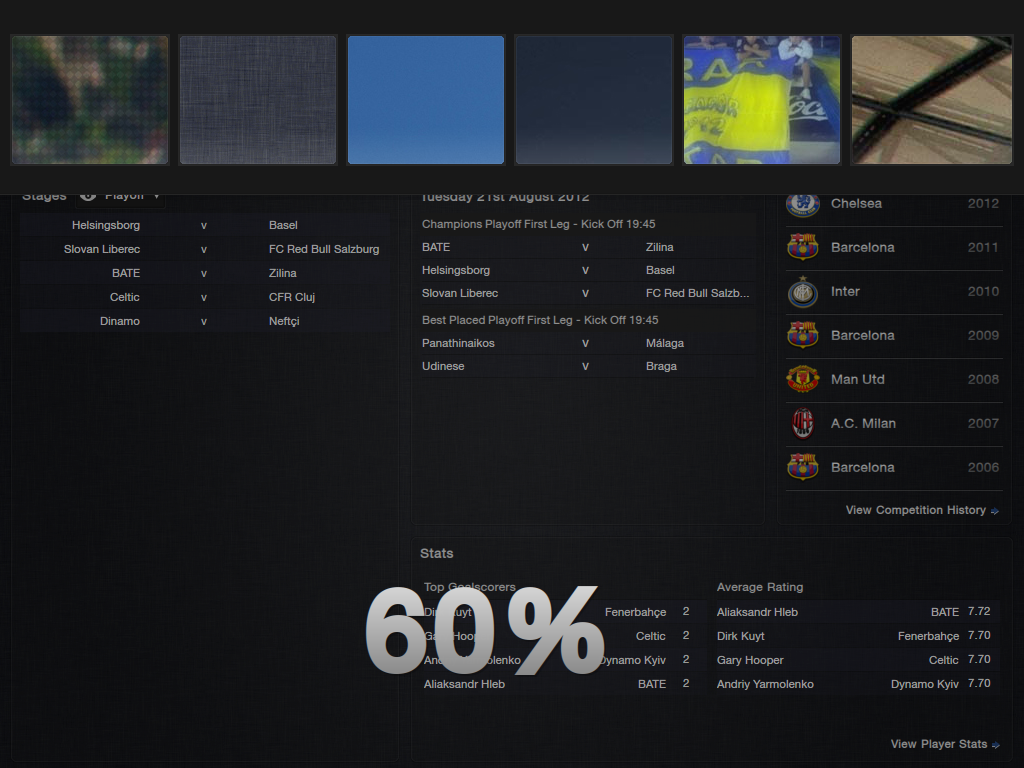
Extract the 7z file (you may need winrar or 7zip) into your skins folder (this should be Sports Interactive/Football Manager 2013/skins).
If you don't have a skins folder, just create it, and make sure the steklo_x3 and steklo_x3fmc folder inside the 7z file is placed directly inside the skins folder, and not a subfolder of it.
If you've got a previous version, go back to the default skin, then delete the old steklo_x3 folders before installing the new version
CUSTOM BACKGROUNDS
Go this post and download the mod.
If you don't have a skins folder, just create it, and make sure the steklo_x3 and steklo_x3fmc folder inside the 7z file is placed directly inside the skins folder, and not a subfolder of it.
If you've got a previous version, go back to the default skin, then delete the old steklo_x3 folders before installing the new version
CUSTOM BACKGROUNDS
Go this post and download the mod.

- Date Created
- 01 Nov 2012 19:15:09
- Date Updated
- 18 Nov 2012 19:19:20
- Last Comment
- 15 Jan 2016 10:00:04
Comments
You'll need to Login to comment
Magic
Yes, everything looks fine.
TomDixon77
Same thing for the scores issue, just search for result score (no idea how I managed to miss that one)
Deano1903
Once again, a magnificent skin
martyyyyy
One thing;
Where can I change the attribute threshold in a players profile? There sometimes is a panel for that in the "panels" folder.
I want to change the attributes to this:
1-9 white
10-14 yellow
15-20 red
bwidell
Edit: Nevermind, there it is.
Mortiis
<!-- fixture colours -->
<colour name="result score" red="40" green="40" blue="40"/> <!-- fixture basic score -->
but where does those score appear in game?
i looked at league results and everything was ok..numbers are white..and in my club fixtures also...numbers are white...
TomDixon77
TomDixon77
If you go to the champions league overview page (after a couple of game have been played in the preliminary rounds) it's the scores in the panel on the left hand side.
Mortiis
SuperDanny
Would red="50" green="200" blue="200 be suitable for the score issue too?
TomDixon77
SuperDanny
Great, thanks!
Mortiis
werner
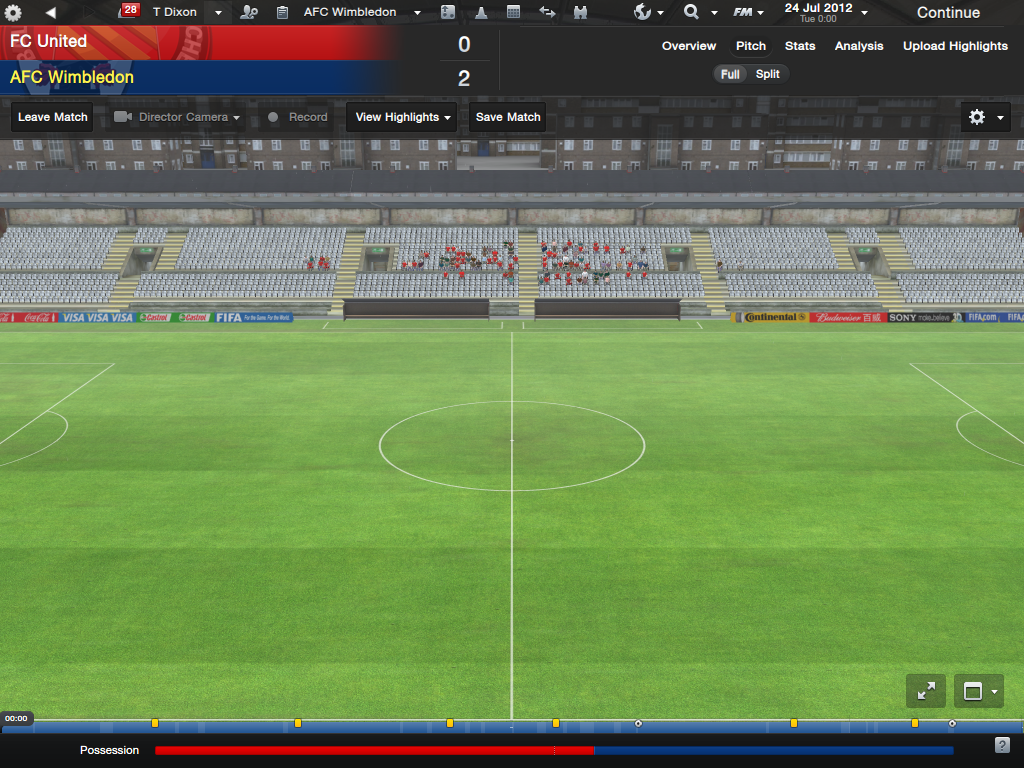
for example i cannot make a match with this ksin without using space bar, beacause theres no button to continue and start the match
the continue button is also too small! when i have to make my lineup theres not the whole text on it.
Mick4444
TSG
TomDixon77
physistry
is the background for different club screens working? if so, does that mean the unique id didn't change?
begoodpam
finneganfach
I installed this yesterday because I can't stand the default skin. I'd copied my 2012 graphics folder over to 2013 and it had been working fine on the default skin.
I set the skin to Steklo yesterday and since then it's stopped loading my custom graphics. I've tried going back to the default skin, tried removing Steklo entirely, ticking and unticking caching and nothing.
Am I doing something stupid?
Samir Hasri
nielf
I play using only commentary. I don't know if that means anything.
EDIT: I tried out the Carbon skin found at sigames.com and it also didn't have the continue button at the match screen.
TSG
Yes.
TomDixon77
dazbowski
mysterio
Paulo IEWF
martyyyyy
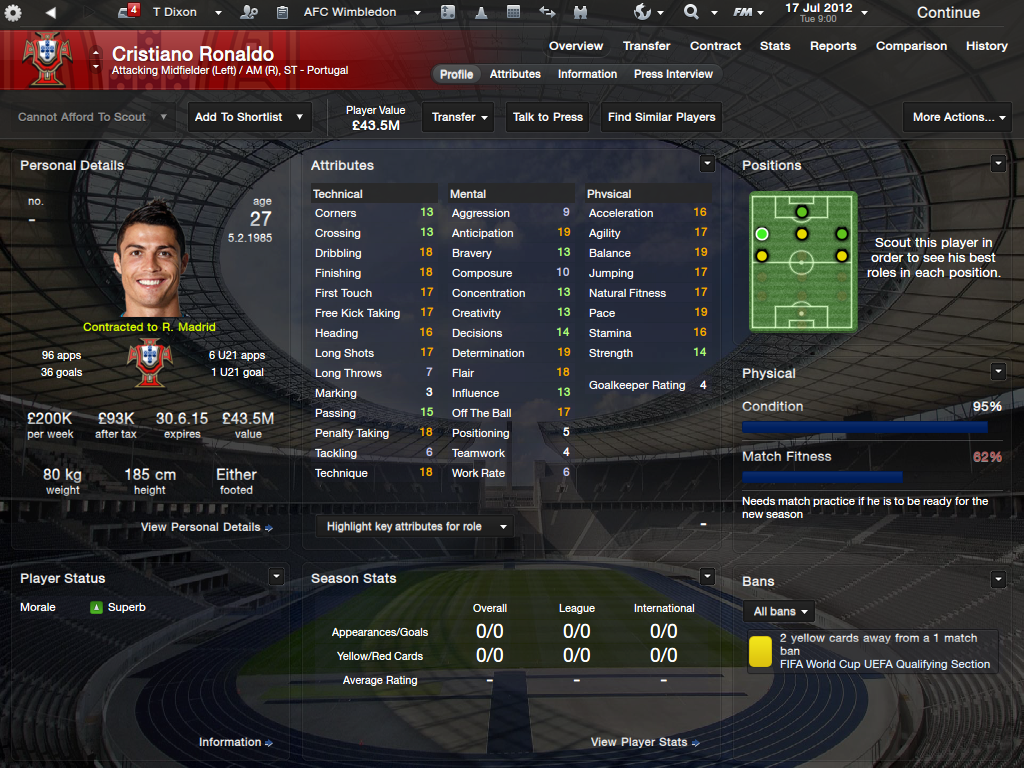
Where can I change the attribute threshold in a players profile? There sometimes is a panel for that in the "panels" folder. Like "player profile attributes"
I want to change the attributes to this:
1-9 white
10-14 yellow
15-20 red
moonraker
Martin
Any way I can get rid of the different shade for the substitutes?