
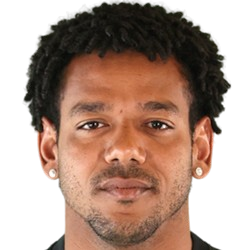
Romarinho - Submissions - Cut-Out Player Faces Megapack
19086406 Background and Stadium Packs

Timeline
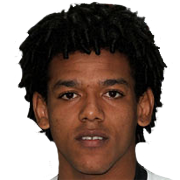
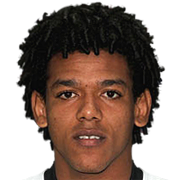
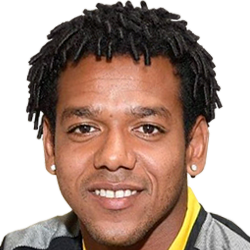
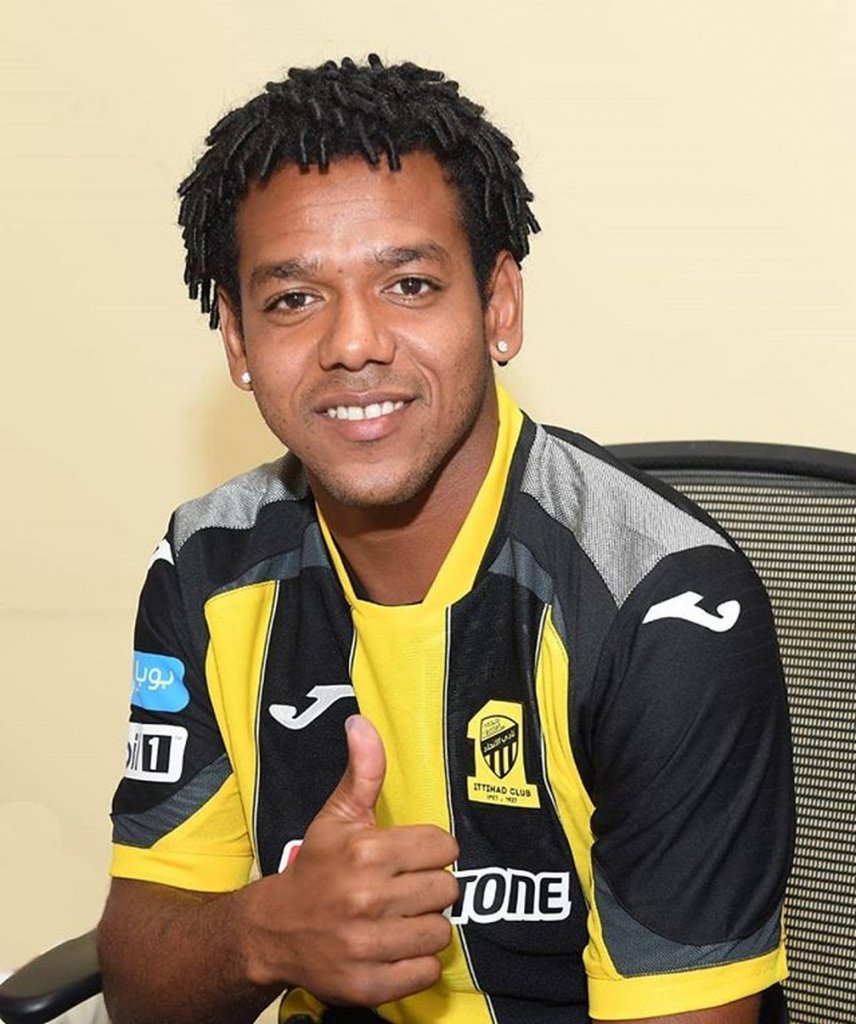
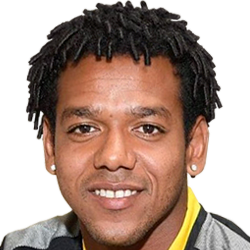
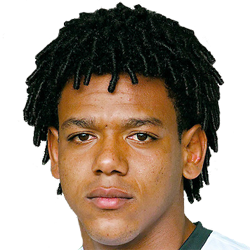
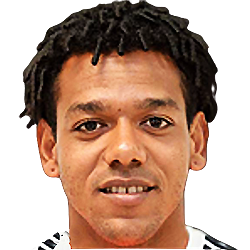
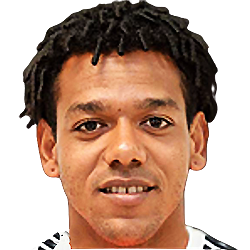
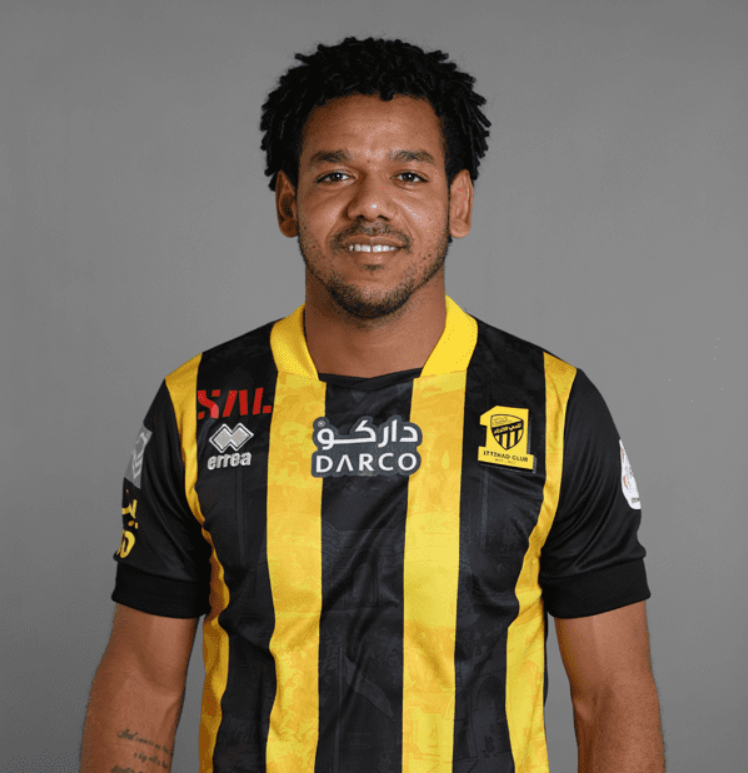
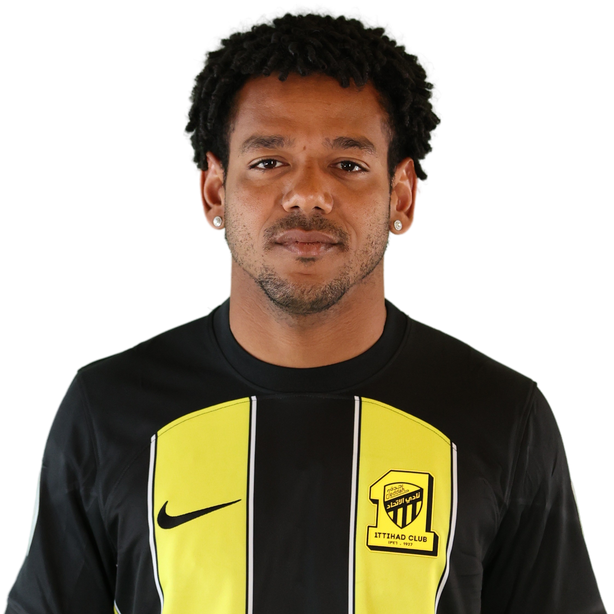
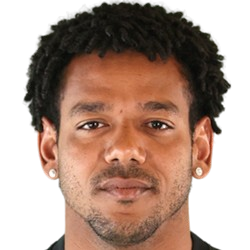


@Jão Andrade, yet again, the edges in these cuts are not smooth. Not sure what method you're using to cut them, but please change it. Also, for the Felipe Curcio cut, nudge the collar upwards and crop it no more than 2-3 pixels beneath the chin - it's in the guidelines and you've been specifically asked to this before already anyway. This thread contains guidelines for what we're looking for in our cuts in terms of dimensions, snow, collars, face orientation etc. and video tutorials for each element - please be sure to take note of it.
I would recommend using remove.bg, which is a free online tool which removes the background to an excellent standard, for free and almost instantly.
Here's a couple of videos on how to use it, one when combined with Photoshop and another using photopea.com, which is a free online app so close to Photoshop that it has the same shortcuts, layout and icons.
If you don't have Photoshop, photopea.com is the tool I would recommend to use to tweak the draft cut produced by remove.bg. It's more powerful and versatile than GIMP and other similar tools.
marrtac